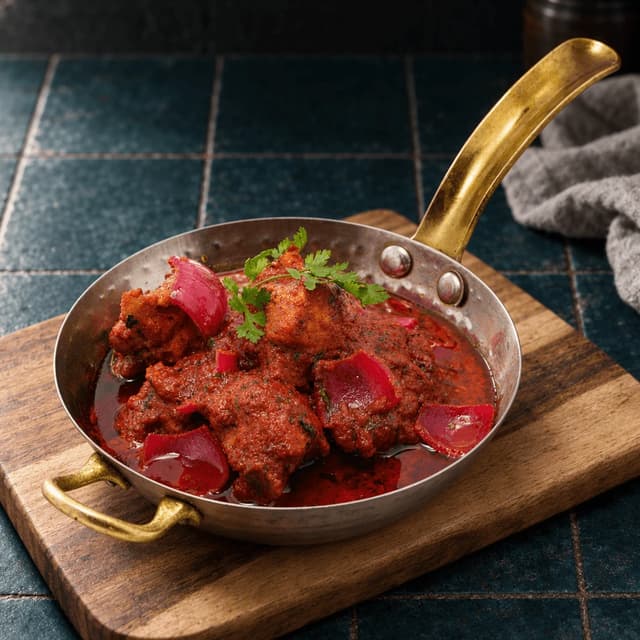
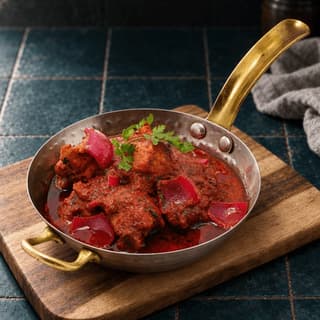
Brass-handled balti pan of deep red chicken curry with red onion petals and fresh coriander on dark teal tiles
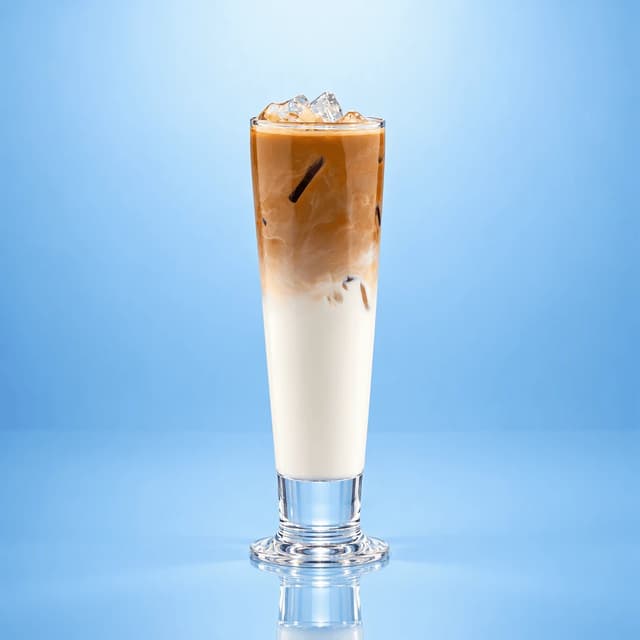
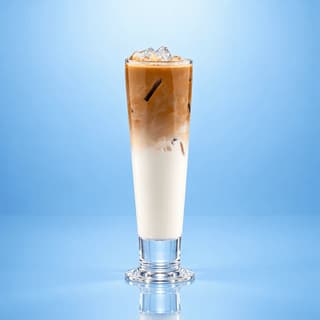
Tall glass of iced Spanish latte with a condensed milk cascade through the ice on a glossy powder-blue surface
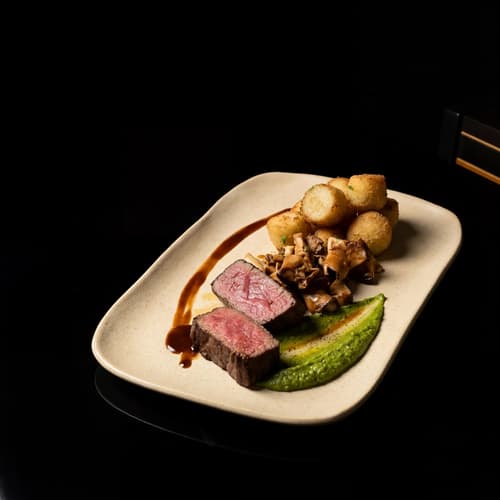
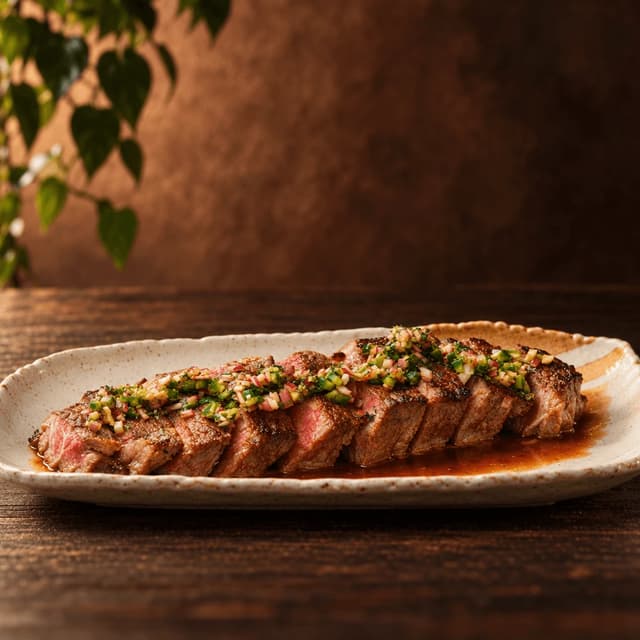
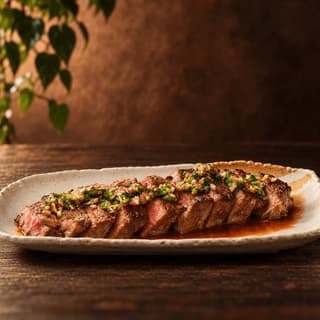
Sliced charred ribeye fanned along a speckled cream platter with chunky green chimichurri and pan juices
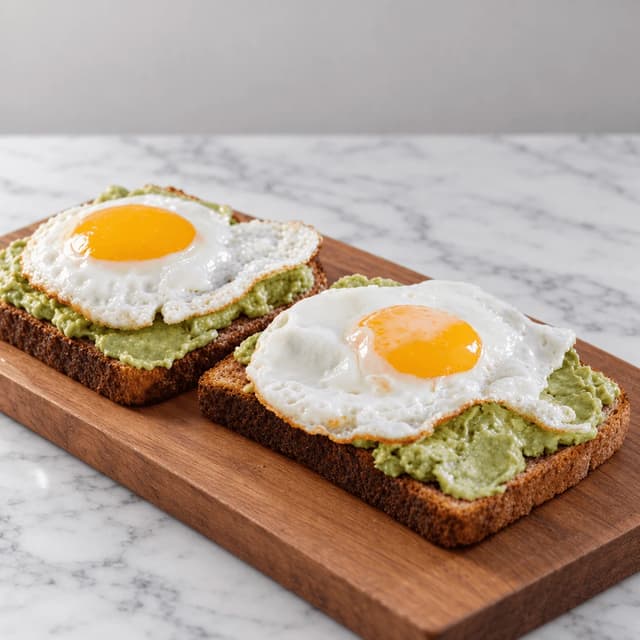
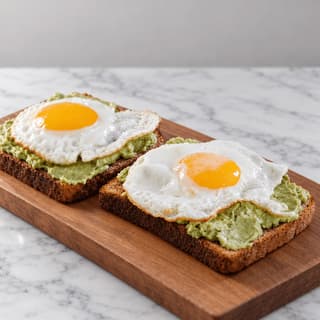
Two thick slices of smashed avocado toast, each topped with a fried egg with a glossy orange yolk, on a walnut board on marble
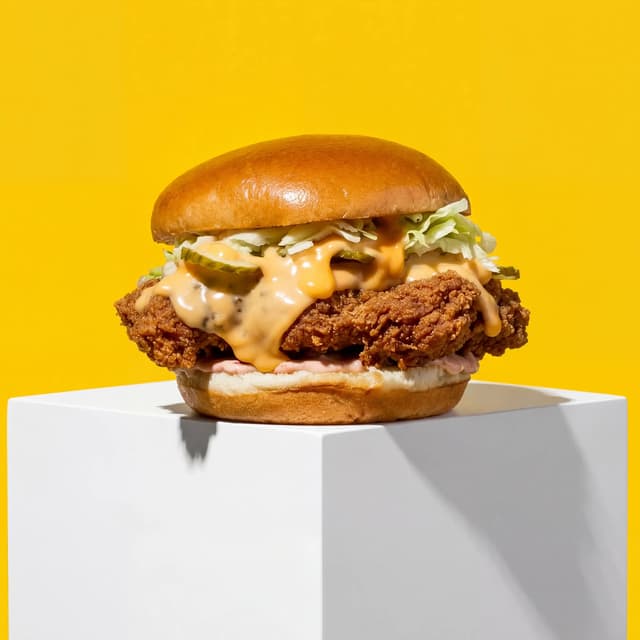
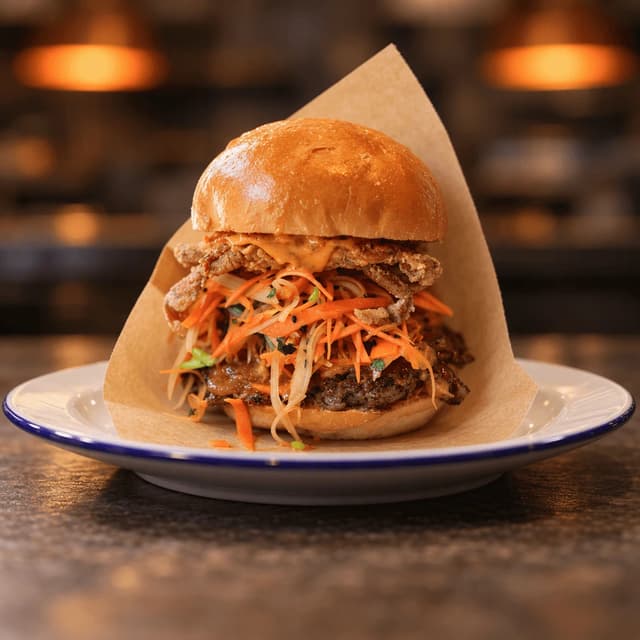
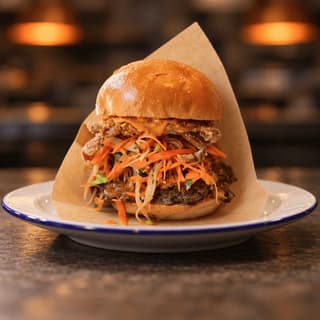
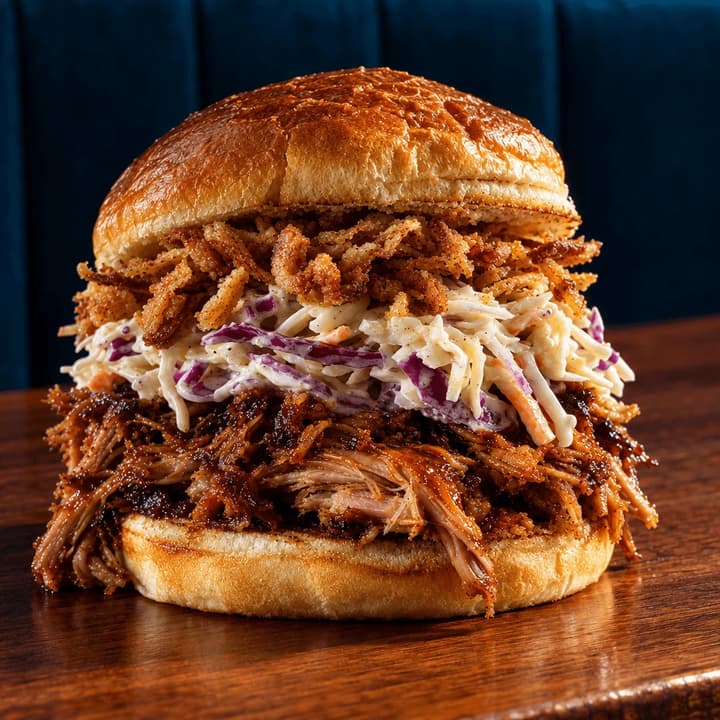
Tall sandwich in a kraft paper wrap with a crispy fried topping and pickled carrot slaw on a white enamel plate
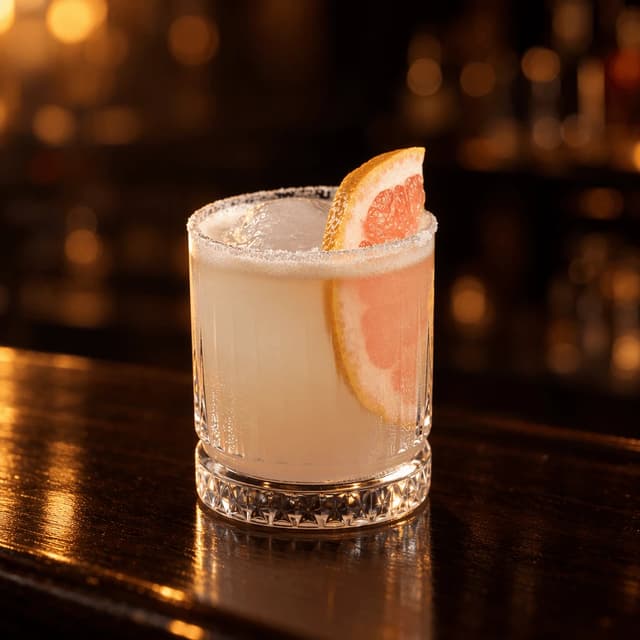
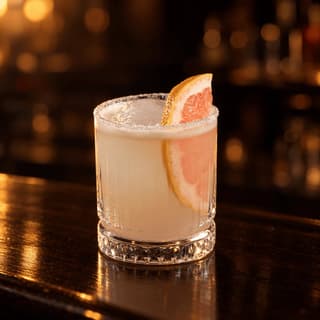
Salt-rimmed cut-crystal rocks glass of pale grapefruit paloma with a pink grapefruit wedge on a dark polished counter
For Restaurants, Bars and Cafes Running Meta Ads

Your ad is competing with your customer's friends. Give it a photo worth stopping for.

Meta drops your dish between a baby photo and a holiday album. FoodShot restyles the phone picture you already took into 1:1, 4:5 and 9:16 stills that survive every placement crop.

Cancel anytimeFull commercial license

Upload your food photo → Get menu-ready photos
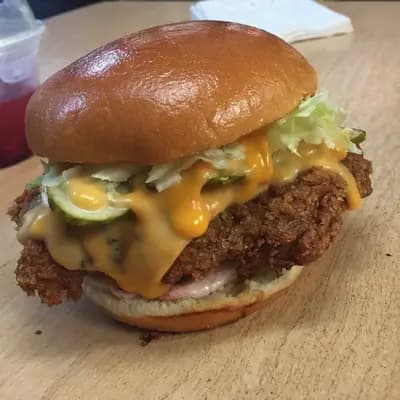
Original smartphone food photo before FoodShot AI enhancement
Studio-quality food photography generated by FoodShot AI
50,000+

Photos generated

2K

Output resolution

2 min

Average time

The Creative Side of Meta Ads

Seven places restaurant Meta ads win or lose on the image, and the parts of the campaign we never touch
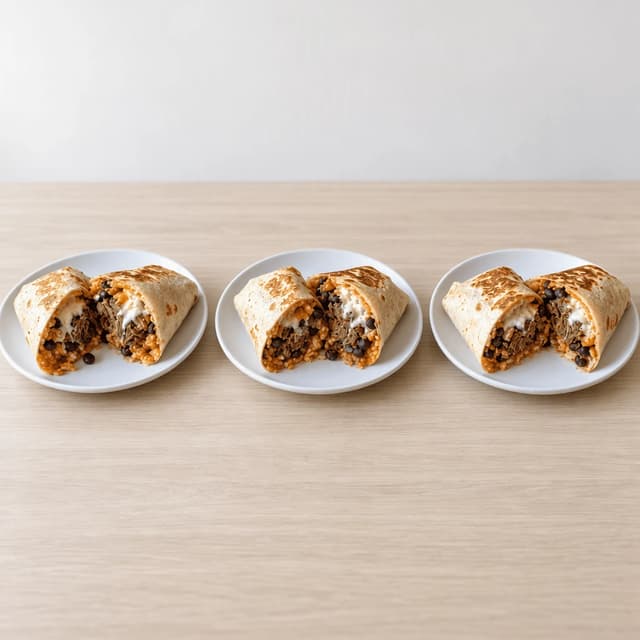
Three identical loaded beef burritos on matching plates lined up in a row on pale blonde wood

One Dish, Both Feed Ratios: 1:1 and 4:5

The same plate framed square and tall, not cropped
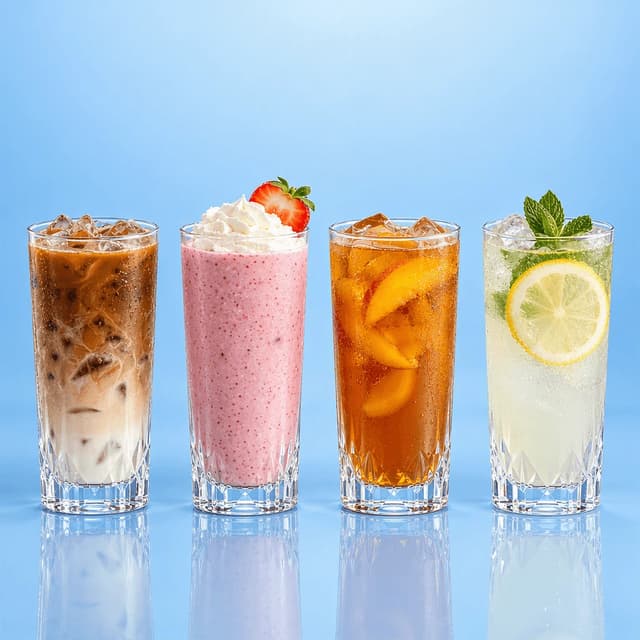
Four tall drinks in a row on a glossy powder-blue surface: iced coffee, a pink smoothie, iced peach tea and lemonade

Stories and Reels-Cover Stills at 9:16

Full-bleed vertical that keeps food off the edges
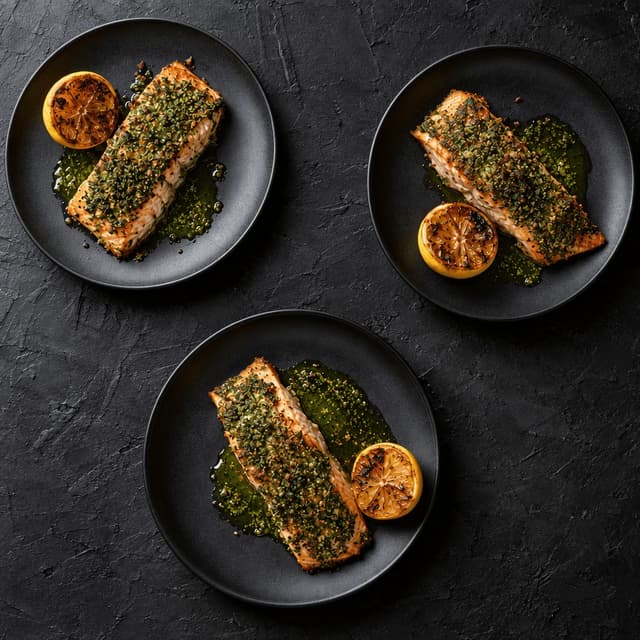
Overhead view of three identical herb-crusted salmon plates, each turned a different way, on dark slate

Three Creative Angles for a Real A/B Test

Test three images of one dish, not three guesses
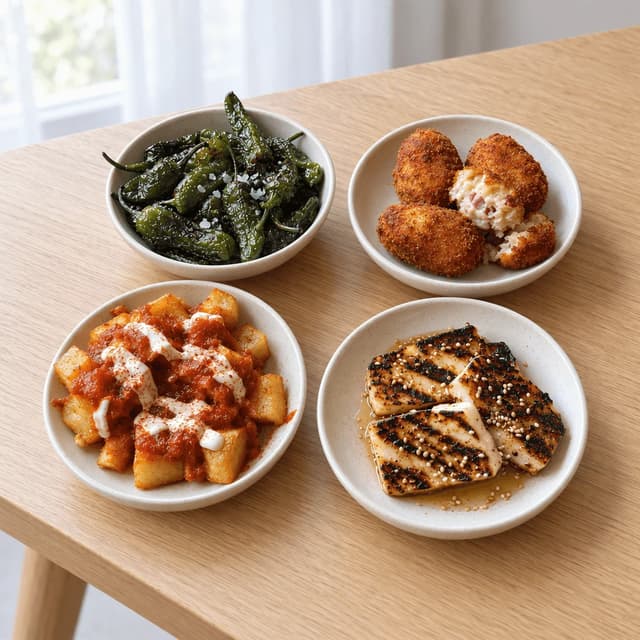
Four small plates on a pale wood table: blistered green peppers, croquettes, spiced potatoes and honeyed grilled cheese

Beating Creative Fatigue With Fresh Cuts

New images ready before frequency kills the set
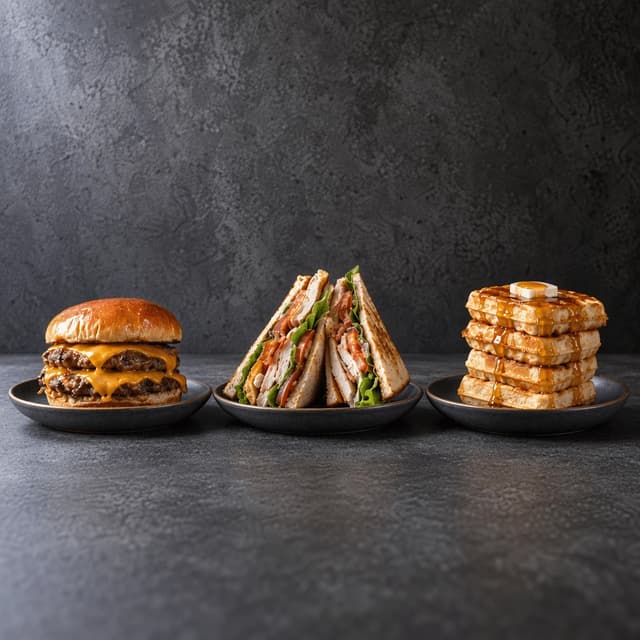
Three tall builds in a row on dark grey concrete: a stacked burger, a triple-decker club and a waffle stack

Crop-Safe Framing for Tall Plates and Stacks

Headroom built in so the bun survives the square
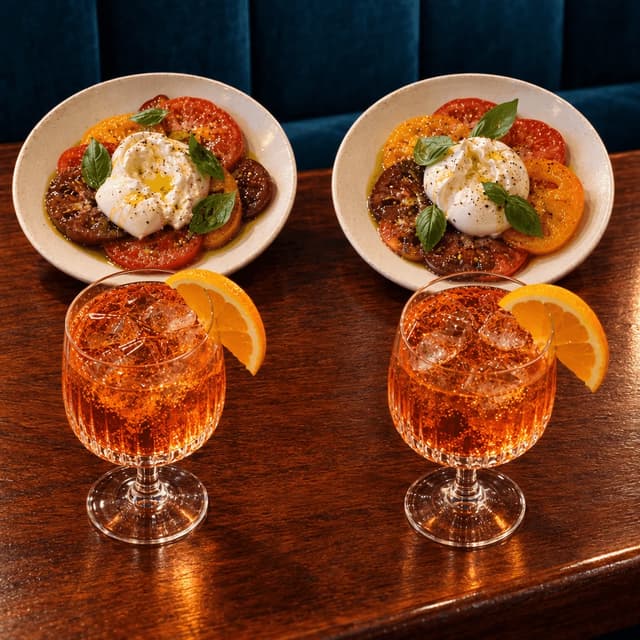
Two matching burrata plates and two orange spritz glasses set for two on a warm reddish wood bar top

Offer and Special Imagery, No Text Overlay

The deal reads in the picture, not on top of it
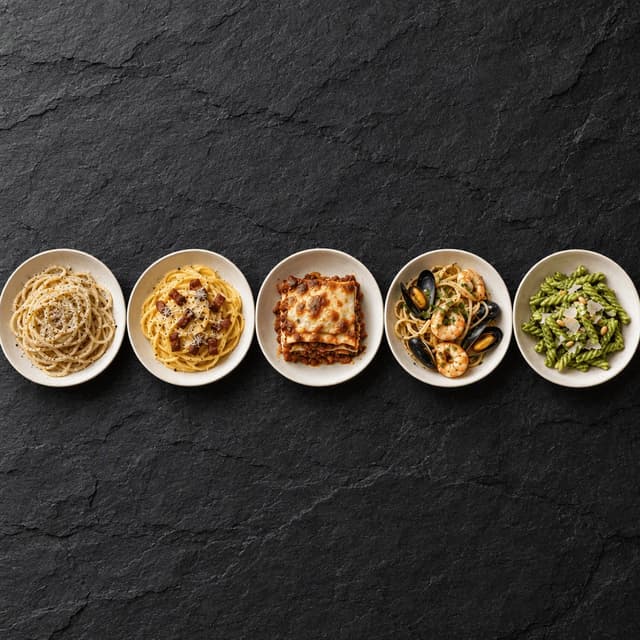
Five different pasta bowls in a single horizontal strip on dark slate, shot from overhead

Carousel Sets: a Menu Section in One Ad

Five frames from one shoot that scroll as a set

Features

Built for the operator paying for impressions and the agency still waiting on better photos

Placement Sets

Every Meta ratio, from the photo already on your phone

Upload one phone photo of a dish, pick a style, and about two minutes later it comes back with clean space on all four sides, so the same picture holds as a 1:1 feed square, a 4:5 portrait and a 9:16 Stories still without slicing the plate in half. It stays your real dish: FoodShot never sends a photographer and never invents food you do not serve. Planning concepts across every channel? Start with restaurant ad creative.

Explore styles→

Builder Mode

Set light and framing per creative angle, not per photoshoot

A real A/B test needs three genuinely different images of one dish, not three crops of the same file. Builder Mode changes surface, light direction and camera height shot by shot: a low side-on stack, a flat overhead, a tight detail. When the reporting picks a winner you learn which visual idea won, not which crop the algorithm happened to serve that week.

Try Builder Mode→

My Styles

One saved look across every refresh and every placement

Save the look once and every upload inherits it, so a fortnightly refresh still matches the set it replaces. Frequency climbing? Restyle three more dishes the same afternoon. Search campaigns run on different specs entirely: see Google Ads for restaurants. For the organic grid and posting rhythm rather than paid, see restaurant Instagram content.

Match your brand→

More to explore

One tool, endless possibilities

Before → After

From phone snap to studio shot

See the transformation from a casual phone snap to a styled studio shot.
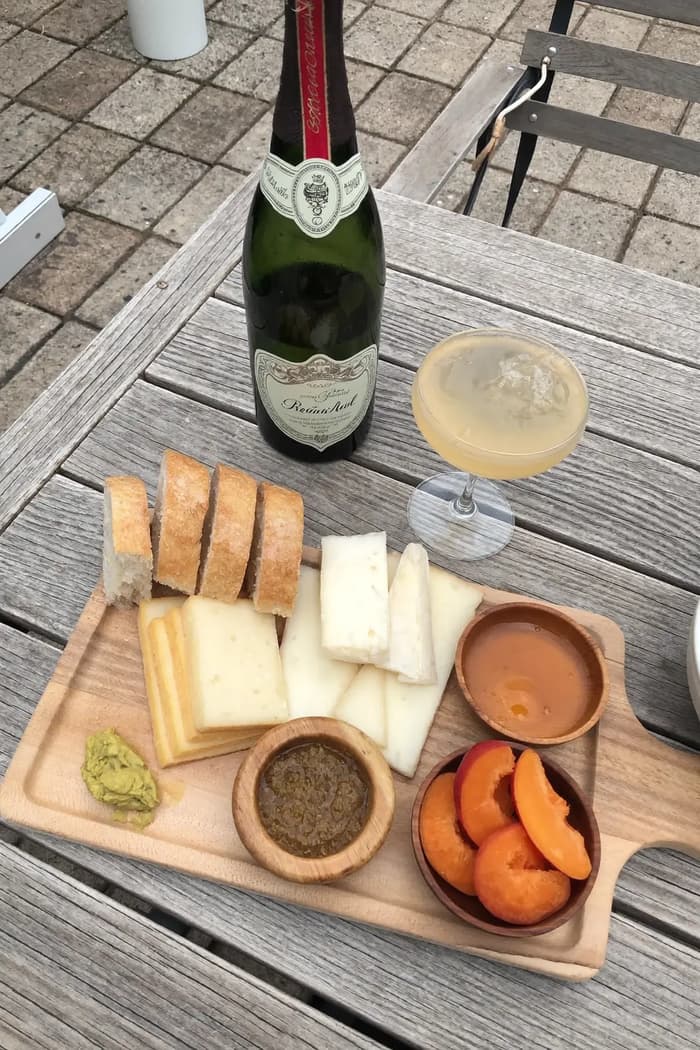
Raw phone food photo before AI enhancement
Studio quality food photo after FoodShot processing

Multi-variation

One photo, endless options

Generate multiple styles from a single upload. Pick the best.
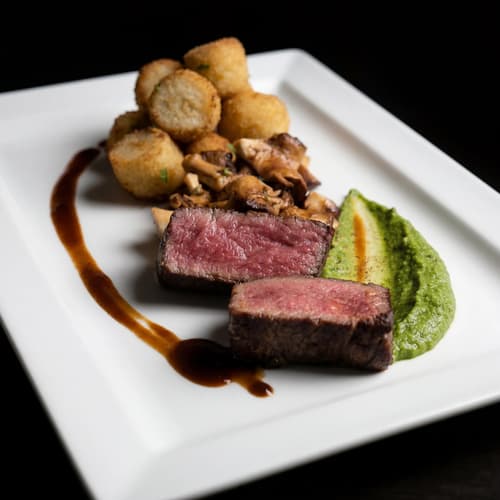
Food photo variation - delivery app style
Food photo variation - restaurant menu style
Food photo variation - social media style
Food photo variation - fine dining style

Poster Mode

Marketing-ready designs

Pick a template, drop your food.
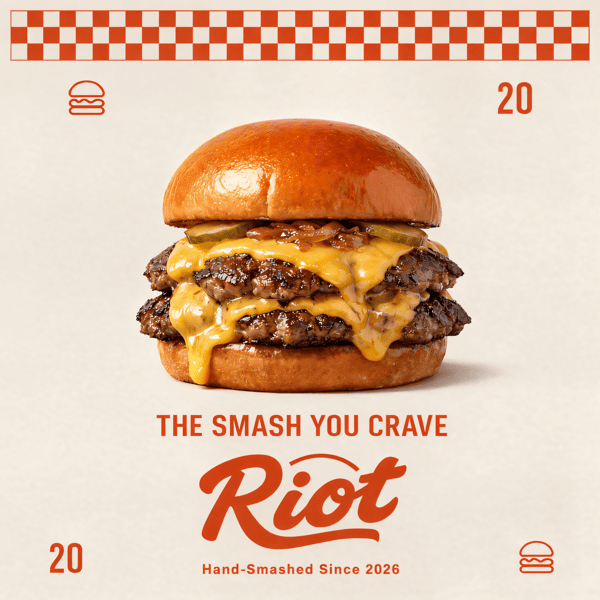
Smash burger restaurant poster design
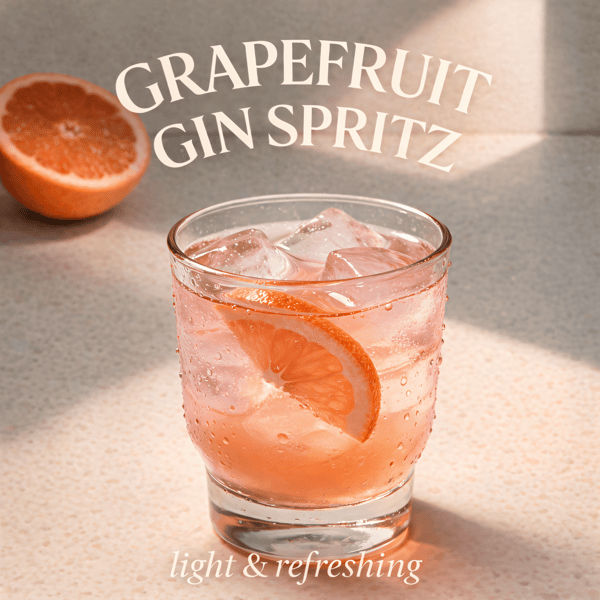
Cocktail bar promotional poster
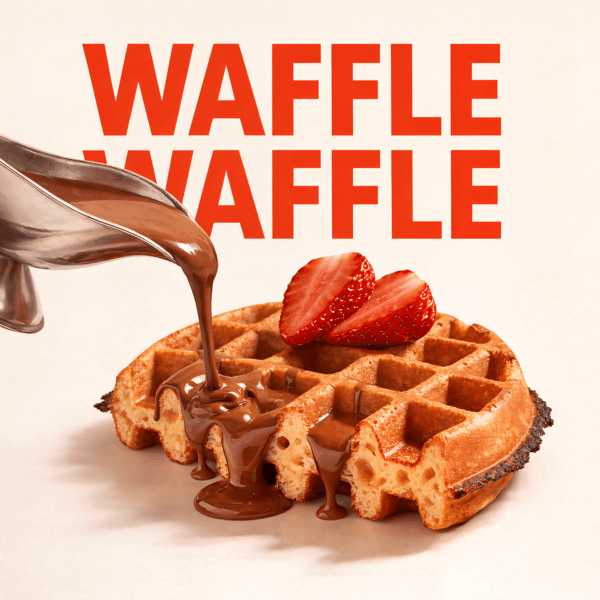
Waffle social media advertisement
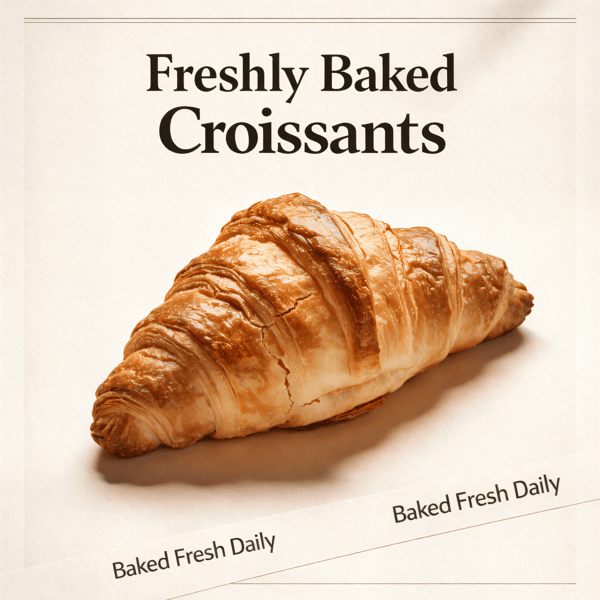
Croissant bakery marketing poster

Prompt Editing

Describe it, get it

Add sauce, swap plates, change lighting — just type what you want.
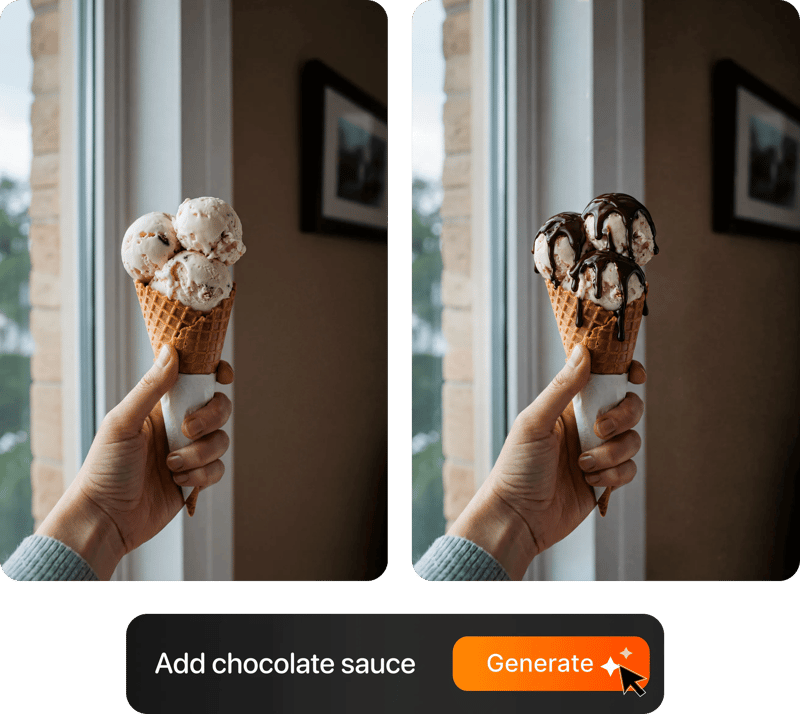
Prompt-based food photo editing

200+ Styles

Styles for every vibe

From clean white to moody fine dining. One tap.
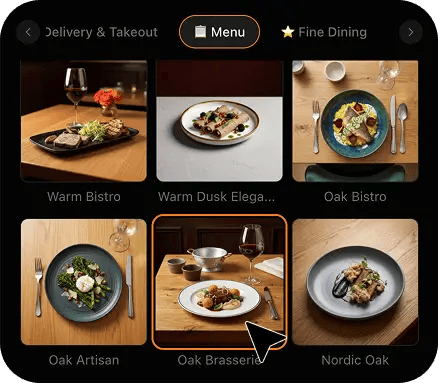
FoodShot 200+ food photography style presets grid

2K Resolution

High-resolution output

2K output (2048 × 2048 px for a square photo), sharp for delivery apps, websites and social. Need more for print? Use the 2× upscale in the studio.

2K

Perfect For

For food businesses already buying impressions, and the people building their creative

If the campaign is live and the creative is three phone snaps Meta cropped for you, this page is for you. Targeting, budgets and the pixel stay with you or your agency: that is not what we do.

🍽️

Owners Boosting Their Own Posts

You hit Boost on whatever was on the phone that day. It runs, it spends, and the picture is doing less work than anything else in the account.

📉

Anyone Watching Frequency Climb

The set launched strong, then cost per result drifted up in week two. You do not need new targeting. You need images the same people have not already scrolled past.

🍻

Bars and Late-Night Venues

Happy hour and weekend specials move fast, and the room is too dark to photograph well. One phone snap of the glass becomes a placement-ready still by opening time.

📱

Small Agencies With Food Clients

You handle structure, budgets and reporting well. What no dashboard fixes is a client who sends blurry snaps from the pass. Now those snaps are enough to build a test with.

🗂️

Operators Running Carousel Ads

A carousel wants five images that look like one shoot. Five phone photos taken on five different days do not. One saved style makes them match.

📍

Multi-Site Groups With One Menu

Twelve venues, one menu, twelve different phones. Save one style and every location's creative reads as the same brand, whoever took the photo that week.

Reviews

Loved by food businesses

“Being a Pastry Chef Restaurant consultant and having to design recipes and menus and plating design is a difficult task. Foodshot AI managed to change my life. … Foodshot does it all.”
App Store

Happy Girl Pastry Chef

App Store

“Great for small business! The app is easy to use. Smooth and professional results. Multiple background/settings/styles to choose. Highly recommend!”
App Store

Trangbi89

App Store

“This app helped me enhance my food photoshoot. Thanks to this app, I can now create pro-quality photos for my Menu.”
App Store

Lalalisaoh

App Store

“Excellent”

Fabio Lima

Google Play

“Great”

Iván Fabricio Amador Pavón

Google Play

“Cool”

Darut Thollab

Google Play

“For marketing and advertising we can use it as an enhancement. Really solid tool.”

Reddit User

r/restaurantowners

“Oohhh woowwww... Seriously amazing. The quality blew me away.”

Remarkable-92

r/restaurantowners
“Being a Pastry Chef Restaurant consultant and having to design recipes and menus and plating design is a difficult task. Foodshot AI managed to change my life. … Foodshot does it all.”
App Store

Happy Girl Pastry Chef

App Store

“Great for small business! The app is easy to use. Smooth and professional results. Multiple background/settings/styles to choose. Highly recommend!”
App Store

Trangbi89

App Store

“This app helped me enhance my food photoshoot. Thanks to this app, I can now create pro-quality photos for my Menu.”
App Store

Lalalisaoh

App Store

“Excellent”

Fabio Lima

Google Play

“Great”

Iván Fabricio Amador Pavón

Google Play

“Cool”

Darut Thollab

Google Play

“For marketing and advertising we can use it as an enhancement. Really solid tool.”

Reddit User

r/restaurantowners

“Oohhh woowwww... Seriously amazing. The quality blew me away.”

Remarkable-92

r/restaurantowners

FAQ

Facebook Ads for Restaurants FAQ: Ratios, Creative Tests and What We Leave to You

Straight answers on the image side of restaurant Meta ads: placement sizes, testing, creative fatigue, and exactly where FoodShot stops.

hello@foodshot.ai

FoodShot AI is a web and mobile app for restaurants, cafés, bakeries and other food businesses. You upload a photo of a dish you already have, choose a style, and FoodShot AI turns it into a professional food photo that you can download and use on your menu, delivery apps, website and social media.

It's simple! Upload a photo of your food, choose your desired style (menu photography or social media format), and click generate. Each photo takes about 2 minutes. For poster creation, select from our professional templates, add your text, and create marketing-ready content.

Yes! Download our mobile app from the App Store to create stunning dish photos on the go. Access all features directly from your iOS device.

Yes! FoodShot AI is now available on Android. You can download it from Google Play and start creating professional food photos directly from your Android device.

With a paid plan, you can use the images you create for any lawful commercial purpose, including your restaurant, menus, delivery apps, marketing campaigns and social media. FoodShot does not claim ownership of them. See our Terms of Service for details.

Yes! For bulk processing needs, please email us at hello@foodshot.ai for our Enterprise plan options.

Yes, subscriptions renew month-to-month. To cancel, open Settings and click Manage subscription — it opens your Stripe billing portal, where you can cancel in one click. Fully self-serve, no questions asked, takes under a minute. Your plan stays active until the end of the billing period.

Yes, plan changes take effect immediately. You can upgrade or downgrade directly from your account dashboard. The new pricing will be adjusted for your current billing cycle.

We offer a full refund if you haven't used any credits in your current billing period. Refund requests must be made within 7 days of payment. Previous billing periods are non-refundable. Simply contact us at hello@foodshot.ai if you're not satisfied.

No, unused credits do not roll over to the next month. This applies to both monthly and yearly plans. Credits refresh every month regardless of your billing plan.

Yes! With our custom photography feature, you can upload your own reference images to create consistent branded content. Upload your restaurant's signature background, plating style, or any reference photo, and FoodShot AI will generate new images matching that exact style.

Absolutely! Once you upload a custom background or reference template, you can use it for all your future generations. This is perfect for maintaining consistent branding across all your food photography. Save your favorite backgrounds and create a cohesive visual identity for your restaurant.

FoodShot AI supports all major image formats including JPG, PNG, WEBP, and HEIC. For best results, we recommend using high-quality images with good lighting. The AI will analyze your reference and apply the same style, lighting, and composition to your food photos.

Yes! You can upload your own poster designs and templates. Whether it's your restaurant's branded template or a custom design, simply upload it and FoodShot AI will intelligently place your food photos while preserving your design elements, logos, and text.

All paid plans include unlimited custom template uploads. You can build an entire library of your brand's templates, backgrounds, and reference styles.

Three shapes cover almost everything Meta will serve. Square at 1:1, commonly 1080 by 1080 pixels, is the safe feed default. Portrait at 4:5, commonly 1080 by 1350, is the tallest the feed allows and takes the most screen on a phone, so it is usually the one worth building for. Vertical at 9:16, commonly 1080 by 1920, covers Stories and Reels-cover placements. If you run Advantage+ placements, one upload gets stretched across all of them, and Meta crops automatically unless you supply a version per placement. The real problem is framing, not pixels. A burger that fills a phone photo edge to edge loses its bun in the square crop and its plate in the vertical. Compose with clean space on all four sides and every crop holds. Build the 4:5 first, because the tall frame is the one that has room to spare when it is cut down.

Give the test three genuinely different images, not three crops of one file. Three visual angles work well on food: a low side-on shot that shows height and layers, a flat overhead that shows the whole dish and its colour, and a tight detail of the single best texture, the cheese pull, the crust, the glaze. Same dish, same offer, same copy, three pictures. Run them in one ad set so the delivery system is comparing like with like, and let it collect enough results to mean something rather than calling it on day two. When one wins you have learned something you can reuse across the whole menu: that your audience responds to height, or to colour, or to close texture. Test one variable at a time. Changing the photo and the headline together tells you a combination won and nothing about why.

Around the two-week mark on a small local audience, the same people have usually seen the same picture several times. Frequency rises, cost per result drifts up, and click-through quietly falls. The audience has not stopped being hungry. Your image has stopped being new. Widening targeting is the common reflex and it often just buys worse traffic. Refreshing the creative is the cheaper fix. Keep a bench of three or four restyled images per campaign, ready to swap in, and rotate them before the numbers slide rather than after. Change a few at a time so you can still see which change moved the result. A fresh cut counts as genuinely new: a different dish, a different angle, a different light. The same photo with a new border is not new, and the people scrolling past it will treat it exactly as they treated it last week.

Two, mostly. The first is text on the image. Meta no longer rejects ads for text density the way it once did, but heavy text still tends to hurt delivery, and a price splash pasted across a plate hides the one thing that sells it. Put the offer in the headline and the primary text, and let the photo be the photo. The second is crop-safe zones. Stories and Reels placements lay interface elements over roughly the top and bottom of a 9:16 frame, so anything near those edges gets covered. On a tall plate or a stacked build this is fatal: the crown of the bun sits exactly where the profile name lands. Frame with real headroom above and real space below. The third, smaller one is aspect-ratio drift, uploading a 16:9 landscape shot and letting the system pillarbox or crop it into the feed.

No to all of it, and it is better said plainly than implied. FoodShot makes still images only. No video, no Reels, no animation, no slideshow, no music, no captions burned into a clip. If a placement needs motion, that is not a job this tool does. It also does not manage your advertising: no budgets, no bids, no audiences, no lookalikes, no pixel or Conversions API setup, no campaign structure, no ad copy, no reporting, and no logging into your account. That work belongs to you or to the agency you pay, and a good one earns the fee. What FoodShot does is the image half: turn a phone photo of a dish you actually serve into a clean, placement-ready still that holds up at 1:1, 4:5 and 9:16. If your agency keeps asking for better photos and you keep sending snaps from the pass, this is the step between those two things.

No. FoodShot never sends a photographer, never books or runs a studio, never does an on-site shoot, never prints menus or signage, and never fabricates a dish. It restyles photos you already have. You photograph your own plate on your own phone, at the pass, on a quiet afternoon, wherever it is easiest, then upload it and choose a style. About two minutes later the same dish comes back with rebuilt light, a clean surface and framing that survives Meta's crops. The portion, the colour, the ingredients and the number of pieces stay true to your photo, because they are true to the dish. That matters most in paid social, where a guest who orders from an ad expects the plate in the picture. If the photo shows three tacos, the ad shows three tacos. If the kitchen changes the dish, photograph it again. For imagery across the whole venue rather than just the ads, start with our restaurants page, or bars and lounges if drinks carry your feed.

Keep your agency. Fix the creative. Every placement, every refresh, tonight.

For restaurants and food brands turning their own phone photos into placement-ready ad stills in about two minutes each, with no shoot to book and no crop left to chance.

Start Creating
Cancel anytimeFull commercial licenseStudio-quality results