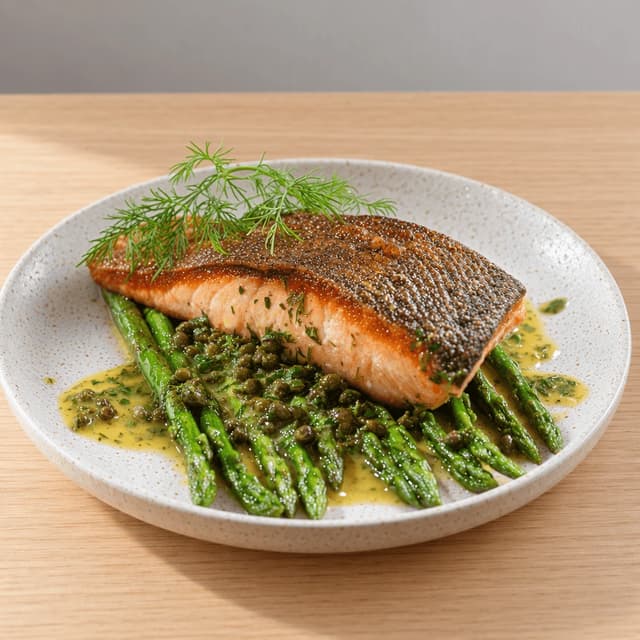
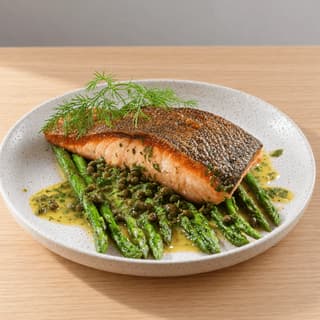
Single pan-seared salmon fillet with crisp golden skin on asparagus in caper butter with fresh dill on a speckled white plate on blonde oak
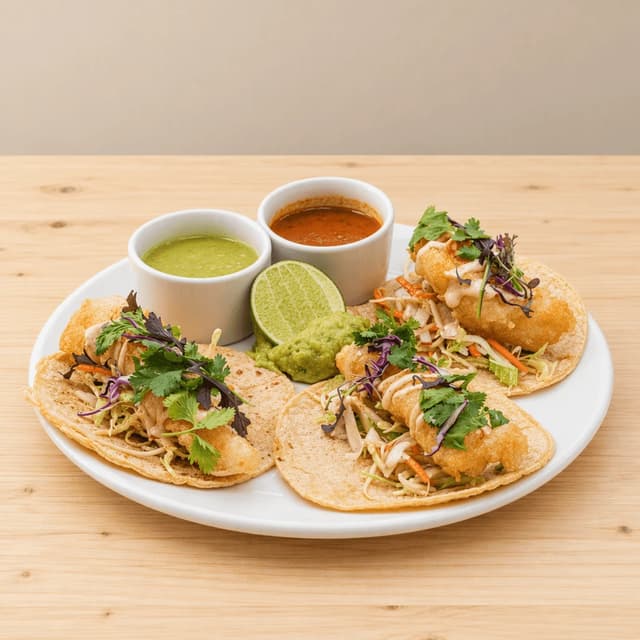
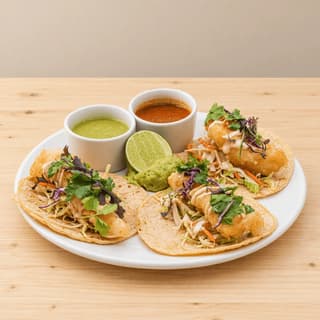
Three Baja fish tacos with shredded cabbage and lime crema lying side by side on a white plate with salsa verde, salsa roja, guacamole and lime, shot at eye level on pale pine
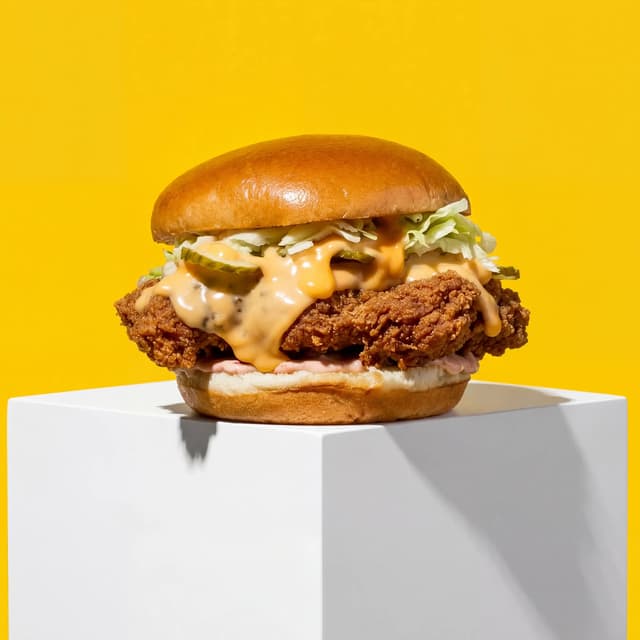
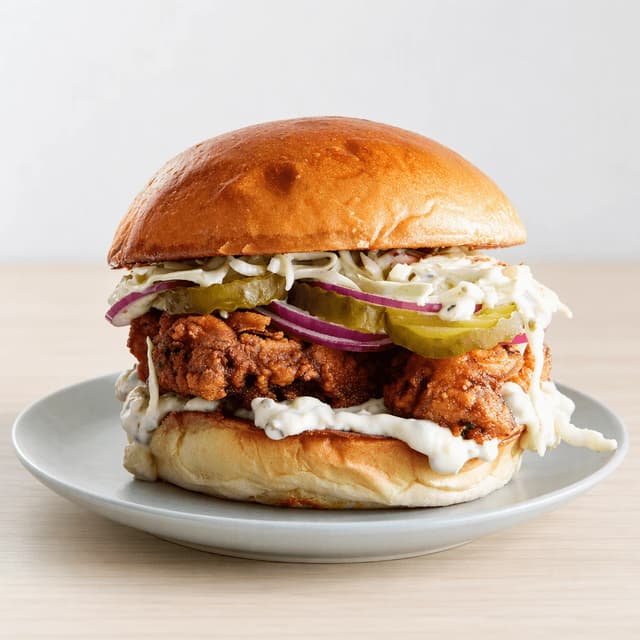
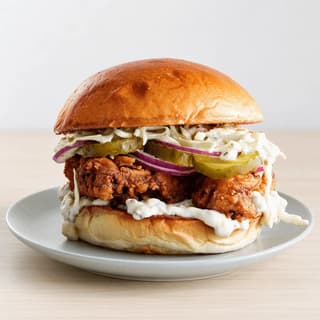
Single buttermilk fried chicken sandwich with pickles, red onion and slaw on a toasted brioche bun on a pale grey plate on pale birch wood
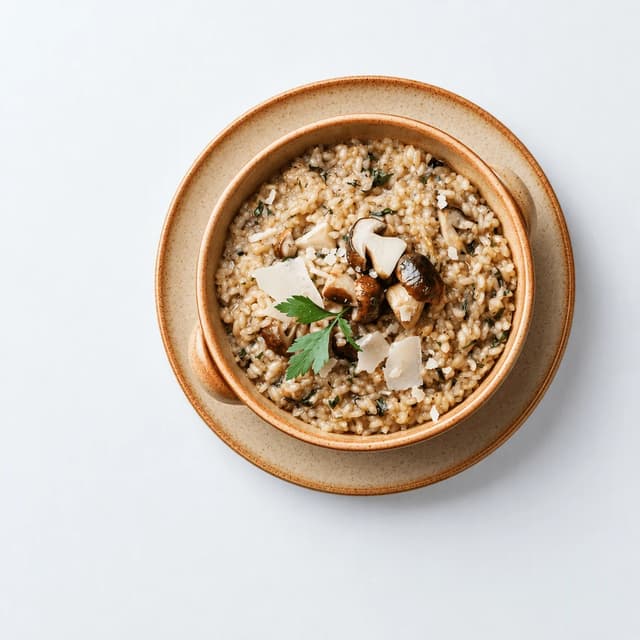
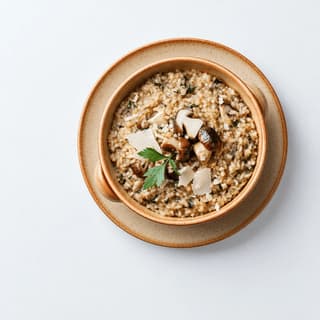
Single speckled stoneware bowl of creamy wild mushroom risotto with roasted mushrooms, parsley and shaved parmesan on a matching plate, shot straight down on cool white
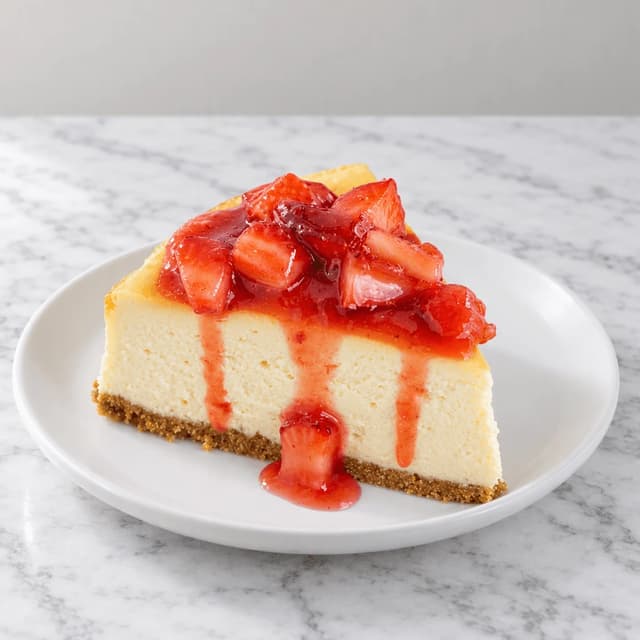
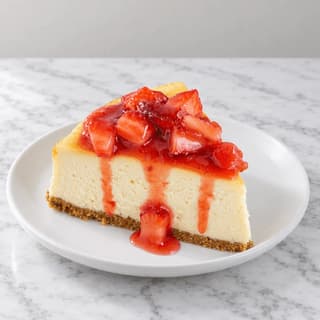
Single tall slice of baked New York cheesecake with chunky strawberry compote dripping down its face on a white plate on white marble
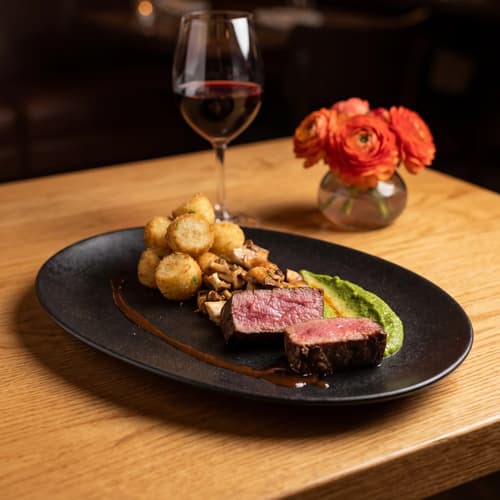
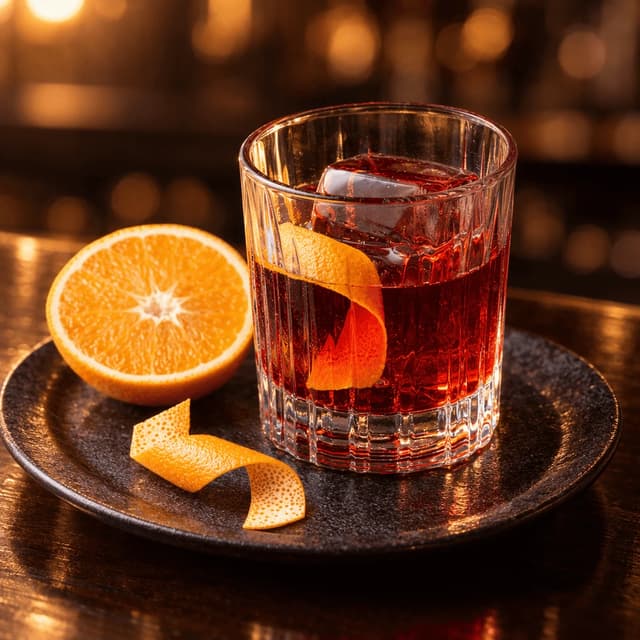
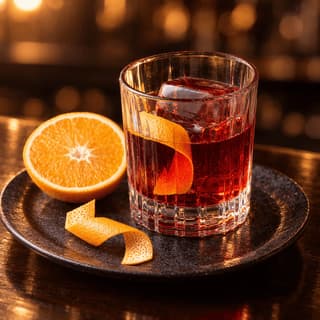
Single negroni in a cut rocks glass over one large clear ice cube with an orange twist, an orange half and a curl of peel beside it on a dark plate at a warm-lit bar
For Restaurants & Multi-Location Groups on Google

Google Business Profile for restaurants: a photo cadence, not a one-off shoot.

Every optimisation guide says the same four words: add high-quality photos regularly. Here is the playbook: twelve at launch, four new dishes a month, one saved look every manager can hit — from phone photos you already have.

Cancel anytimeFull commercial license

Upload your food photo → Get menu-ready photos
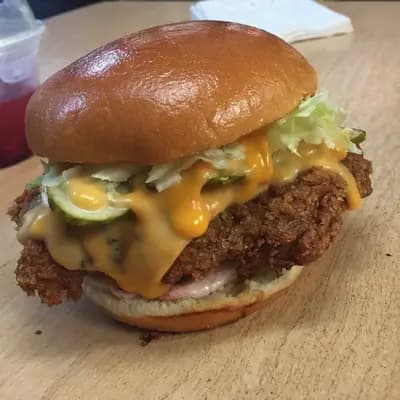
Original smartphone food photo before FoodShot AI enhancement
Studio-quality food photography generated by FoodShot AI
50,000+

Photos generated

2K

Output resolution

2 min

Average time

The Photo Cadence

Every photo a restaurant profile needs, on a schedule
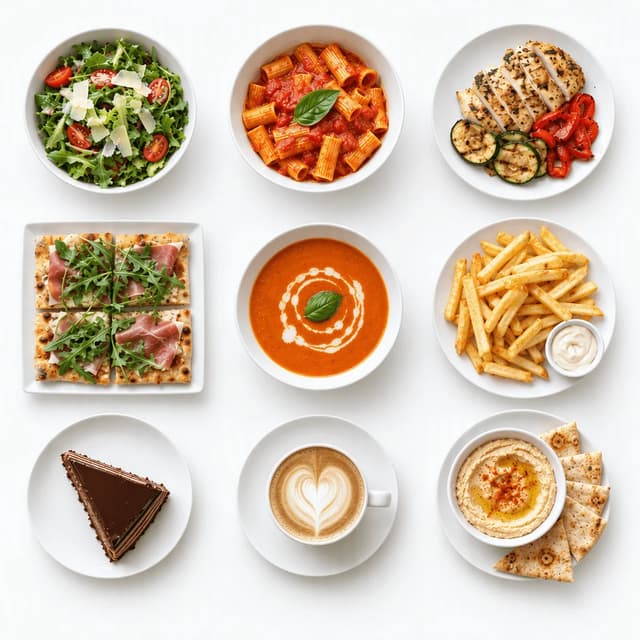
Overhead three by three grid of nine restaurant dishes on plain white plates and bowls, from a green salad to a latte, on seamless white

Launch Set: The 12 Photos a New Profile Needs

Nine dishes laid out as one grid, shot in one afternoon
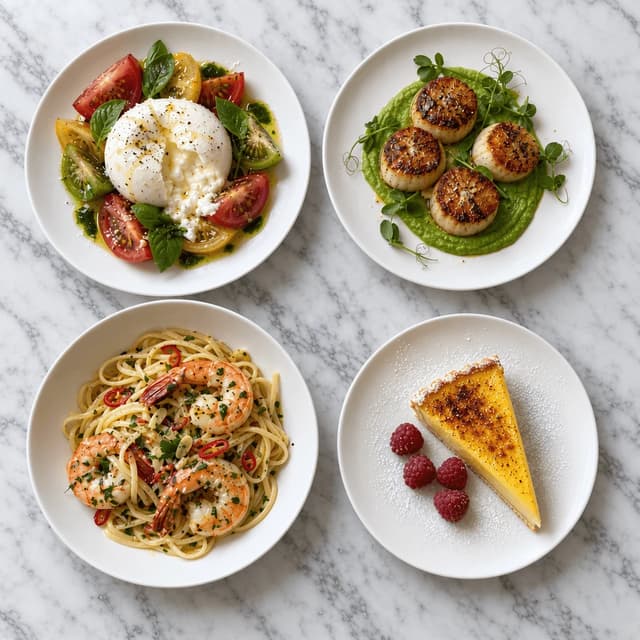
Overhead two by two grid of four new menu dishes, burrata with heirloom tomatoes, seared scallops, shrimp linguine and a lemon tart slice on white marble

Monthly Refresh: Keep the Carousel From Going Stale

Four new plates a month, so the newest photo is never old
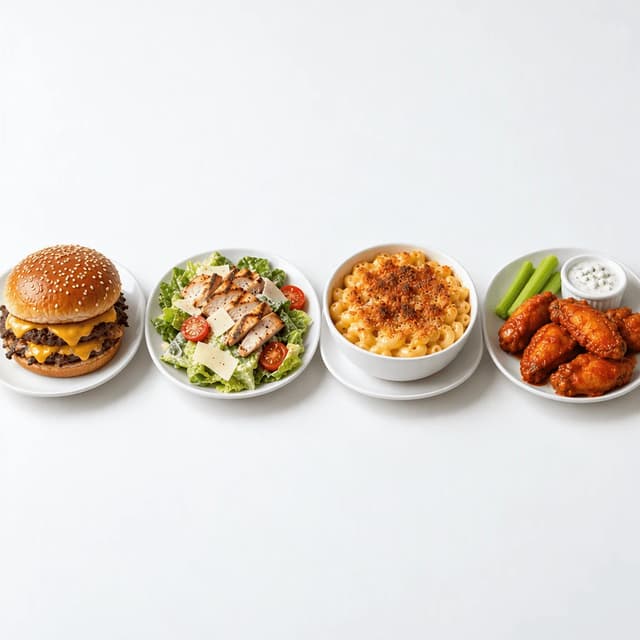
Front row of four core menu items on matching white plates, a smash burger, a grilled chicken salad, mac and cheese and buffalo wings, on seamless white

Multi-Location Consistency: One Look Across 14 Profiles

Core items on matching plates, same light at every site
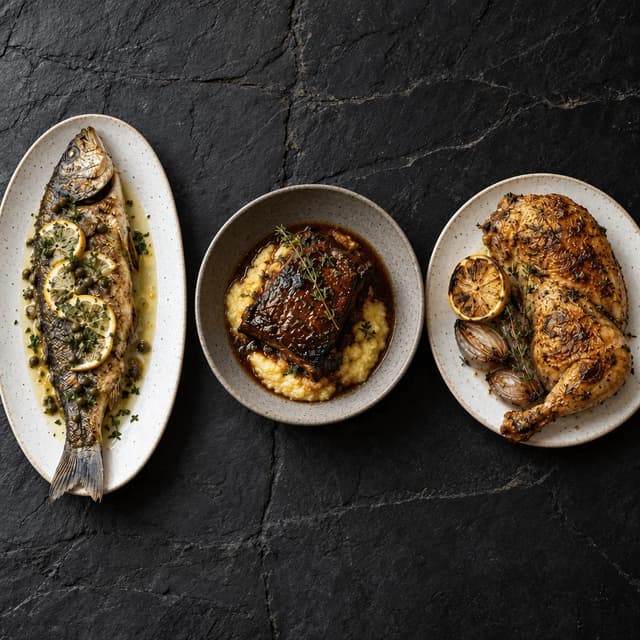
Overhead row of three signature mains on dark slate, a whole roasted branzino, braised short rib on polenta and a lemon-roasted half chicken

Hero Dish Rotation: Lead With the Item You Want Ordered

Three lead candidates, one cover slot, rotate on purpose
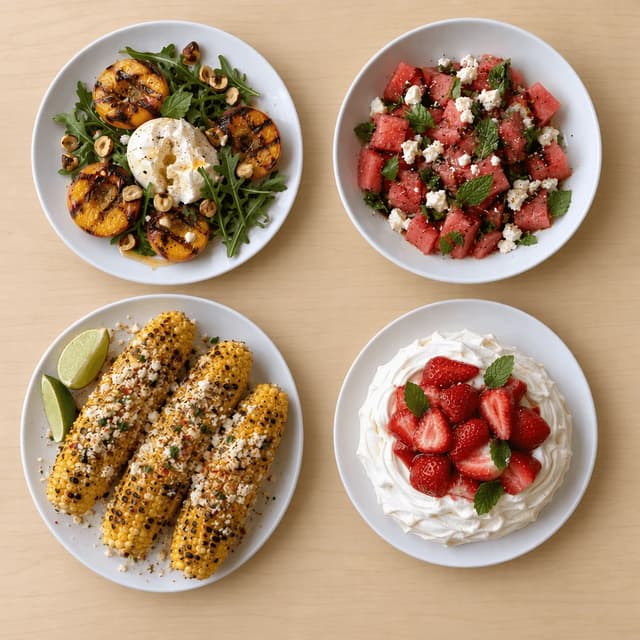
Overhead spread of four summer dishes, grilled peach and burrata salad, watermelon feta salad, grilled corn with lime and a strawberry pavlova on pale maple

Seasonal Specials on the Profile

Summer plates up the week they hit the menu
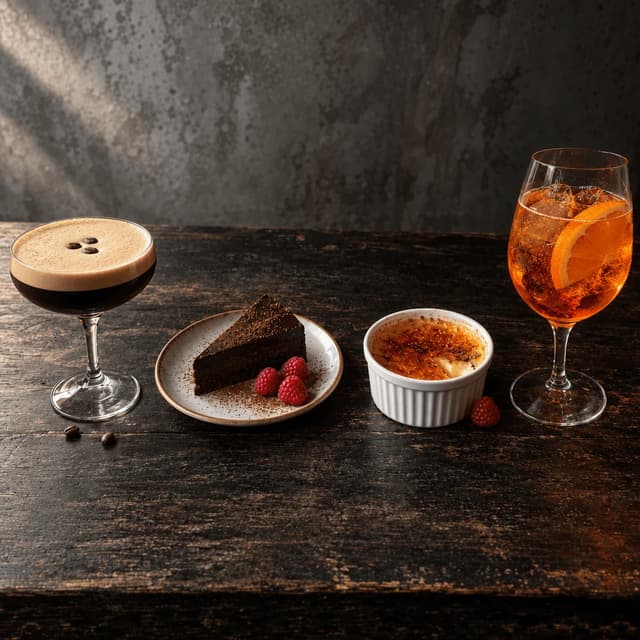
Row of an espresso martini, a slice of dark chocolate torte, a creme brulee and an orange spritz on dark weathered wood

Drinks & Dessert Slots Most Profiles Leave Empty

Two desserts, two drinks, the tiles nobody uploads
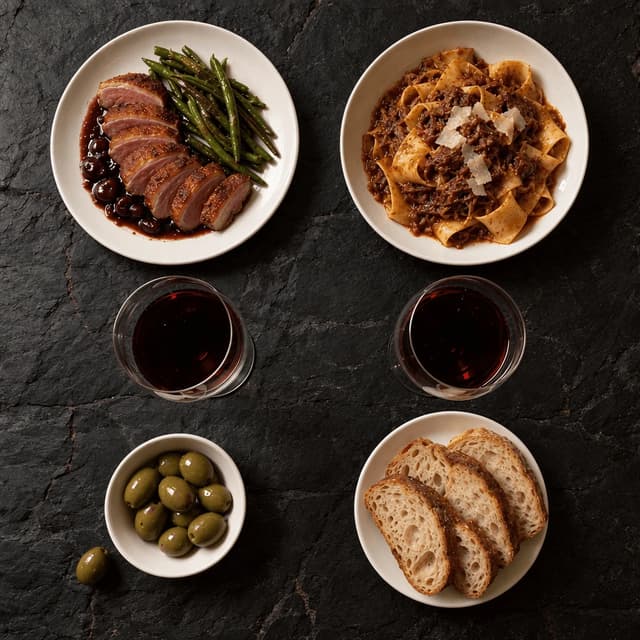
Overhead of a dinner table for two on dark slate with seared duck breast, pappardelle ragu, two glasses of red wine, sliced sourdough and olives

Interior & Ambience Without Hiring a Photographer

Shoot the table in the room's light, not the room

Features

Built for the operator who owns the listing

Profile Styles

A full listing's worth of photos from one afternoon on the pass

100+ curated styles built for how a restaurant listing actually gets seen: a carousel of small tiles beside the competitor's carousel. Photograph each dish as it leaves the kitchen, pick a style, and FoodShot restyles the real photo with the light and framing a menu hero needs. That turns Google Business Profile for restaurants into a cadence: the launch set of twelve is one service's worth of phone photos, the monthly refresh is four more. Start with our restaurants page, or the cafes page for counter service.

Explore styles→

Builder Mode

Ambience without the interior shoot: light the dish, not the room

A dim dining room shot on a phone lands as a grey block after Google re-encodes it. Builder Mode routes around the interior shoot: choose a surface like dark slate or walnut and a backdrop with the warmth of your room, then place the real dish photo into that scene. A negroni on a dark counter says evening service better than a wide shot of empty chairs. That is the core of Google Business Profile photo best practices in 2026: separation, consistency, a subject a diner can tap.

Try Builder Mode→

My Styles

One saved look that fourteen managers on fourteen phones can all hit

Save the look once and every upload inherits it, whoever took the photo. That is the answer to Google Business Profile optimization for restaurant groups: define the style centrally, each manager shoots four new dishes a month on their own phone, and every location's carousel reads as one brand — no photographer visits any of the fourteen sites. The numbers — cover dimensions, tile sizes, file limits — live on our Google Business Profile photo size page; this page is what to put in the slots.

Match your brand→

More to explore

One tool, endless possibilities

Before → After

From phone snap to studio shot

See the transformation from a casual phone snap to a styled studio shot.
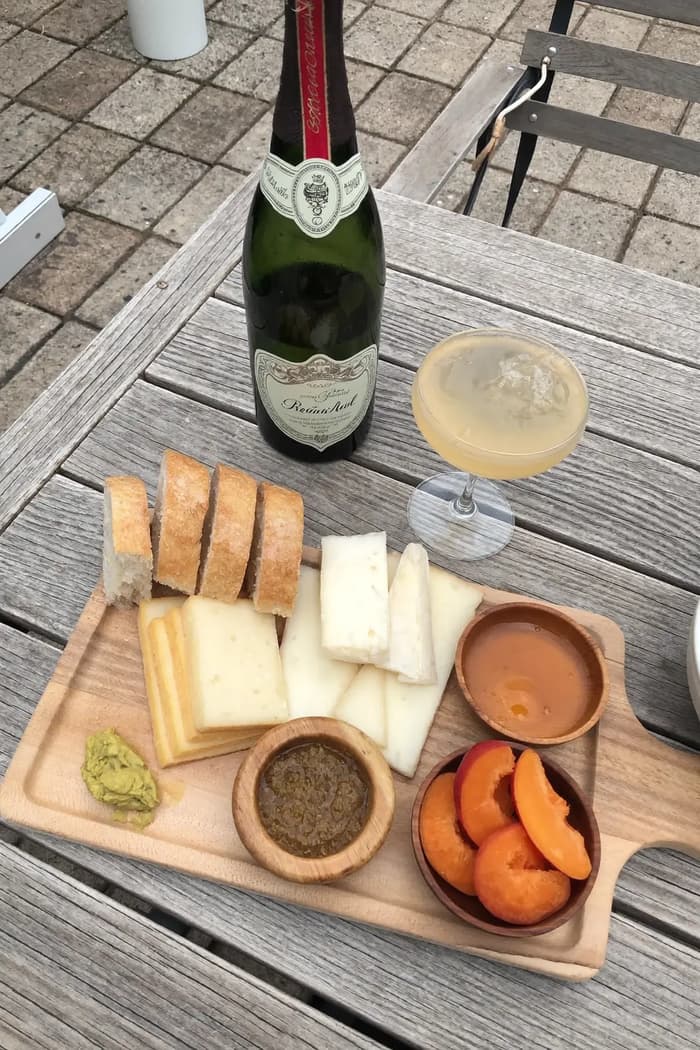
Raw phone food photo before AI enhancement
Studio quality food photo after FoodShot processing

Multi-variation

One photo, endless options

Generate multiple styles from a single upload. Pick the best.
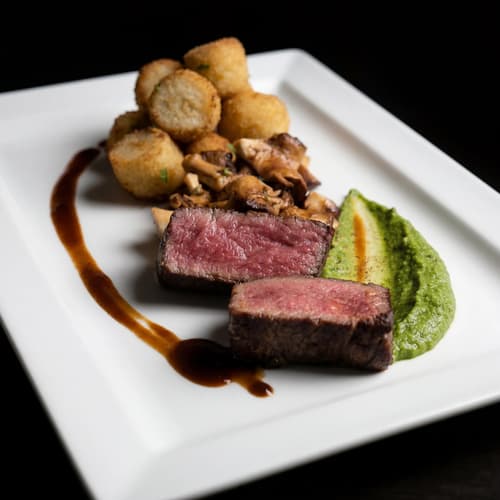
Food photo variation - delivery app style
Food photo variation - restaurant menu style
Food photo variation - social media style
Food photo variation - fine dining style

Poster Mode

Marketing-ready designs

Pick a template, drop your food.
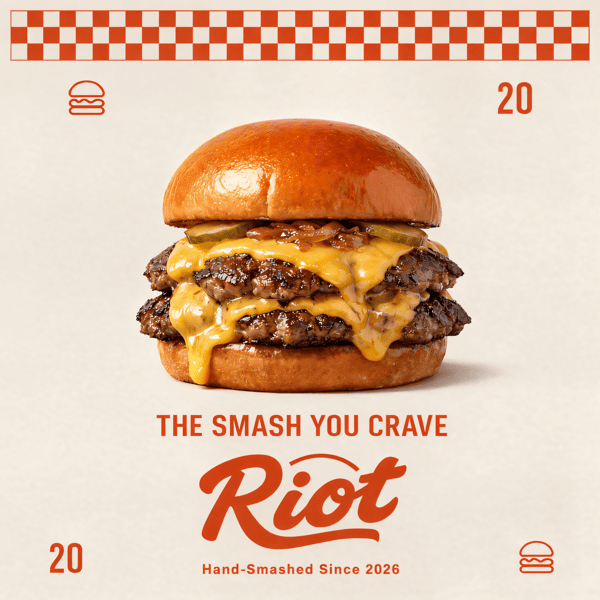
Smash burger restaurant poster design
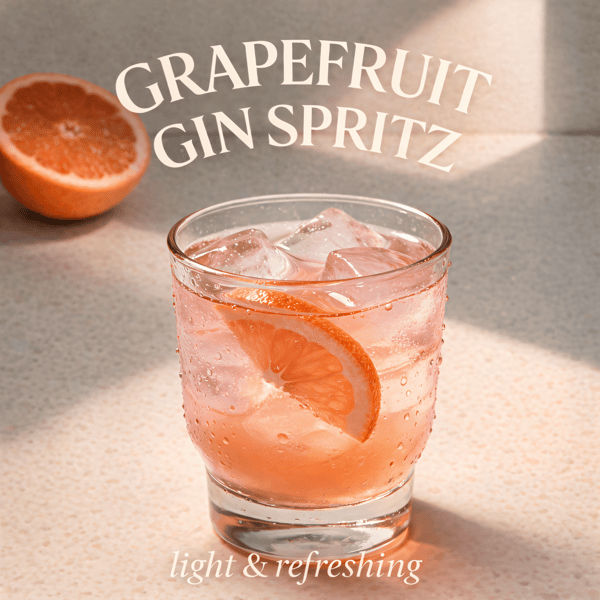
Cocktail bar promotional poster
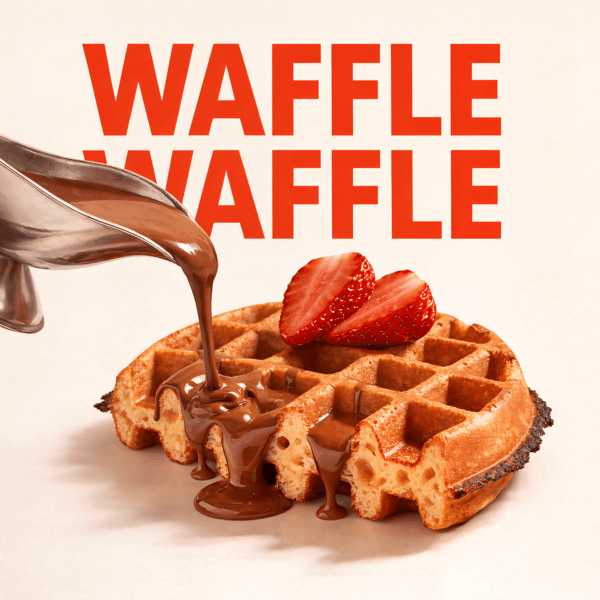
Waffle social media advertisement
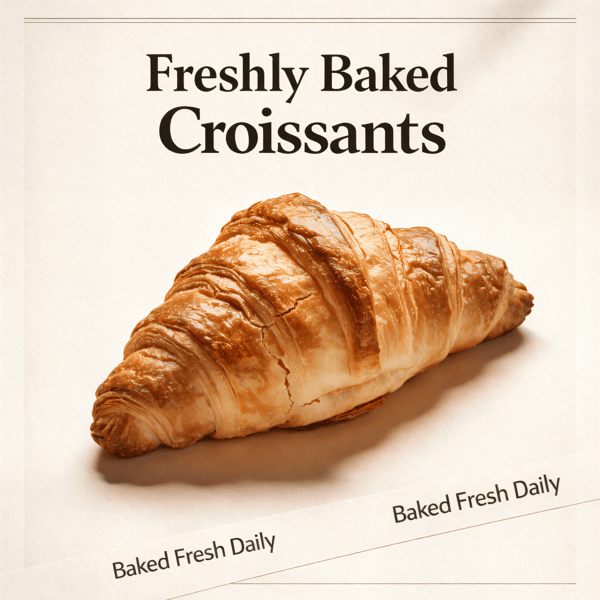
Croissant bakery marketing poster

Prompt Editing

Describe it, get it

Add sauce, swap plates, change lighting — just type what you want.
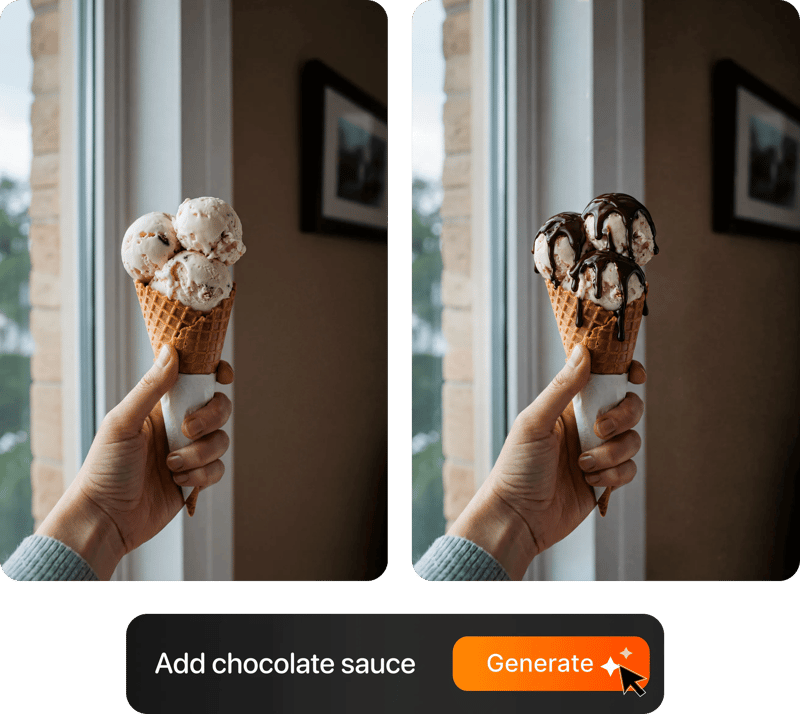
Prompt-based food photo editing

200+ Styles

Styles for every vibe

From clean white to moody fine dining. One tap.
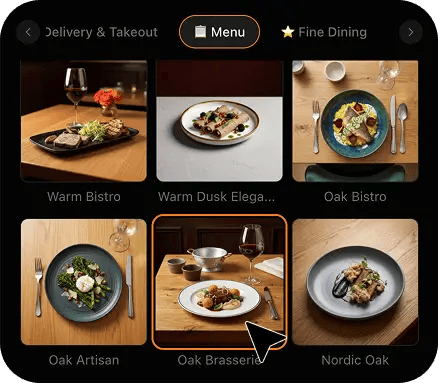
FoodShot 200+ food photography style presets grid

2K Resolution

High-resolution output

2K output (2048 × 2048 px for a square photo), sharp for delivery apps, websites and social. Need more for print? Use the 2× upscale in the studio.

2K

Perfect For

Every restaurant with a listing to out-perform

From a single neighbourhood dining room to the one marketing manager who owns fourteen profiles, if a diner compares your carousel to the one next door, this playbook is for you.

🍽️

Independent Restaurants

Your carousel is three years old and half of it is customer uploads you did not choose. Replace it with a launch set of twelve shot on the pass in one afternoon, then add four dishes a month.

🏢

Multi-Location Groups

Fourteen sites, fourteen phones, one brand. Set the style once, have each manager shoot the core items and the monthly specials locally, and every profile in the group shows the same look at the same size without a photographer visiting any of them.

🆕

New Openings

A profile that goes live with two photos looks closed. Build the twelve-photo launch set before opening day: the lead dish on the cover, eight food and drink tiles that cover the menu, and the table-for-two shot that stands in for the room.

🍂

Seasonal Menus

Google surfaces recent photos, so the profile that still shows the summer salad in November reads as a kitchen that stopped. Shoot the specials the week they launch, restyle them to match the rest of the carousel, and swap them out when the menu turns.

🍸

Restaurants With a Bar

The drinks and dessert tiles are the emptiest slots on most restaurant profiles and the easiest to fill. A negroni, an espresso martini and the chocolate torte give a dinner-decider three more reasons to tap — none of them need the dining room lit.

🌙

Dinner-Only Dining Rooms

You cannot photograph a dark room on a phone and survive Google's compression. You can photograph the table: two mains, two glasses of red and the bread, restyled onto a dark surface with one clean light, says evening service better than empty chairs.

Reviews

Loved by food businesses

“Being a Pastry Chef Restaurant consultant and having to design recipes and menus and plating design is a difficult task. Foodshot AI managed to change my life. … Foodshot does it all.”
App Store

Happy Girl Pastry Chef

App Store

“Great for small business! The app is easy to use. Smooth and professional results. Multiple background/settings/styles to choose. Highly recommend!”
App Store

Trangbi89

App Store

“This app helped me enhance my food photoshoot. Thanks to this app, I can now create pro-quality photos for my Menu.”
App Store

Lalalisaoh

App Store

“Excellent”

Fabio Lima

Google Play

“Great”

Iván Fabricio Amador Pavón

Google Play

“Cool”

Darut Thollab

Google Play

“For marketing and advertising we can use it as an enhancement. Really solid tool.”

Reddit User

r/restaurantowners

“Oohhh woowwww... Seriously amazing. The quality blew me away.”

Remarkable-92

r/restaurantowners
“Being a Pastry Chef Restaurant consultant and having to design recipes and menus and plating design is a difficult task. Foodshot AI managed to change my life. … Foodshot does it all.”
App Store

Happy Girl Pastry Chef

App Store

“Great for small business! The app is easy to use. Smooth and professional results. Multiple background/settings/styles to choose. Highly recommend!”
App Store

Trangbi89

App Store

“This app helped me enhance my food photoshoot. Thanks to this app, I can now create pro-quality photos for my Menu.”
App Store

Lalalisaoh

App Store

“Excellent”

Fabio Lima

Google Play

“Great”

Iván Fabricio Amador Pavón

Google Play

“Cool”

Darut Thollab

Google Play

“For marketing and advertising we can use it as an enhancement. Really solid tool.”

Reddit User

r/restaurantowners

“Oohhh woowwww... Seriously amazing. The quality blew me away.”

Remarkable-92

r/restaurantowners

FAQ

Google Business Profile Photo Playbook FAQ

Straight answers on how many photos, how often, what to lead with, and exactly what FoodShot does and does not do to your listing.

hello@foodshot.ai

FoodShot AI is a web and mobile app for restaurants, cafés, bakeries and other food businesses. You upload a photo of a dish you already have, choose a style, and FoodShot AI turns it into a professional food photo that you can download and use on your menu, delivery apps, website and social media.

It's simple! Upload a photo of your food, choose your desired style (menu photography or social media format), and click generate. Each photo takes about 2 minutes. For poster creation, select from our professional templates, add your text, and create marketing-ready content.

Yes! Download our mobile app from the App Store to create stunning dish photos on the go. Access all features directly from your iOS device.

Yes! FoodShot AI is now available on Android. You can download it from Google Play and start creating professional food photos directly from your Android device.

With a paid plan, you can use the images you create for any lawful commercial purpose, including your restaurant, menus, delivery apps, marketing campaigns and social media. FoodShot does not claim ownership of them. See our Terms of Service for details.

Yes! For bulk processing needs, please email us at hello@foodshot.ai for our Enterprise plan options.

Yes, subscriptions renew month-to-month. To cancel, open Settings and click Manage subscription — it opens your Stripe billing portal, where you can cancel in one click. Fully self-serve, no questions asked, takes under a minute. Your plan stays active until the end of the billing period.

Yes, plan changes take effect immediately. You can upgrade or downgrade directly from your account dashboard. The new pricing will be adjusted for your current billing cycle.

We offer a full refund if you haven't used any credits in your current billing period. Refund requests must be made within 7 days of payment. Previous billing periods are non-refundable. Simply contact us at hello@foodshot.ai if you're not satisfied.

No, unused credits do not roll over to the next month. This applies to both monthly and yearly plans. Credits refresh every month regardless of your billing plan.

Yes! With our custom photography feature, you can upload your own reference images to create consistent branded content. Upload your restaurant's signature background, plating style, or any reference photo, and FoodShot AI will generate new images matching that exact style.

Absolutely! Once you upload a custom background or reference template, you can use it for all your future generations. This is perfect for maintaining consistent branding across all your food photography. Save your favorite backgrounds and create a cohesive visual identity for your restaurant.

FoodShot AI supports all major image formats including JPG, PNG, WEBP, and HEIC. For best results, we recommend using high-quality images with good lighting. The AI will analyze your reference and apply the same style, lighting, and composition to your food photos.

Yes! You can upload your own poster designs and templates. Whether it's your restaurant's branded template or a custom design, simply upload it and FoodShot AI will intelligently place your food photos while preserving your design elements, logos, and text.

All paid plans include unlimited custom template uploads. You can build an entire library of your brand's templates, backgrounds, and reference styles.

Twelve is the working number, and it is a set, not a pile. One cover photo of the lead dish, framed with margin so it survives the wide crop. One square logo or profile image. Eight food and drink photos that between them cover the menu the way a diner scans it: two mains, a starter, a salad or vegetable-led dish, a dessert, a coffee or a cocktail, and two more of whatever you actually sell most. One table-for-two or counter shot that stands in for the interior. One exterior, which is a plain phone photo of the front door in daylight and the only slot in this playbook that FoodShot does not touch. Google shows food and drink photos in the local pack and the Maps carousel beside the restaurant next door, so the eight food tiles are where the launch set wins or loses. Shoot them on the pass over one service, restyle them to one look, and upload them the same day, then treat the set as the floor you refresh from, not the ceiling.

Monthly, four dishes at a time, and replace rather than only add. Google surfaces recent uploads first, so a profile whose newest food photo is eight months old is quietly telling diners the kitchen has not changed, whatever the review score says. Four a month is enough to keep the carousel moving and small enough that a manager can do it in one service: the two dishes that are new or moving up the menu, one seasonal special, and one re-shoot of a core item whose tile has gone stale or been out-uploaded by a customer photo you did not choose. Delete the customer uploads you would not have chosen where Google lets you, and swap the cover whenever the dish on it is no longer the one you want to be known for. Keep the style the same across every upload so the March dishes sit beside the November dishes without either looking out of place. The cadence, not any single photo, is what separates a maintained profile from an abandoned one.

No. FoodShot creates the images and nothing else. You export the finished photos and upload them yourself through the Photos section of your profile, which takes a minute per batch and keeps you, not a third party, in control of what is live. FoodShot does not schedule uploads, does not connect to your listing, does not respond to reviews, does not edit your name, address, phone or hours, does not build citations and does not touch your categories or attributes. It is not a listing manager and it is not a local SEO tool; it is the part every optimisation guide waves at and none of them solve, the supply of good photos. For a group, that separation is the point: the marketing manager owns every profile, each site manager only ever hands over a set of finished images, and nobody outside the business has credentials to fourteen listings. If you want paid placement rather than the free profile, that is a different page and a different budget.

No. FoodShot never sends a photographer, never runs an on-site or studio shoot, never prints menus and never invents a dish you do not sell. It restyles the real photos you take yourself, on your own phone, at your own pass, of the food you actually serve. You upload the phone photo, choose a style, and FoodShot changes the light, the surface and the background around your dish, then renders it at the crop each Google slot uses: the wide cover, the square food tile, and the square-safe version for anything shown in a circle. The plate, the portion and the dish are the ones a diner will get when they walk in, which is exactly what Google's photo guidelines for 2026 still ask for, photos that represent the real business. That is also why the cadence is affordable: a reshoot for a free listing is hard to justify every month, but a phone photo on the pass and a restyle is not, and it can happen the same day the special goes on the menu.

By separating the look from the photographer. The group defines one style centrally and saves it in My Styles; every site manager then shoots on whatever phone they have, applies the saved style, and every profile in the group ends up with the same light, the same surface and the same framing at the same size. Three rules make it work in practice. First, a shared shot list: the same twelve-photo launch set at every site, the same four-a-month refresh, and the same hero dish on every cover, so a diner who knows one location recognises the next. Second, one person reviews and uploads, or at least reviews, so a manager's blurry Tuesday snap does not go live next to a clean tile from the site across town. Third, a calendar: the seasonal specials go up the same week at every profile, and the core items get re-shot on the same rotation. Fourteen managers cannot be taught to light a plate the same way; they can be given one style that does it for them.

Lead with the item you want ordered, not the one that photographs easiest. That usually means the dish with the best margin that is also a signature, the plate a regular would name if asked what to get. Shoot it once, centred, with empty space on all four sides, and let FoodShot render it for the three profile slots that matter: the wide cover, the square food and drink tile, and the square-safe crop for anything Google shows in a circle, so the same dish leads wherever a diner meets the listing. Then rotate on purpose. Change the lead dish when the menu changes, when a special is outselling it, or every quarter at the latest, and check the photo views in your profile's performance report to see whether the new lead is doing better than the old one. Keep two or three candidates shot and restyled in reserve so a swap takes minutes. Google does not promise to show the cover you upload first, so upload the lead dish as a food and drink photo as well, never only as the cover.

The listing is already ranking. Now give it a carousel worth the tap.

For restaurants and restaurant groups producing studio-quality Google Business Profile photos from the phone photos they already have.

Start Creating
Cancel anytimeFull commercial licenseStudio-quality results