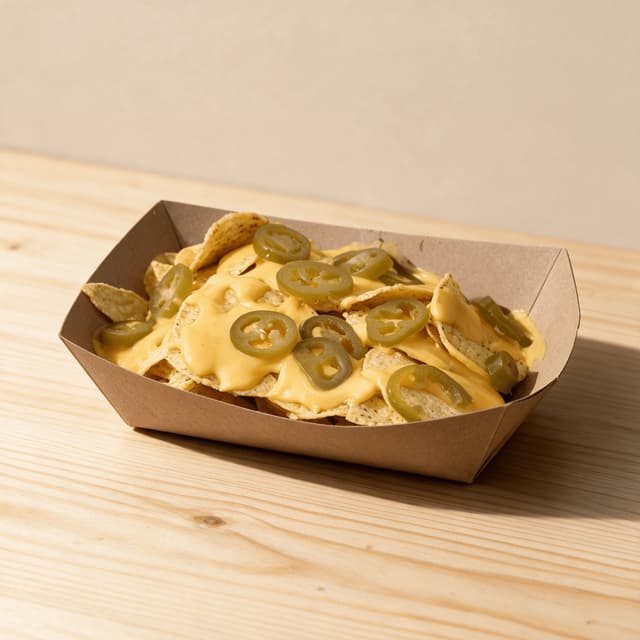
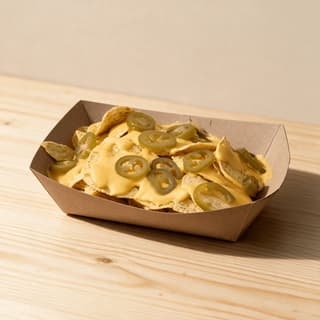
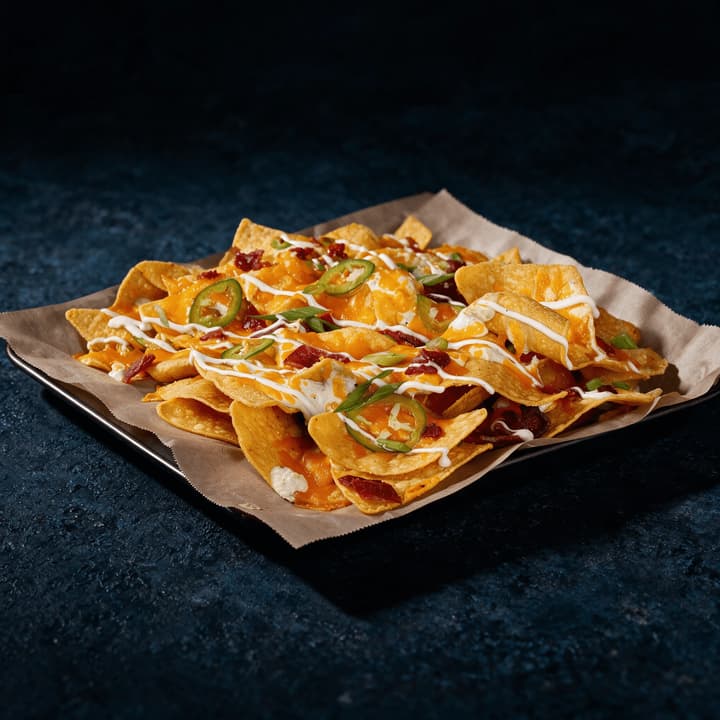
single tray of loaded nachos with melted cheese and jalapeno rings on a stainless counter
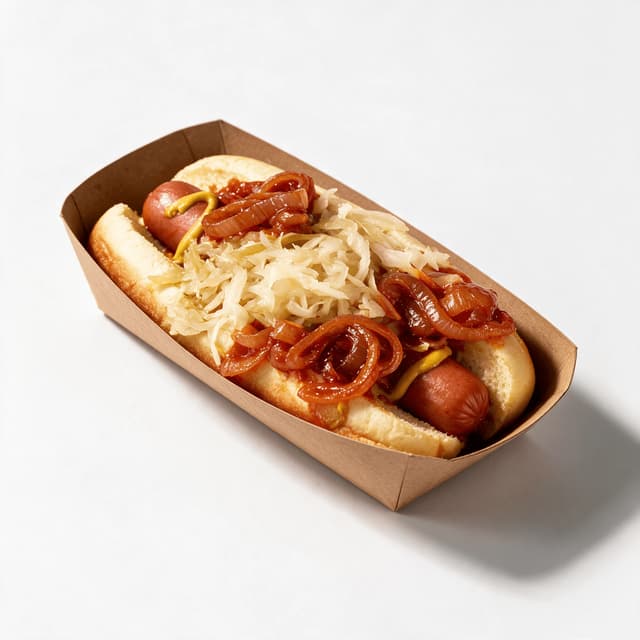
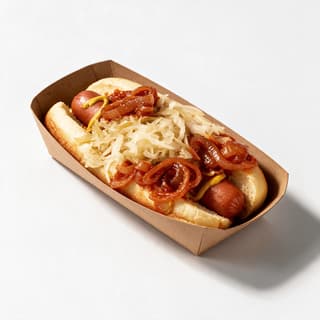
single loaded hot dog in a paper sleeve topped with mustard, onions and relish
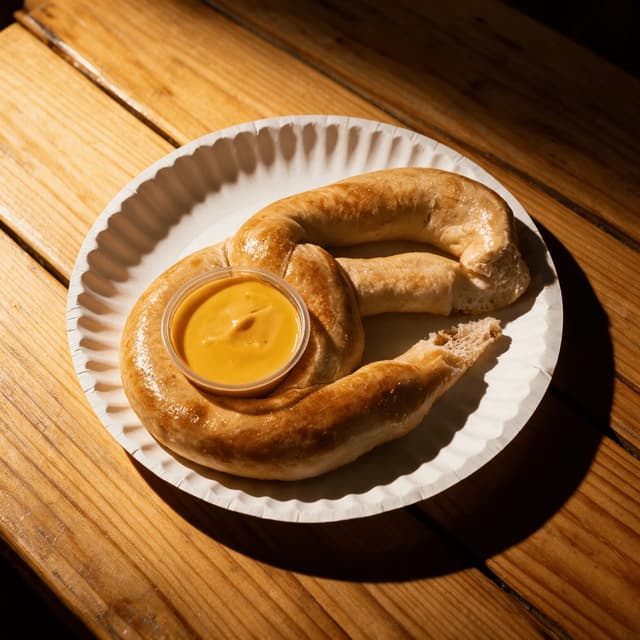
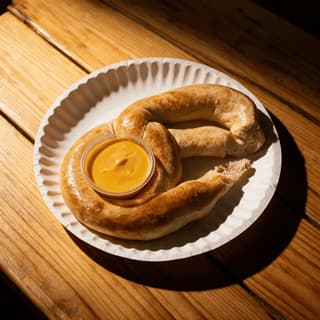
one large salted soft pretzel beside a small cup of warm cheese dip on pale wood
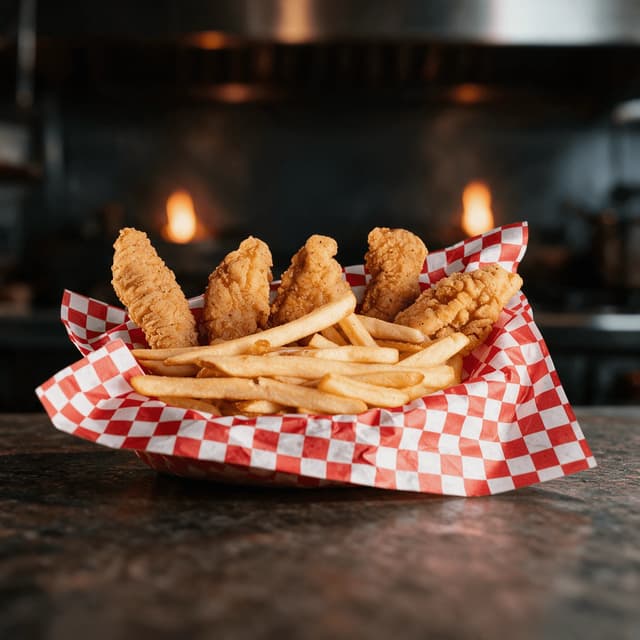
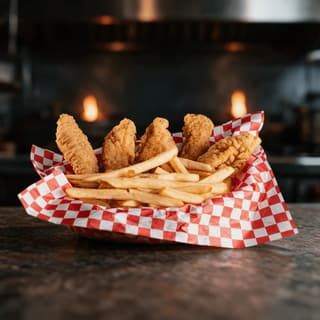
single paper lined basket of golden chicken tenders and fries on a stainless service shelf
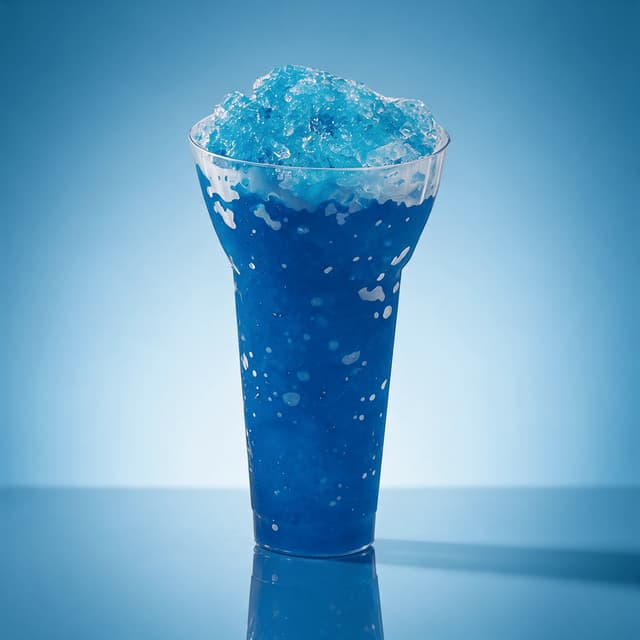
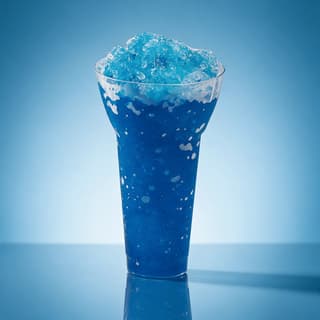
one tall clear cup of bright blue frozen slush beaded with condensation on a blue backdrop
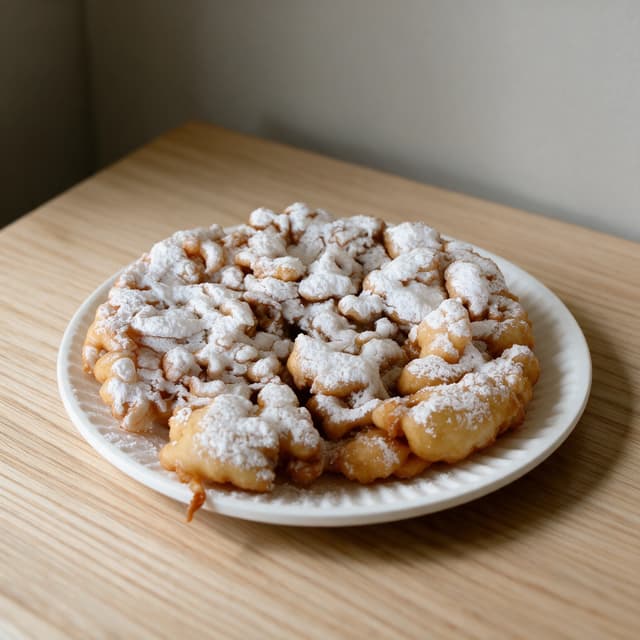
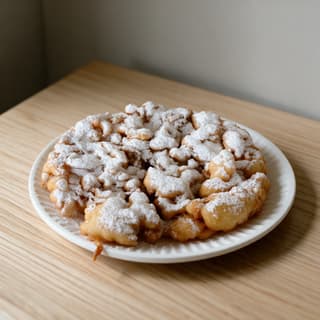
single funnel cake heavy with powdered sugar on a plain paper plate in soft daylight
For Concession Stands & Venue Food Operators

A concession stand menu board has three minutes to sell the upgrade.

Your queue arrives between innings and leaves in three minutes, and most concession stand menu boards are text-only because nobody has photos. Shoot the loaded nachos at the window and get a board-ready image in about 2 minutes.

Cancel anytimeFull commercial license

Upload your food photo → Get menu-ready photos
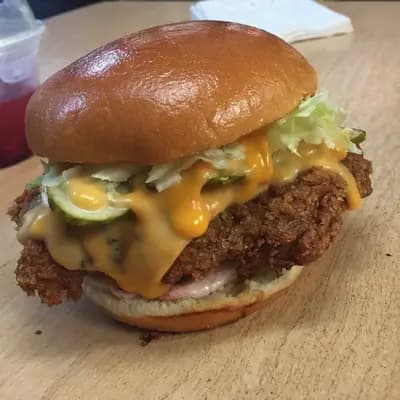
Original smartphone food photo before FoodShot AI enhancement
Studio-quality food photography generated by FoodShot AI
50,000+

Photos generated

2K

Output resolution

2 min

Average time

Concession Board Portfolio

Every window on the concourse, shot for the same board
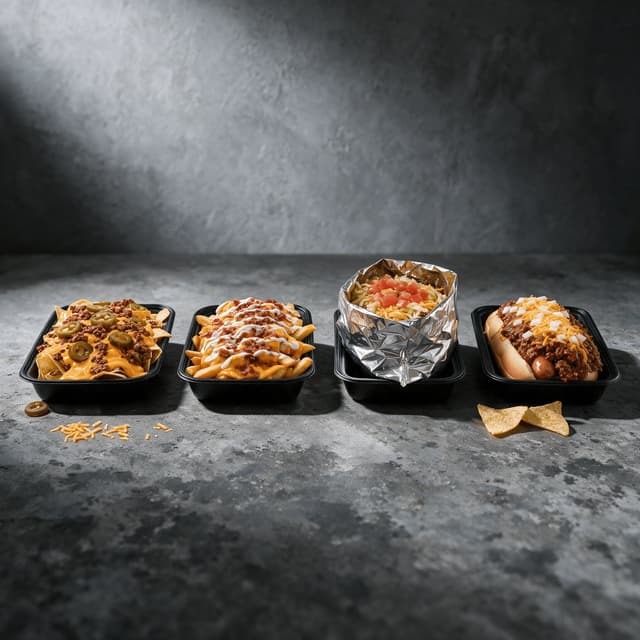
four separate loaded concession portions spaced evenly across a stainless counter

Signature Loaded Upsell Items

The high-margin loaded builds that lift the ticket
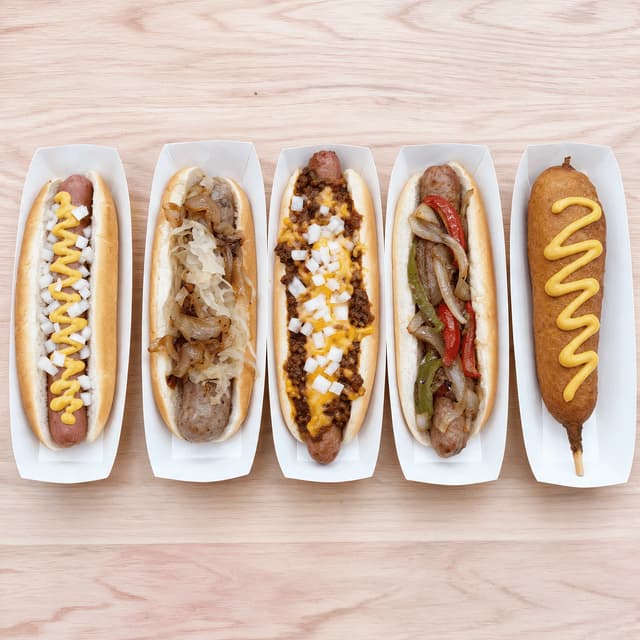
overhead row of five different loaded hot dogs and sausages spaced evenly on pale wood

Hot Dogs, Sausages and Handhelds

The whole handheld line-up in one board tile
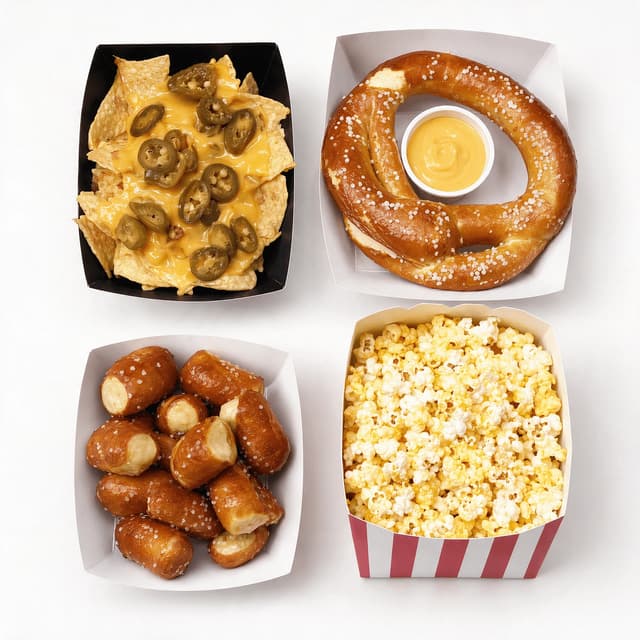
overhead white layout of a nacho tray, pretzel, pretzel bites and a striped popcorn tub

Nachos, Pretzels and Shareables

Shareable snacks that travel back to the seats
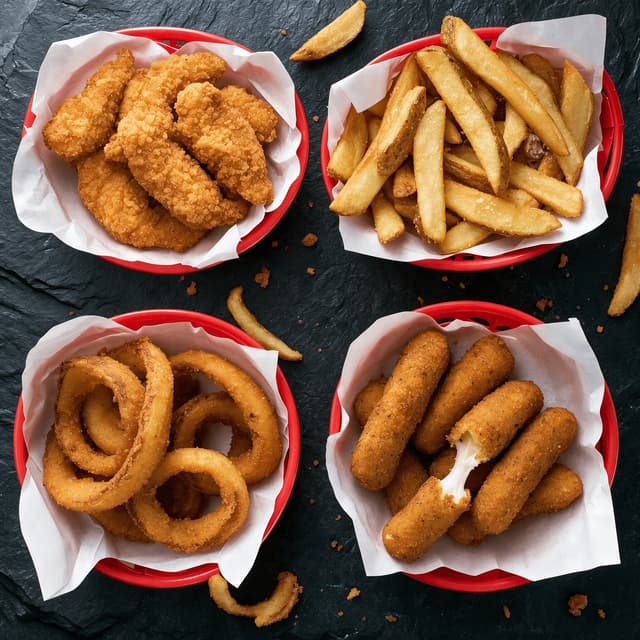
overhead dark slate layout of four fryer baskets holding tenders, fries, rings and sticks

Fried Items and Basket Combos

Fryer output shot so it still reads crisp on a board
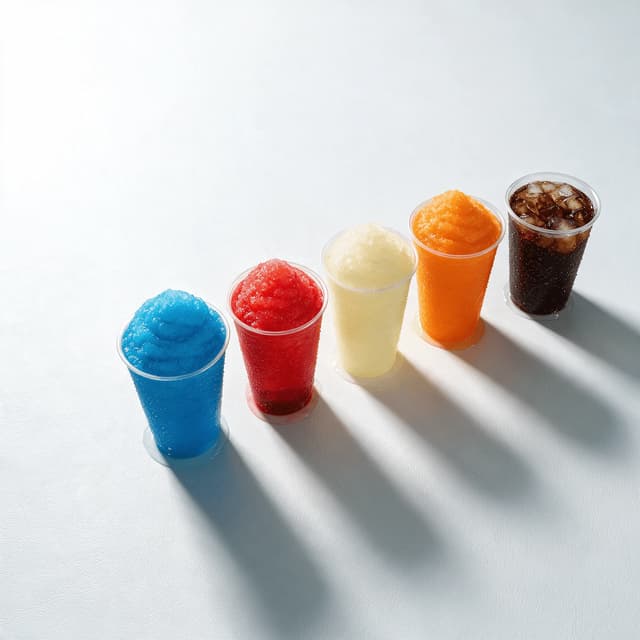
five clear cups of coloured frozen slush and fountain drinks spaced evenly on white

Frozen Drinks and Fountain Line-Up

Slushes, frozen lemonade and fountain cups by size
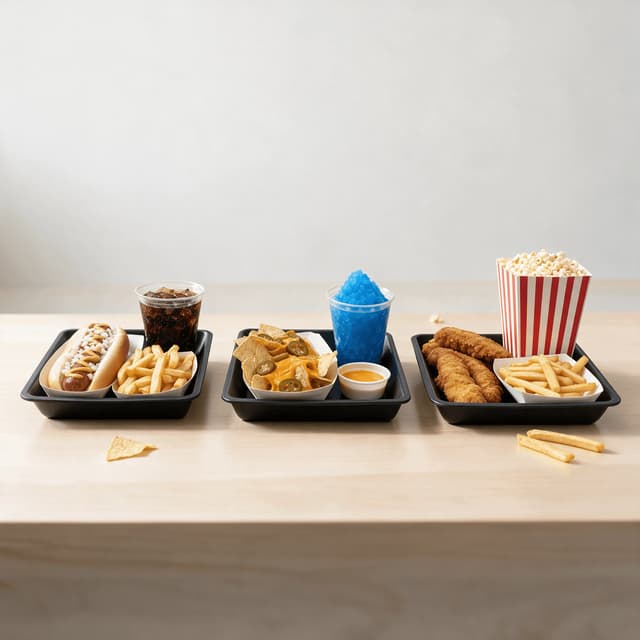
three concession combo trays each holding a main, a side and a drink on pale wood

Combo and Bundle Board Tiles

Bundles priced as one tile on the menu board
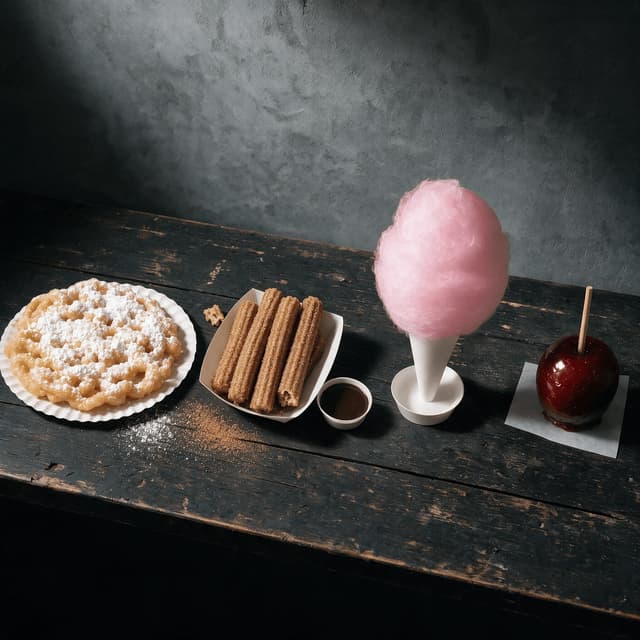
four fairground desserts spaced evenly on a weathered dark timber counter

Fair, Festival and Novelty Desserts

The midway dessert set that sells on sight

Features

Built for a board that has to sell in a three-minute queue

Concession Styles

Light that beats a fluorescent strip and a backlit board

100+ curated styles built for the way stadium concessions have to perform. Your food is photographed under the worst light in the building — a green fluorescent strip over the window, a heat lamp on the holding shelf, stainless throwing both back into the lens. FoodShot corrects the green cast, pulls heat-lamp yellow out of fried coatings, and keeps condensation reading as cold. Bright white and pale timber for printed boards, dark, high-contrast falloff for backlit screens. See our food trucks and drive-thru restaurants pages.

Explore styles→

Builder Mode

Surface plus backdrop plus portion equals a board tile

Pick a surface — brushed stainless, pale timber, seamless white, dark slate. Choose a backdrop — flat white for the printed board, near-black falloff for a lit screen. Upload your window photo and Builder Mode composites all three into one image, with the sauce pump, glove box and shift sheet out of frame. Your customer sees the entire board at once, and Builder Mode keeps all twelve tiles at the same scale, under the same light. Snack-led operators: see our popcorn and snack makers page.

Try Builder Mode→

My Styles

Lock the board look once, apply it to every window

Save the look once and every new item inherits it. A venue programme is never finished — the ballpark adds a speciality dog for one series, the fair brings a novelty item that sells four days a year. My Styles fixes the surface, light and crop once and applies that recipe to everything you add; a manager running nine windows hands the same saved style to whoever shoots that week and the tiles still match. New item Monday, matching tile Monday. Seasonal operators: see our shaved ice stands page.

Match your brand→

More to explore

One tool, endless possibilities

Before → After

From phone snap to studio shot

See the transformation from a casual phone snap to a styled studio shot.
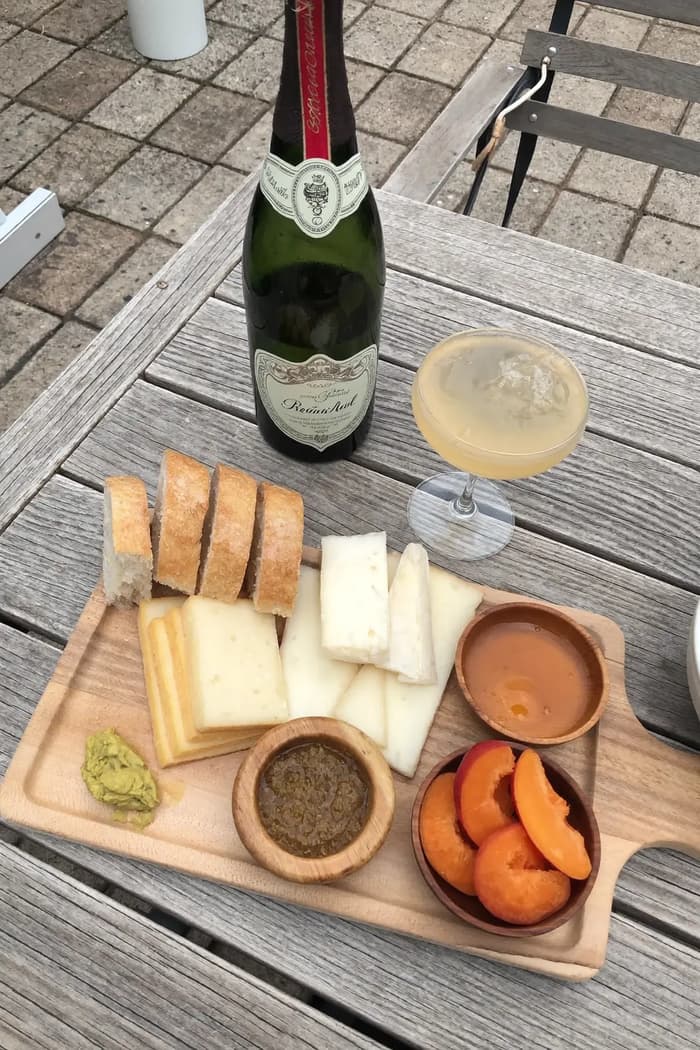
Raw phone food photo before AI enhancement
Studio quality food photo after FoodShot processing

Multi-variation

One photo, endless options

Generate multiple styles from a single upload. Pick the best.
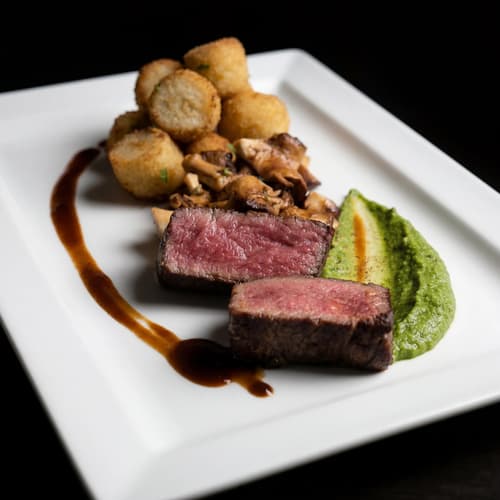
Food photo variation - delivery app style
Food photo variation - restaurant menu style
Food photo variation - social media style
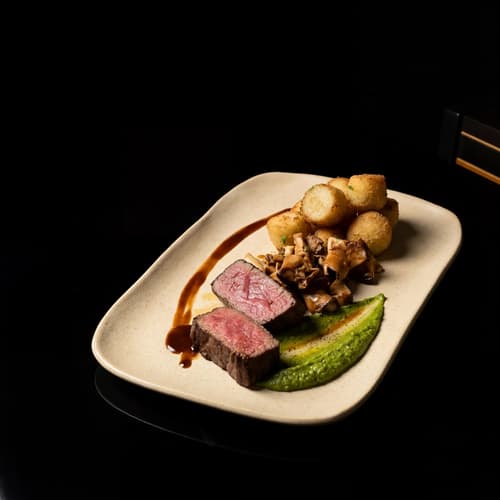
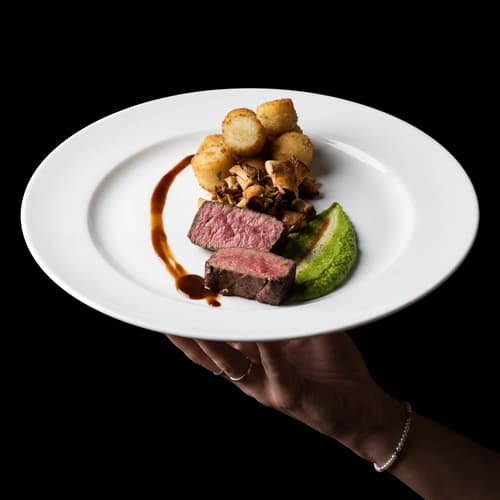
Food photo variation - fine dining style

Poster Mode

Marketing-ready designs

Pick a template, drop your food.
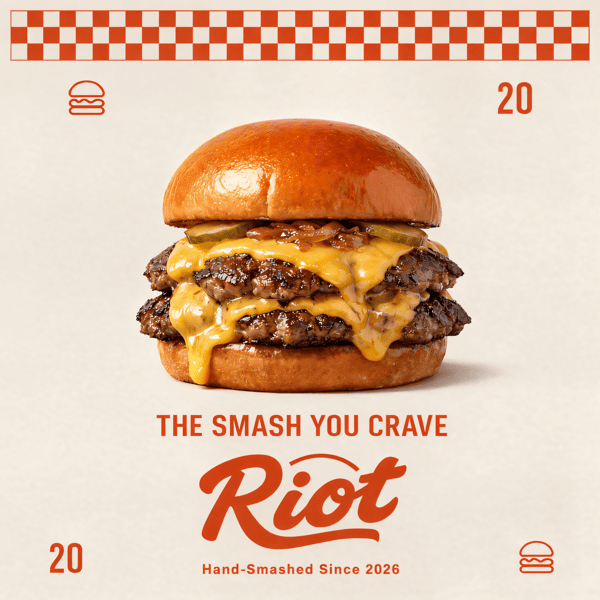
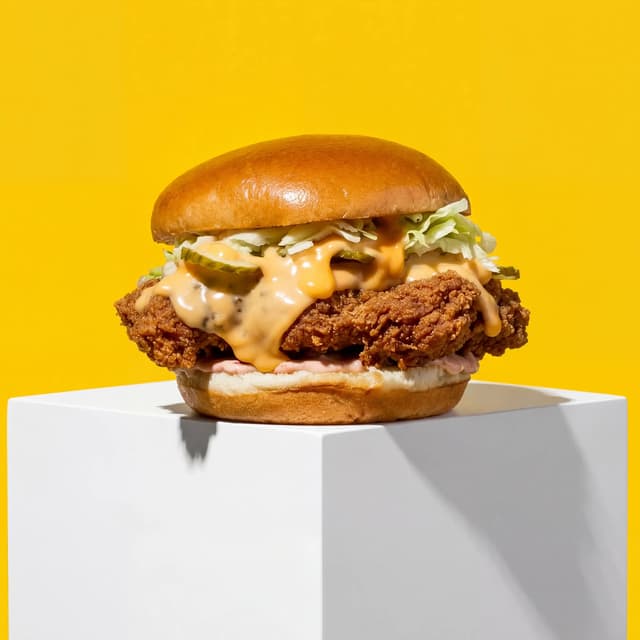
Smash burger restaurant poster design
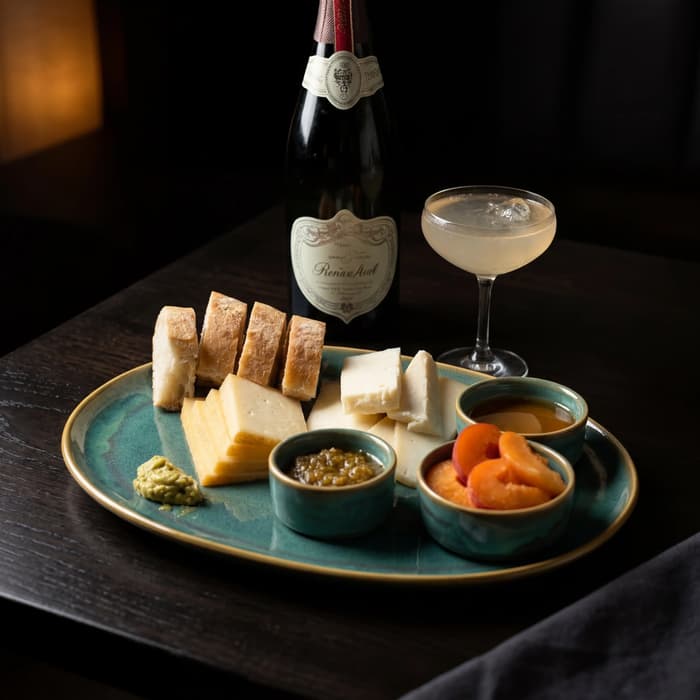
Cocktail bar promotional poster
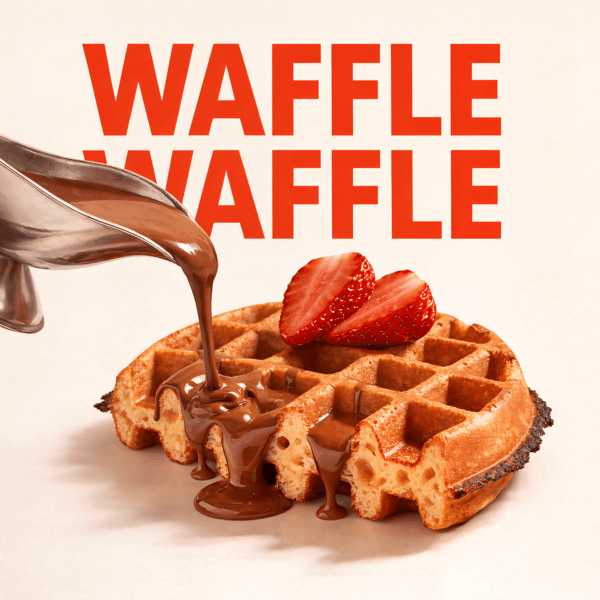
Waffle social media advertisement
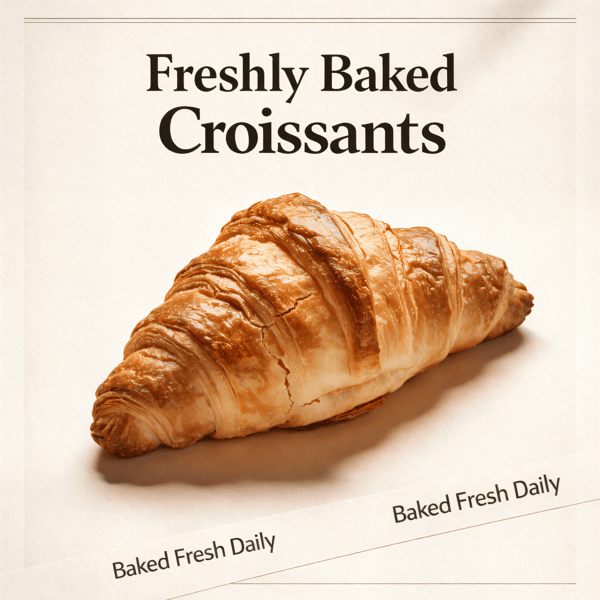
Croissant bakery marketing poster

Prompt Editing

Describe it, get it

Add sauce, swap plates, change lighting — just type what you want.
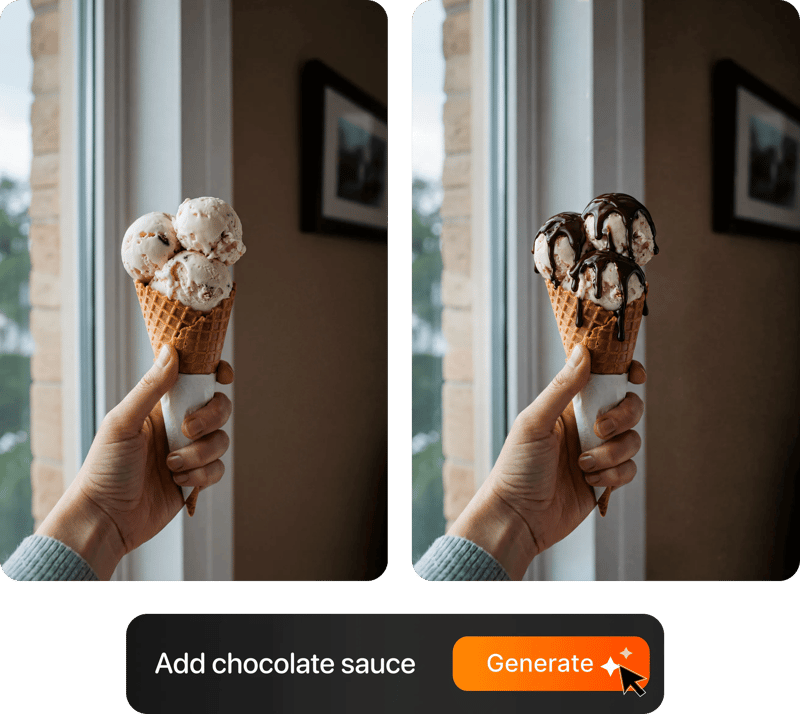
Prompt-based food photo editing

200+ Styles

Styles for every vibe

From clean white to moody fine dining. One tap.
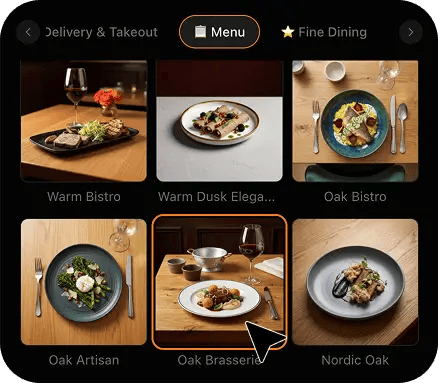
FoodShot 200+ food photography style presets grid

2K Resolution

High-resolution output

2K output (2048 × 2048 px for a square photo), sharp for delivery apps, websites and social. Need more for print? Use the 2× upscale in the studio.

2K

Perfect For

Every kind of fixed concession and venue food operation

From a single snack window at a school sports complex to a concourse running twenty stands, the problem is identical: a queue that arrives all at once, three minutes to sell, and a text-only board.

🏟️

Stadium & Arena Concession Stands

Between innings the board does the selling. A text-only board pushes the queue to the cheapest thing they recognise, so the speciality item carrying your margin never moves. Shoot the loaded tray on a quiet afternoon and put a picture next to the price.

🎬

Cinema & Theatre Concession Counters

Your trading day is compressed into the ten minutes before a screening, in a dim lobby where the board is the only thing lit. A picture of the actual combo tray — tub, drink, sweet — explains the upsell in a fraction of a second.

🎡

Fairground, Carnival & Festival Stands

Your customer walks past twenty stands and decides in two seconds where to stop, usually on a picture. Shoot the funnel cake or candy apple once, restyle it, and use the same image on the stand board, the site map and the event app.

🏫

School & Community Sports Complex Snack Bars

A booster-run snack window trades ninety minutes on a Saturday with volunteers who change every week, and the board is a photocopied price list. One phone photo per item, restyled, gives you a board that raises the combo ticket season after season.

🏊

Pool, Rink & Recreation Centre Windows

A fixed window under hard fluorescent light against tile and stainless is the least flattering place food can be photographed, and hot handhelds, fried baskets and frozen drinks all photograph badly on a phone. Restyled imagery makes the window read as somewhere worth queueing.

📋

Independent Concessionaires Bidding for Stands

You are bidding for a stand contract against operators with marketing departments, and heat-lamp phone photos undersell genuinely good food. The images that fill your board also fill the bid: a consistent set of every item, produced in an afternoon.

Reviews

Loved by food businesses

“Being a Pastry Chef Restaurant consultant and having to design recipes and menus and plating design is a difficult task. Foodshot AI managed to change my life. … Foodshot does it all.”
App Store

Happy Girl Pastry Chef

App Store

“Great for small business! The app is easy to use. Smooth and professional results. Multiple background/settings/styles to choose. Highly recommend!”
App Store

Trangbi89

App Store

“This app helped me enhance my food photoshoot. Thanks to this app, I can now create pro-quality photos for my Menu.”
App Store

Lalalisaoh

App Store

“Excellent”

Fabio Lima

Google Play

“Great”

Iván Fabricio Amador Pavón

Google Play

“Cool”

Darut Thollab

Google Play

“For marketing and advertising we can use it as an enhancement. Really solid tool.”

Reddit User

r/restaurantowners

“Oohhh woowwww... Seriously amazing. The quality blew me away.”

Remarkable-92

r/restaurantowners
“Being a Pastry Chef Restaurant consultant and having to design recipes and menus and plating design is a difficult task. Foodshot AI managed to change my life. … Foodshot does it all.”
App Store

Happy Girl Pastry Chef

App Store

“Great for small business! The app is easy to use. Smooth and professional results. Multiple background/settings/styles to choose. Highly recommend!”
App Store

Trangbi89

App Store

“This app helped me enhance my food photoshoot. Thanks to this app, I can now create pro-quality photos for my Menu.”
App Store

Lalalisaoh

App Store

“Excellent”

Fabio Lima

Google Play

“Great”

Iván Fabricio Amador Pavón

Google Play

“Cool”

Darut Thollab

Google Play

“For marketing and advertising we can use it as an enhancement. Really solid tool.”

Reddit User

r/restaurantowners

“Oohhh woowwww... Seriously amazing. The quality blew me away.”

Remarkable-92

r/restaurantowners

FAQ

Concession Stand & Venue Food Photography FAQ

Common questions about photographing loaded stand food, fried baskets, frozen drinks and combo bundles for printed menu boards, digital screens and pre-order apps.

hello@foodshot.ai

FoodShot AI is a web and mobile app for restaurants, cafés, bakeries and other food businesses. You upload a photo of a dish you already have, choose a style, and FoodShot AI turns it into a professional food photo that you can download and use on your menu, delivery apps, website and social media.

It's simple! Upload a photo of your food, choose your desired style (menu photography or social media format), and click generate. Each photo takes about 2 minutes. For poster creation, select from our professional templates, add your text, and create marketing-ready content.

Yes! Download our mobile app from the App Store to create stunning dish photos on the go. Access all features directly from your iOS device.

Yes! FoodShot AI is now available on Android. You can download it from Google Play and start creating professional food photos directly from your Android device.

With a paid plan, you can use the images you create for any lawful commercial purpose, including your restaurant, menus, delivery apps, marketing campaigns and social media. FoodShot does not claim ownership of them. See our Terms of Service for details.

Yes! For bulk processing needs, please email us at hello@foodshot.ai for our Enterprise plan options.

Yes, subscriptions renew month-to-month. To cancel, open Settings and click Manage subscription — it opens your Stripe billing portal, where you can cancel in one click. Fully self-serve, no questions asked, takes under a minute. Your plan stays active until the end of the billing period.

Yes, plan changes take effect immediately. You can upgrade or downgrade directly from your account dashboard. The new pricing will be adjusted for your current billing cycle.

We offer a full refund if you haven't used any credits in your current billing period. Refund requests must be made within 7 days of payment. Previous billing periods are non-refundable. Simply contact us at hello@foodshot.ai if you're not satisfied.

No, unused credits do not roll over to the next month. This applies to both monthly and yearly plans. Credits refresh every month regardless of your billing plan.

Yes! With our custom photography feature, you can upload your own reference images to create consistent branded content. Upload your restaurant's signature background, plating style, or any reference photo, and FoodShot AI will generate new images matching that exact style.

Absolutely! Once you upload a custom background or reference template, you can use it for all your future generations. This is perfect for maintaining consistent branding across all your food photography. Save your favorite backgrounds and create a cohesive visual identity for your restaurant.

FoodShot AI supports all major image formats including JPG, PNG, WEBP, and HEIC. For best results, we recommend using high-quality images with good lighting. The AI will analyze your reference and apply the same style, lighting, and composition to your food photos.

Yes! You can upload your own poster designs and templates. Whether it's your restaurant's branded template or a custom design, simply upload it and FoodShot AI will intelligently place your food photos while preserving your design elements, logos, and text.

All paid plans include unlimited custom template uploads. You can build an entire library of your brand's templates, backgrounds, and reference styles.

No. FoodShot never sends a photographer, never runs an on-site or studio shoot, never prints, mounts or installs a menu board for you, and never invents a dish you do not sell. It restyles photos you take yourself. You build the item exactly the way it goes over the counter, put it on any flat surface at the stand, take a phone photo of it, upload that photo, and FoodShot re-lights and re-stages that exact image — the same portion, the same tray, the same toppings, the same bun. Nothing about the food is fabricated, which matters enormously at a venue, because the customer is holding the real thing ninety seconds after seeing the picture above the window. What changes is the light, the surface underneath and the clutter behind it, never the food.

Take the tray off the heat shelf and put it on any clear flat surface you have — the end of the counter, a clean prep bench, even a tray stack lid — then step half a pace back and shoot it straight on or from about forty-five degrees above. Leave a generous margin of empty surface on all four sides, because board software, digital screens and pre-order apps all crop to their own aspect ratio and a tight phone shot loses its edges. Do not fight the strip light by moving lamps around; just avoid shooting directly down into stainless, which mirrors the tube straight back at you. FoodShot handles the green cast, the heat-lamp yellow, the blown highlight and the background. One frame per item is enough.

Yes, and that is exactly why you shoot with margin. One upload produces a high-resolution image that crops cleanly to a square tile for a printed board, a wider banner for the digital screen above the register, and a taller card for a pre-order or delivery listing, without the portion ever being clipped or drifting off-centre. Because the surface, the light direction and the scale are locked by the style you chose, the same item looks identical wherever it appears, which is what makes a board of forty tiles read as one operation instead of forty separate photos. Adding a placement later — a concourse poster, a season pre-order page, a delivery listing — costs you nothing extra.

Loaded items are the hardest thing on a concession board to photograph and the most valuable to get right, because they are where the upsell lives. The problems are always the same three: cheese sauce that goes flat orange and reads as plastic, a bun or tray that disappears into a blown-out stainless background, and sauce that photographs as a shapeless brown mass with no texture. Restyling fixes all three by changing the light direction rather than the food — a raking source rebuilds the crag of the chips and the glisten on the cheese, a controlled background separates the tray from the counter, and colour correction lets the jalapenos read green and the beef read brown. The aim is to keep the portion as you built it, mess included, because that mess is the sell, so check each result against the real tray before you publish it.

Each item is one phone photo and about 2 minutes of processing, and you can shoot a batch in one sitting and process them together. A realistic pattern is one quiet session at the stand before a fixture: build fifteen items the way they go over the counter, shoot fifteen frames in under an hour, upload them against one saved style, and have fifteen matching tiles the same day. Most operators work through the board in order of margin — the loaded signature items first because that is where the upsell is, then combos and bundles because a picture explains a bundle faster than any line of text, then the simple singles that already sell themselves.

That is the reason this page exists. In a three-minute queue nobody reads a board — they scan it. A price list gives a customer no reason to trade up, so the default order is the cheapest recognisable item, and the loaded build, the combo and the upsize all go unsold. Putting an image next to an item reliably lifts attachment and average ticket, because the picture does the describing that your team has no time to do at the window. The practical version is simple: photograph the three or four items you most want to sell, get those onto the board first, and let the rest of the range follow as you work through it.

Your concession board deserves better than a price list.

For concession, venue and fairground food operators producing board-ready photos in about 2 minutes.

Start Creating
Cancel anytimeFull commercial licenseStudio-quality results