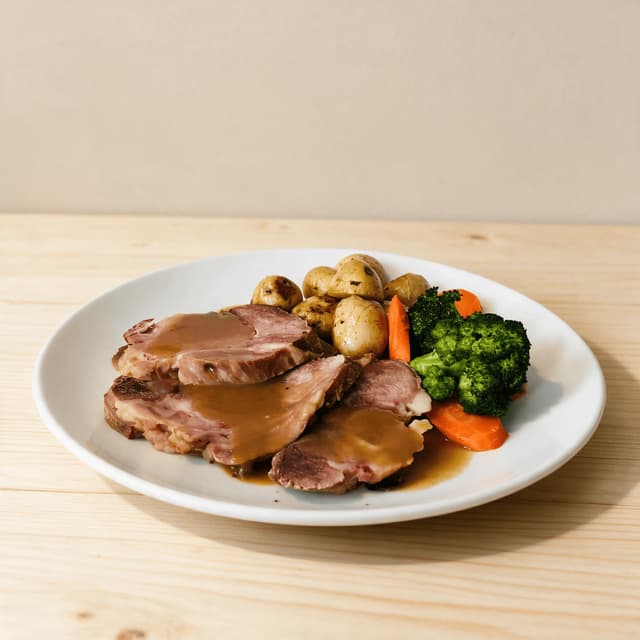
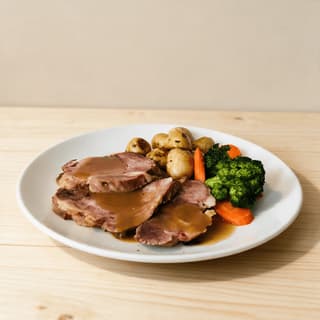
Sliced roast beef with dark gravy, baby roast potatoes, carrots and broccoli on a plain white plate
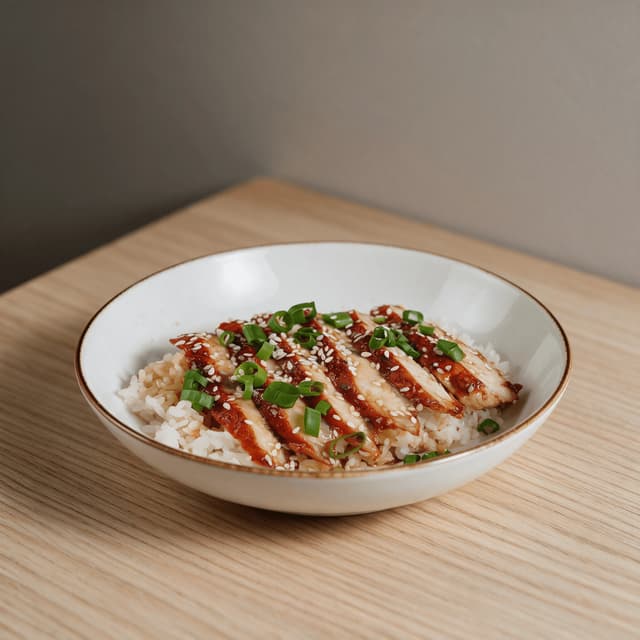
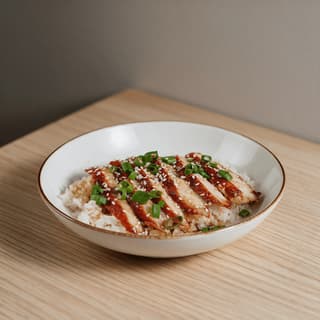
Glazed teriyaki chicken over steamed rice with spring onion and sesame seeds in a shallow bowl
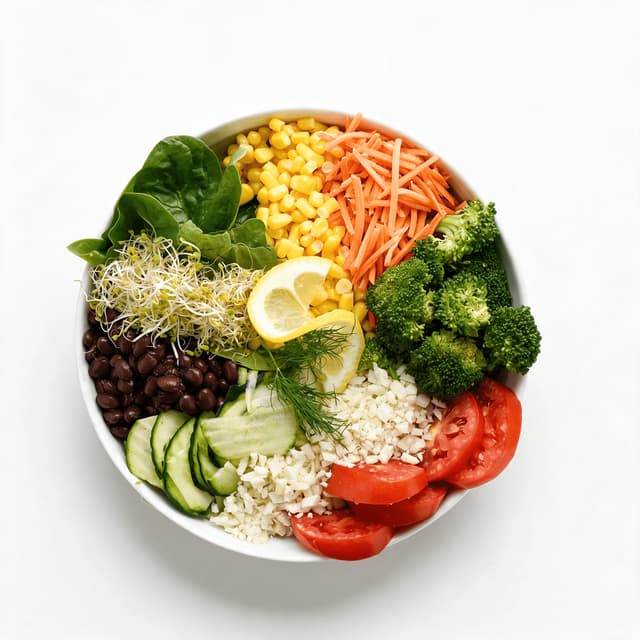
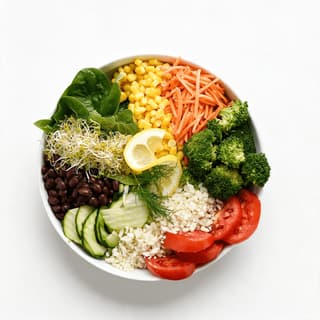
Overhead view of a build-your-own salad bowl with spinach, sweetcorn, shredded carrot, broccoli, black beans, cucumber and tomato
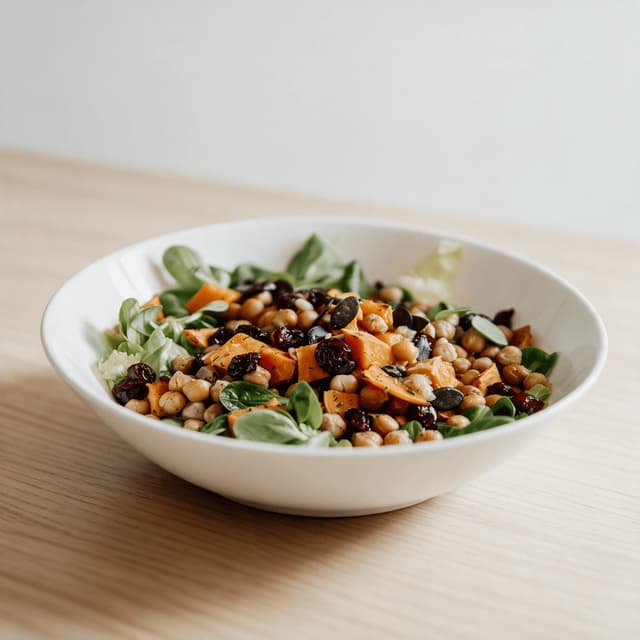
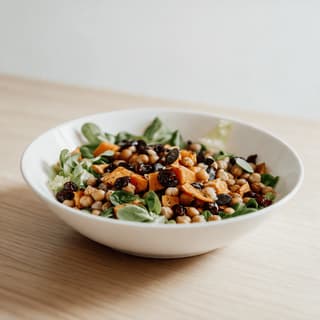
Roasted squash and chickpea bowl with baby leaves, dried cranberries and toasted pumpkin seeds
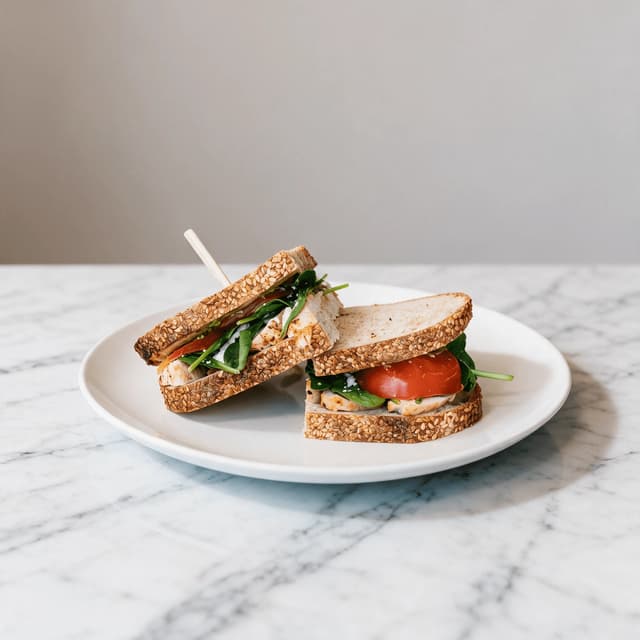
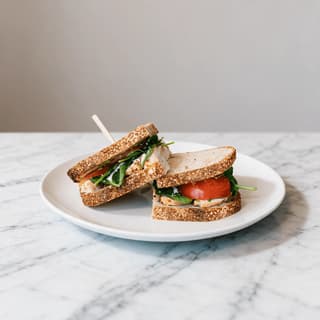
Halved multigrain deli sandwich showing sliced chicken, spinach and tomato filling on a white plate
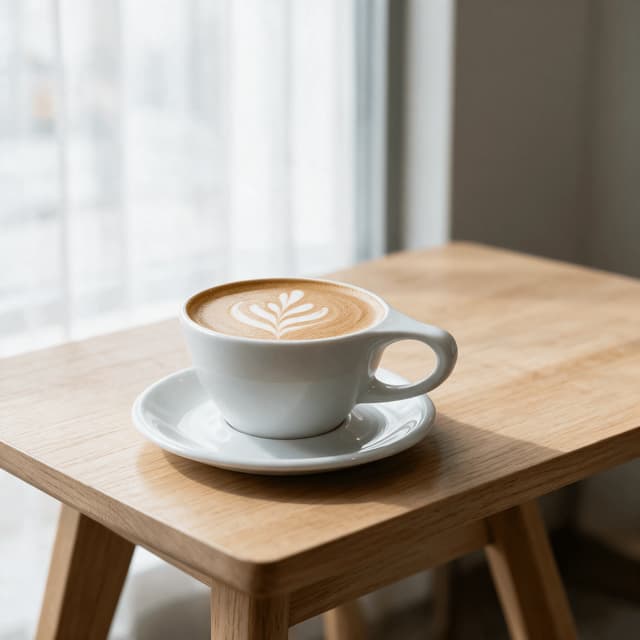
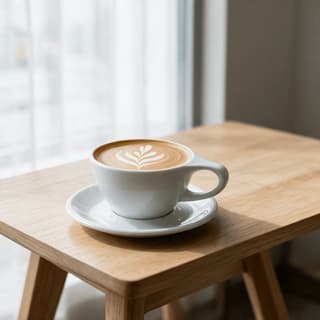
Flat white coffee with a poured rosetta pattern in a white ceramic cup on a matching saucer
For Workplace & B&I Dining Teams

Lunch is decided at 11:40.

By twenty to twelve either the corporate cafeteria won the next hour or the pavement did. Shoot today's line at 11:15, upload it, and push a clean, appetising set to every screen at about 2 minutes an image — before the rush.

Cancel anytimeFull commercial license

Upload your food photo → Get menu-ready photos
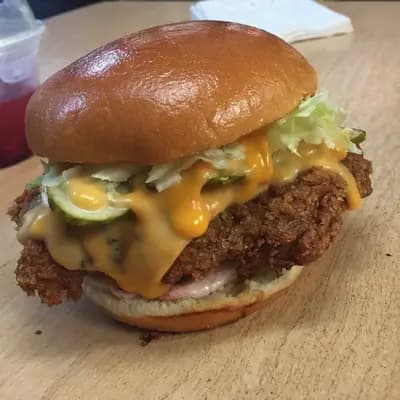
Original smartphone food photo before FoodShot AI enhancement
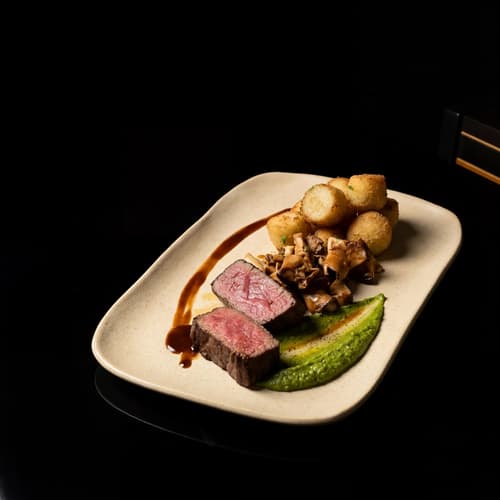
Studio-quality food photography generated by FoodShot AI
50,000+

Photos generated

2K

Output resolution

2 min

Average time

Service Portfolio

Every counter you run, shot to the same honest standard
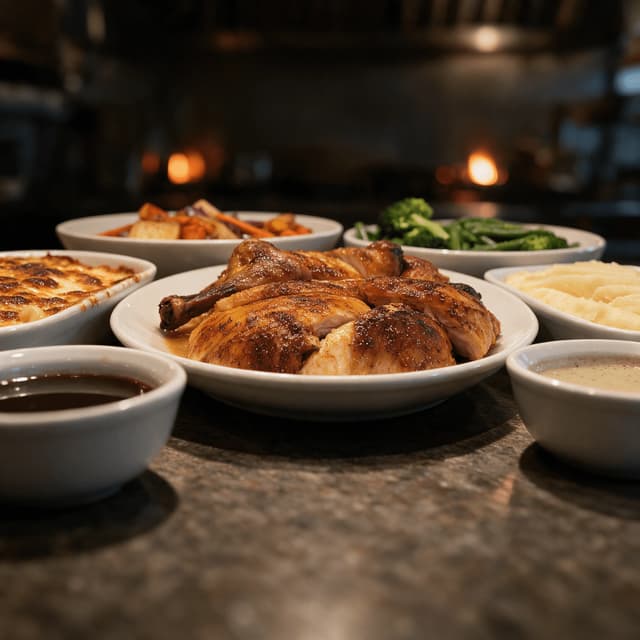
Servery hot line spread with roast chicken, macaroni cheese, mashed potato and roasted vegetables

Daily Specials & Hot Line

Today's servery line, shot before the rush
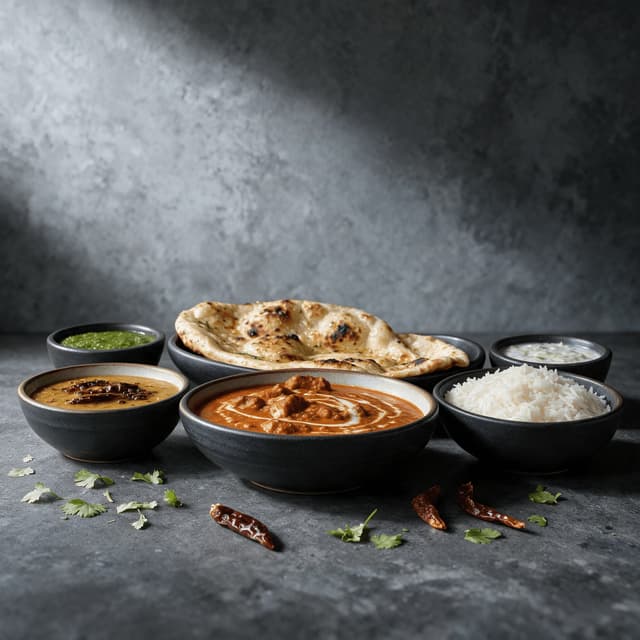
Global station spread with butter chicken, dal, basmati rice, naan and small bowls of chutney

Global & Rotating Cuisine Stations

The Tuesday curry station, shot like it matters
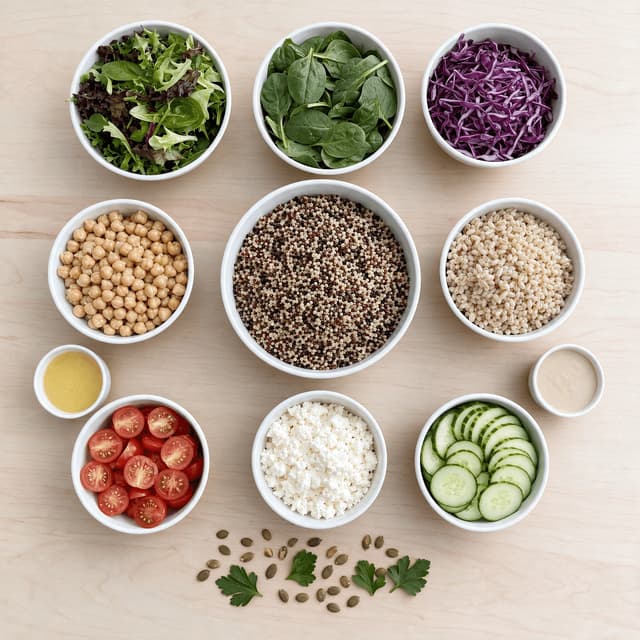
Overhead salad bar spread of separate bowls holding leaves, grains, chickpeas, feta and dressings

Build-Your-Own Salad & Grain Bowls

Every topping legible on a single tile
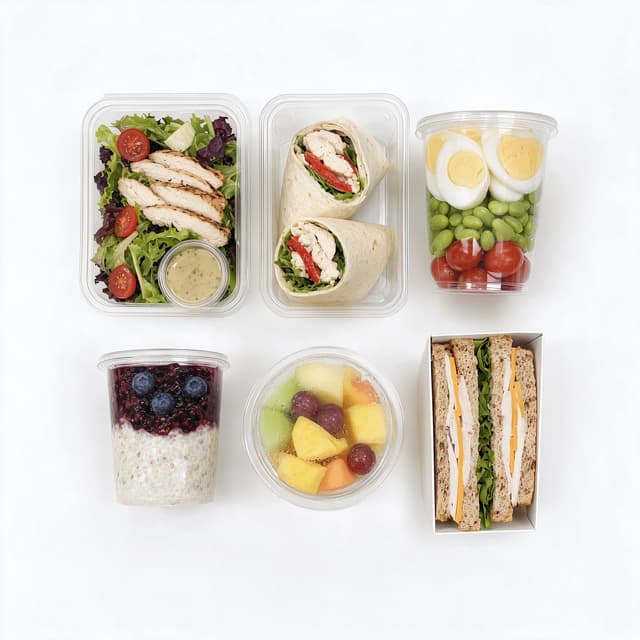
Overhead grab-and-go set with a salad box, wrap, protein pot, overnight oats, fruit cup and sandwich

Grab-and-Go Chillers

Desk lunches that sell with nobody standing there
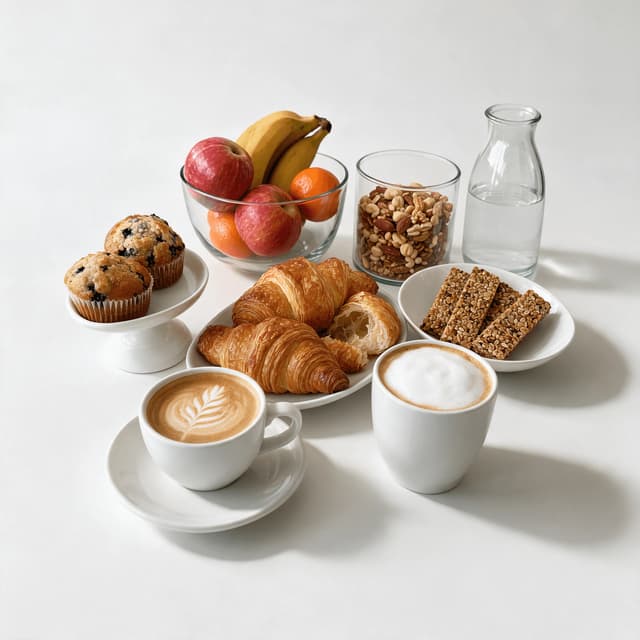
Coffee and pantry spread with a flat white, cappuccino, croissants, muffins, granola bars and fruit

Barista Coffee & Pantry Programmes

The 3pm reason people stay in the building
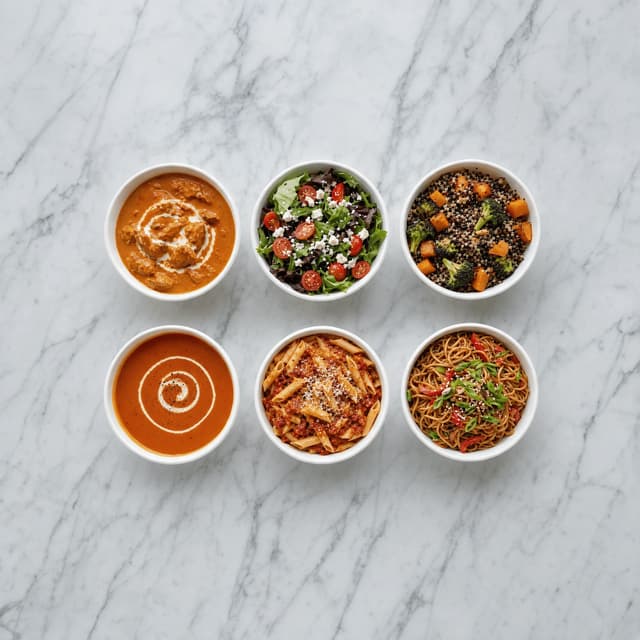
Overhead grid of six matching white bowls holding curry, salad, grain bowl, soup, pasta and noodles

Lobby Screens & App Tiles

One format, forty items, one consistent look
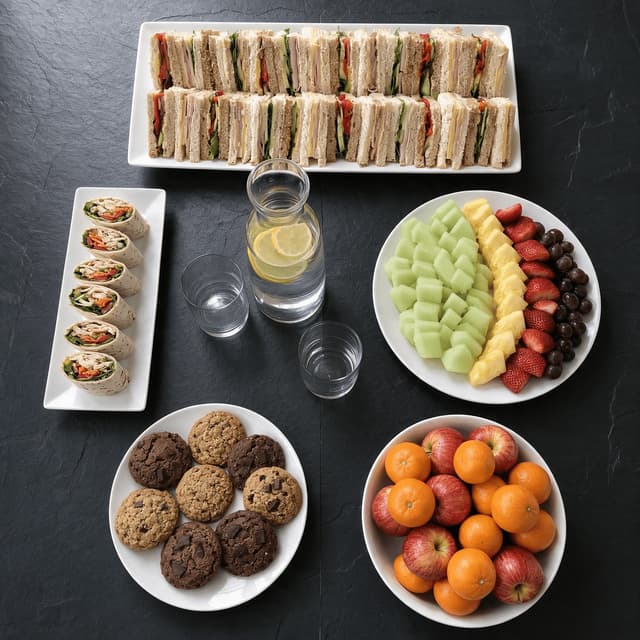
Overhead meeting catering spread with sandwich platter, wraps, fruit platter, cookies and water

Meeting Catering & Internal Events

The boardroom order, photographed in advance

Features

Built for a servery, not a studio

Service Styles

Fix the light a servery was never going to give you

100+ curated styles for food that has to sell from a lobby screen. A servery's mix of fluorescent tubes, heat lamps and a stainless pass is why green beans photograph grey and a carvery joint comes out looking boiled. FoodShot corrects the cast, then re-lights: soft directional light for caramelised edges, flat neutral overhead for colour-true menu tiles, cool clean case light for grab-and-go. Because this is a corporate cafeteria, the styles stay honest — real service portions, real catering plateware.

Explore styles→

Builder Mode

Surface plus backdrop plus meal equals a menu tile

Pick a surface — stainless pass, stone counter, chiller shelf. Choose a backdrop, upload your photo, and Builder Mode composites all three, so the allergen folder, the sanitiser bottle and the corner of somebody's hi-vis never reach the frame. A workplace menu is forty items across a hot line, a deli, a chiller and an office pantry service; Builder Mode is how a workplace dining team shoots across three shifts and has every image sit on one surface, at one scale, under one light.

Try Builder Mode→

My Styles

One look, locked, across every site you run

Set the one plate that landed under good atrium daylight as your style reference, and everything photographed afterwards matches it — surface tone, light direction, contrast, background. The same grain bowl appears on the lobby screen, in the ordering app, in the Monday menu email and in the client's quarterly deck; if it looks like four different meals, you lose the habit of eating in. For a business and industry dining operator, the look survives cycle rotations, new stations and mid-contract account transfers.

Match your brand→

More to explore

One tool, endless possibilities

Before → After

From phone snap to studio shot

See the transformation from a casual phone snap to a styled studio shot.
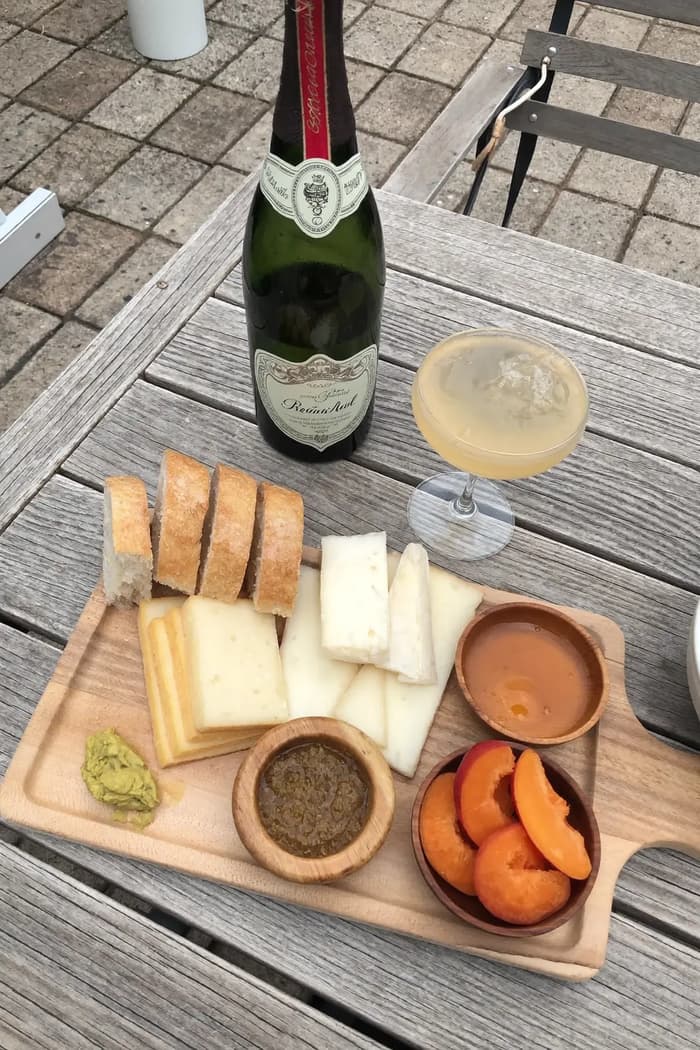
Raw phone food photo before AI enhancement
Studio quality food photo after FoodShot processing

Multi-variation

One photo, endless options

Generate multiple styles from a single upload. Pick the best.
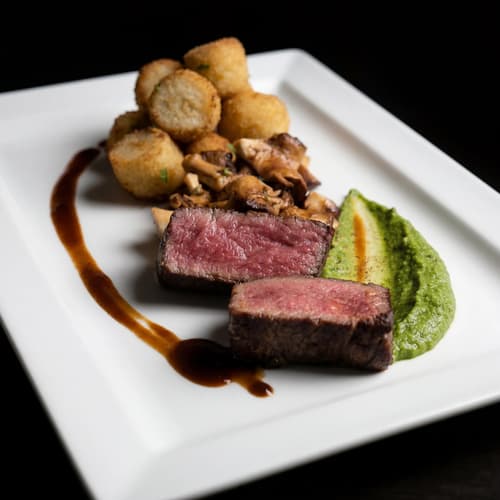
Food photo variation - delivery app style
Food photo variation - restaurant menu style
Food photo variation - social media style
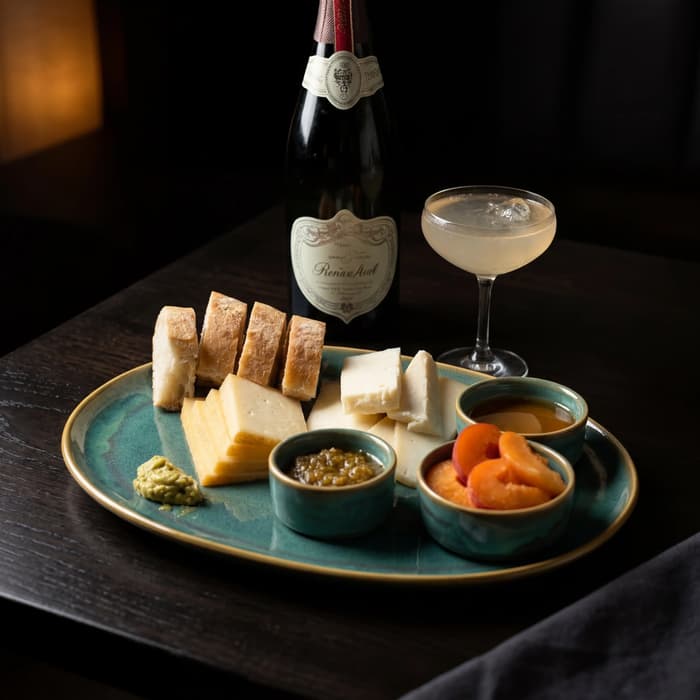
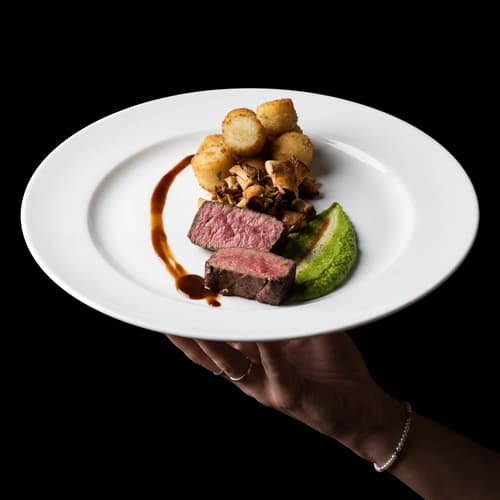
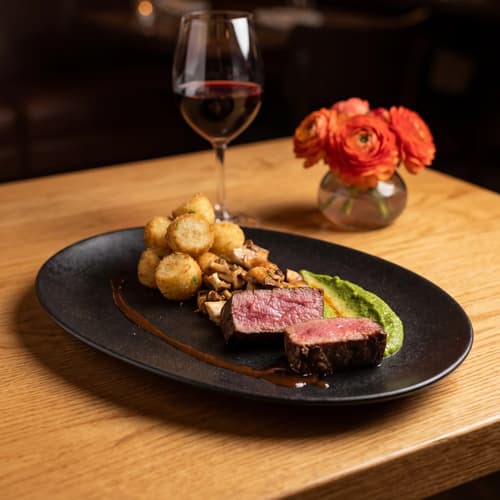
Food photo variation - fine dining style

Poster Mode

Marketing-ready designs

Pick a template, drop your food.
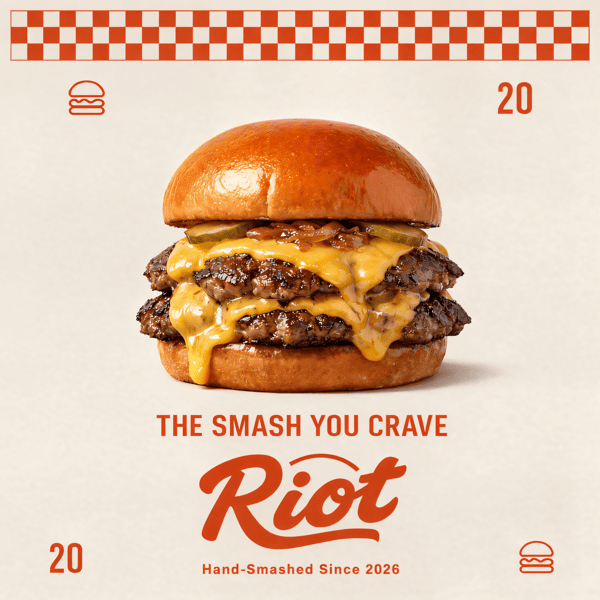
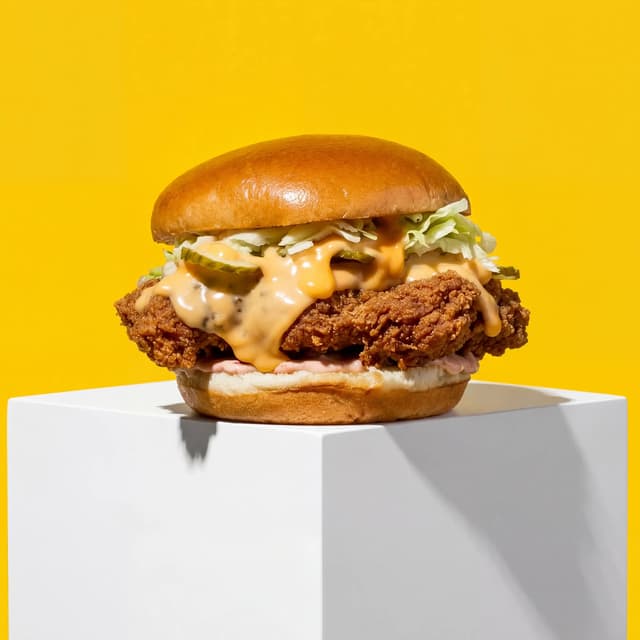
Smash burger restaurant poster design
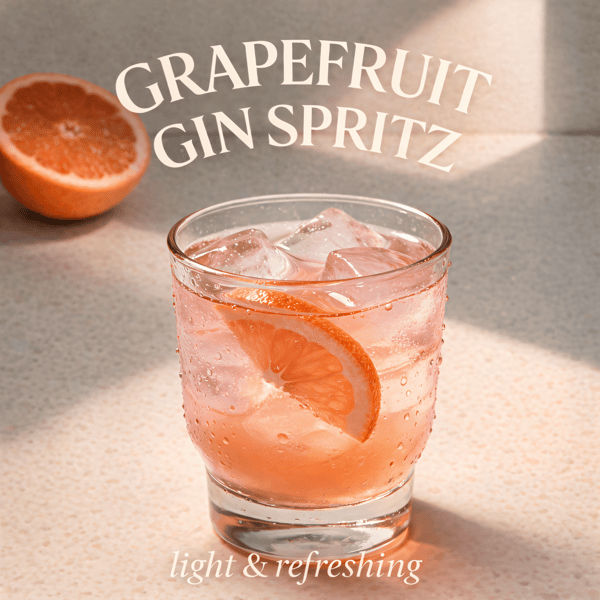
Cocktail bar promotional poster
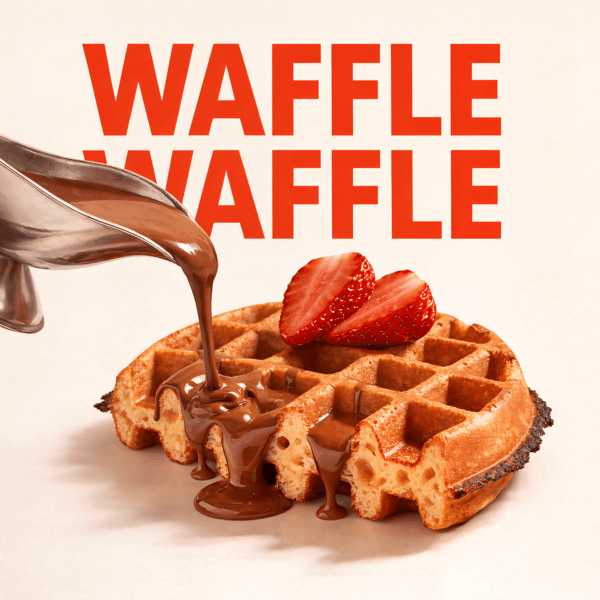
Waffle social media advertisement
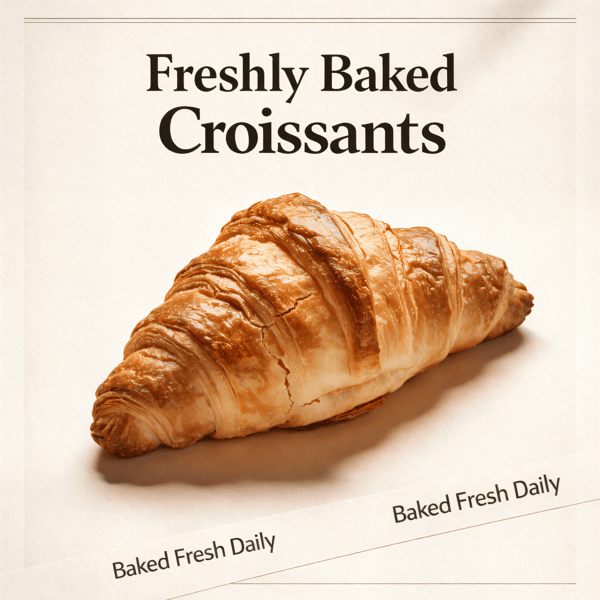
Croissant bakery marketing poster

Prompt Editing

Describe it, get it

Add sauce, swap plates, change lighting — just type what you want.
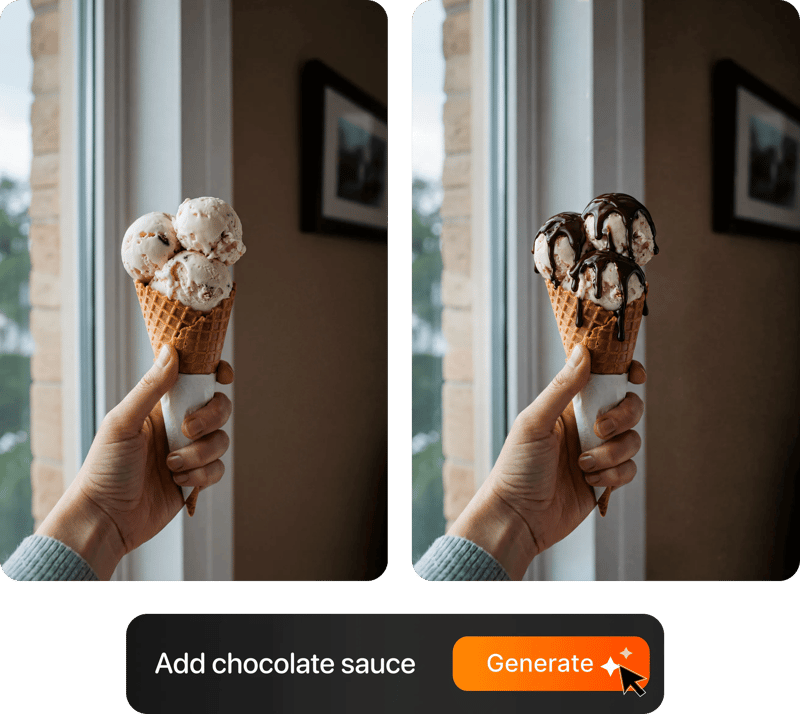
Prompt-based food photo editing

200+ Styles

Styles for every vibe

From clean white to moody fine dining. One tap.
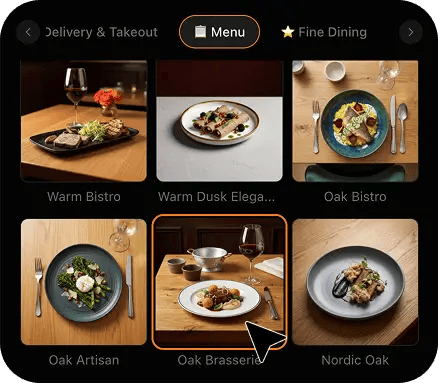
FoodShot 200+ food photography style presets grid

2K Resolution

High-resolution output

2K output (2048 × 2048 px for a square photo), sharp for delivery apps, websites and social. Need more for print? Use the 2× upscale in the studio.

2K

Perfect For

Every counter in a workplace dining programme

From a 4,000-desk headquarters running four stations to a single-floor office with one hot line, the problem is identical: a daily menu, an audience that can walk out of the building, and no photography support.

🏢

Single-Site Corporate Cafeterias

You are competing with the pavement and everyone who brought a lunchbox. Shoot today's line at 11:15, push it by 11:40, and the decision gets made while your food is still the most appealing thing anyone has looked at.

📋

Contract Foodservice Operators

Every account inherits a different servery, plateware set and screens. One locked style makes the programme look designed rather than assembled — which matters at retender, where the images are read long before anyone reaches the pricing schedule.

🌏

Global & Rotating Cuisine Stations

A rotating station only works if people know it rotated. The Tuesday curry and the monthly takeover get roughly one screen cycle to land, and a clean, hot shot of the actual pan turns a rotation into something people plan their week around.

🥗

Wellbeing & Build-Your-Own Bars

Toppings go dull under fluorescent light, greens turn grey, and the whole counter reads as worthy rather than good. Shot properly, a build-your-own bowl is the most persuasive image on your screen — and what keeps the wellbeing programme funded.

🧊

Chillers & Office Pantry Service

At the chiller nobody stands behind the counter, so the pack and the picture beside it do the entire job. Clean, honest shots of what is genuinely inside the box stop a wrapped sandwich looking like a last resort.

📺

Lobby Screens, Apps & Internal Comms

A lobby screen, an app tile and a team-channel post are all unforgiving of a dark, tilted, orange phone photo. Square, colour-true, consistently lit images sit correctly in all three, so the daily menu push looks like a programme somebody runs.

Reviews

Loved by food businesses

“Being a Pastry Chef Restaurant consultant and having to design recipes and menus and plating design is a difficult task. Foodshot AI managed to change my life. … Foodshot does it all.”
App Store

Happy Girl Pastry Chef

App Store

“Great for small business! The app is easy to use. Smooth and professional results. Multiple background/settings/styles to choose. Highly recommend!”
App Store

Trangbi89

App Store

“This app helped me enhance my food photoshoot. Thanks to this app, I can now create pro-quality photos for my Menu.”
App Store

Lalalisaoh

App Store

“Excellent”

Fabio Lima

Google Play

“Great”

Iván Fabricio Amador Pavón

Google Play

“Cool”

Darut Thollab

Google Play

“For marketing and advertising we can use it as an enhancement. Really solid tool.”

Reddit User

r/restaurantowners

“Oohhh woowwww... Seriously amazing. The quality blew me away.”

Remarkable-92

r/restaurantowners
“Being a Pastry Chef Restaurant consultant and having to design recipes and menus and plating design is a difficult task. Foodshot AI managed to change my life. … Foodshot does it all.”
App Store

Happy Girl Pastry Chef

App Store

“Great for small business! The app is easy to use. Smooth and professional results. Multiple background/settings/styles to choose. Highly recommend!”
App Store

Trangbi89

App Store

“This app helped me enhance my food photoshoot. Thanks to this app, I can now create pro-quality photos for my Menu.”
App Store

Lalalisaoh

App Store

“Excellent”

Fabio Lima

Google Play

“Great”

Iván Fabricio Amador Pavón

Google Play

“Cool”

Darut Thollab

Google Play

“For marketing and advertising we can use it as an enhancement. Really solid tool.”

Reddit User

r/restaurantowners

“Oohhh woowwww... Seriously amazing. The quality blew me away.”

Remarkable-92

r/restaurantowners

FAQ

Corporate Dining Photography FAQ

Common questions about photographing a servery line, a grab-and-go chiller, a barista counter and a daily menu tile with only a phone.

hello@foodshot.ai

FoodShot AI is a web and mobile app for restaurants, cafés, bakeries and other food businesses. You upload a photo of a dish you already have, choose a style, and FoodShot AI turns it into a professional food photo that you can download and use on your menu, delivery apps, website and social media.

It's simple! Upload a photo of your food, choose your desired style (menu photography or social media format), and click generate. Each photo takes about 2 minutes. For poster creation, select from our professional templates, add your text, and create marketing-ready content.

Yes! Download our mobile app from the App Store to create stunning dish photos on the go. Access all features directly from your iOS device.

Yes! FoodShot AI is now available on Android. You can download it from Google Play and start creating professional food photos directly from your Android device.

With a paid plan, you can use the images you create for any lawful commercial purpose, including your restaurant, menus, delivery apps, marketing campaigns and social media. FoodShot does not claim ownership of them. See our Terms of Service for details.

Yes! For bulk processing needs, please email us at hello@foodshot.ai for our Enterprise plan options.

Yes, subscriptions renew month-to-month. To cancel, open Settings and click Manage subscription — it opens your Stripe billing portal, where you can cancel in one click. Fully self-serve, no questions asked, takes under a minute. Your plan stays active until the end of the billing period.

Yes, plan changes take effect immediately. You can upgrade or downgrade directly from your account dashboard. The new pricing will be adjusted for your current billing cycle.

We offer a full refund if you haven't used any credits in your current billing period. Refund requests must be made within 7 days of payment. Previous billing periods are non-refundable. Simply contact us at hello@foodshot.ai if you're not satisfied.

No, unused credits do not roll over to the next month. This applies to both monthly and yearly plans. Credits refresh every month regardless of your billing plan.

Yes! With our custom photography feature, you can upload your own reference images to create consistent branded content. Upload your restaurant's signature background, plating style, or any reference photo, and FoodShot AI will generate new images matching that exact style.

Absolutely! Once you upload a custom background or reference template, you can use it for all your future generations. This is perfect for maintaining consistent branding across all your food photography. Save your favorite backgrounds and create a cohesive visual identity for your restaurant.

FoodShot AI supports all major image formats including JPG, PNG, WEBP, and HEIC. For best results, we recommend using high-quality images with good lighting. The AI will analyze your reference and apply the same style, lighting, and composition to your food photos.

Yes! You can upload your own poster designs and templates. Whether it's your restaurant's branded template or a custom design, simply upload it and FoodShot AI will intelligently place your food photos while preserving your design elements, logos, and text.

All paid plans include unlimited custom template uploads. You can build an entire library of your brand's templates, backgrounds, and reference styles.

No. FoodShot never sends a photographer, never runs an on-site or studio shoot, never enters your kitchen, servery or office building, and never invents a dish you do not serve. It restyles photographs your own team takes. Your chef plates today's special exactly as an employee will receive it, someone on the line takes a phone photo, that photo is uploaded, and FoodShot re-lights and re-stages that exact image. The same portion, the same catering plateware, the same components in the same arrangement. Nothing is fabricated from nothing. What changes is the light, the surface underneath and the clutter behind it — the meal itself is yours, and so is the accuracy of what the picture promises.

That is the entire design constraint, and in workplace dining it matters more than almost anywhere, because your audience eats with you again tomorrow. The restyle works from your photograph, so the service portion, the number of components, the sauce coverage and the plateware in the final image are the ones your line actually produced. It will not add a garnish you do not have, swap your catering plate for a slate board, plate three prawns where you served one, or turn a service scoop of mash into a piped quenelle. This is the practical difference from stock photography: a stock image of a restaurant plate sets an expectation your servery was never going to meet, and every employee who queued for it registers the gap. Shooting your own line means the tile and the tray are the same meal, so the photo raises appetite appeal without raising expectations you then have to disappoint.

Yes, and it is the single most common reason a workplace menu photo looks worse than the food. A servery mixes at least three colour temperatures in one room: cool fluorescent tubes overhead at around 4000K, warm halogen heat lamps sitting directly over the hot line at around 2700K, and a cold case throwing a distinctly blue cast over everything packed inside it. A phone camera has to pick one white balance for the whole frame, so something is always wrong — the beef goes orange, the greens go grey, and the chilled salad goes cyan. The restyle corrects the cast first and then relights the plate from scratch with a single controlled direction, which is why a carvery joint gets its browning back and a salad bowl gets its saturation back. It also means you do not need to carry a plate to a window before shooting, which is the workaround most teams have quietly been using and which costs you fifteen minutes you do not have at 11:15.

Yes, and the constraint is plating, not processing. Each restyle takes about 2 minutes, so the four or five items you actually promote on a given day are roughly eight to ten minutes of processing that can run while your team finishes service setup. The rhythm that works in practice is to photograph each special as it is plated for the pass, upload the batch at around 11:15, and have the set live on the screens and in the app before the 11:40 decision window opens. Cycle items you serve every week get shot once and reused. When a supplier substitution changes a component, you reshoot that one item on a phone and swap it in rather than rebuilding the set. That is the difference between menu photography being a project you postpone for two years and a task that keeps itself current alongside normal service.

Every image comes back at 2048x2048 and is optimised on delivery, which is comfortably enough for a lobby digital signage screen, an ordering app tile, an intranet page, a menu email, a team-channel post or a printed table card. FoodShot supplies the image file only — it does not print, produce or ship any physical menus, signage, posters, table cards, packaging or labels, and it does not design your branding or run your signage system. If you are sending an image to a large-format printed board for an atrium installation, confirm the minimum resolution with your print supplier before committing, because a board viewed from a metre away can want more pixels than any screen will. For screens, apps, email and everything you hand to an employee, what comes back is more than enough.

Shoot everything in one spot and let the restyle handle the rest. The routine that works is to keep one clear patch of the pass as the permanent photo position, plate each item as it comes off the line, put it in the same place and shoot from roughly the same height every time. Then set a single style reference in My Styles and run every image through it. Because the restyle rebuilds the surface, the background and the light, differences in when and where you shot — the hot line under heat lamps at noon, the chiller at 6am, the barista counter by the window at 3pm — simply disappear. For a contract operator that means eleven accounts with eleven different serveries can still produce one visually consistent set, so a client walking into any of your sites sees the same programme rather than eleven local improvisations.

Your lunch rush starts on a screen.

For foodservice teams turning servery phone shots into appetising, screen-ready images in about 2 minutes.

Start Creating
Cancel anytimeFull commercial licenseStudio-quality results