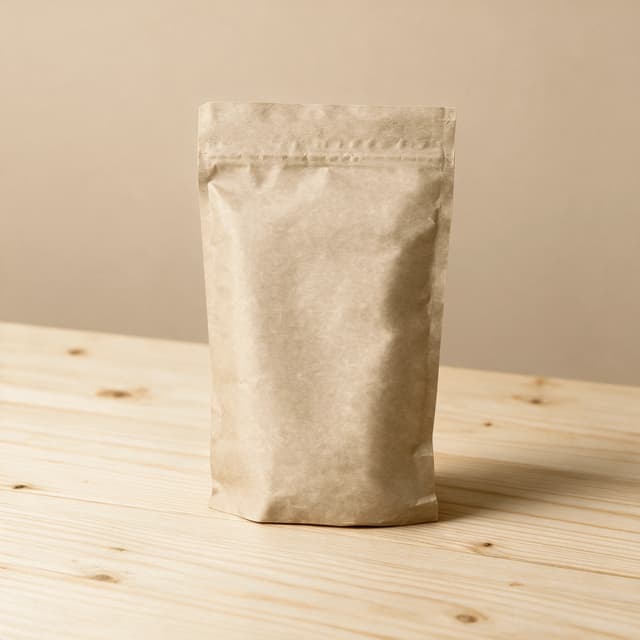
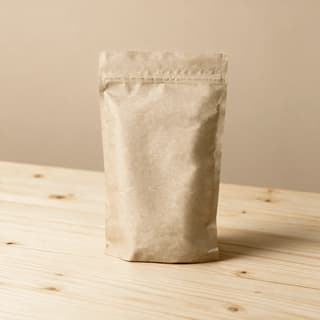
Single blank kraft coffee pouch standing upright with a round degassing valve on a pale pine table against a warm beige wall
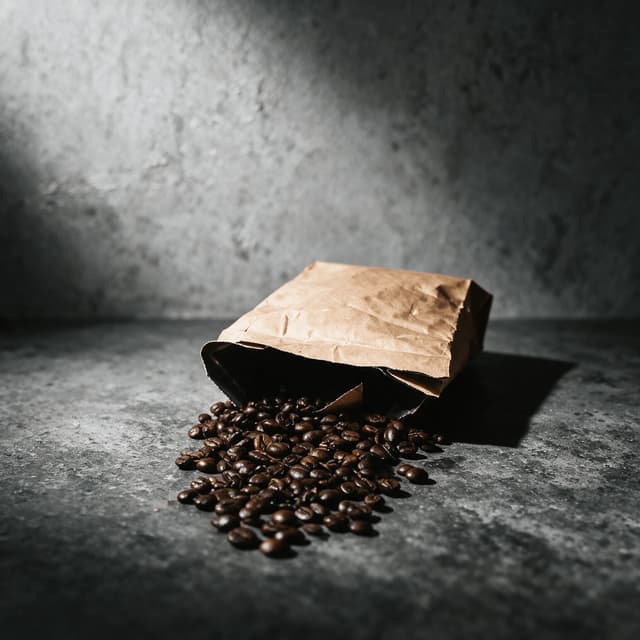
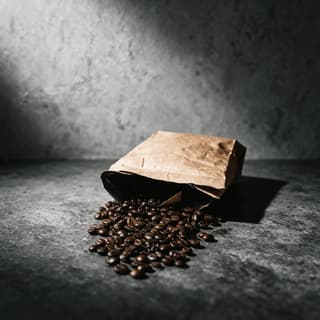
Blank kraft coffee bag tipped on its side on dark grey concrete with roasted beans spilling from the open top in a loose fan
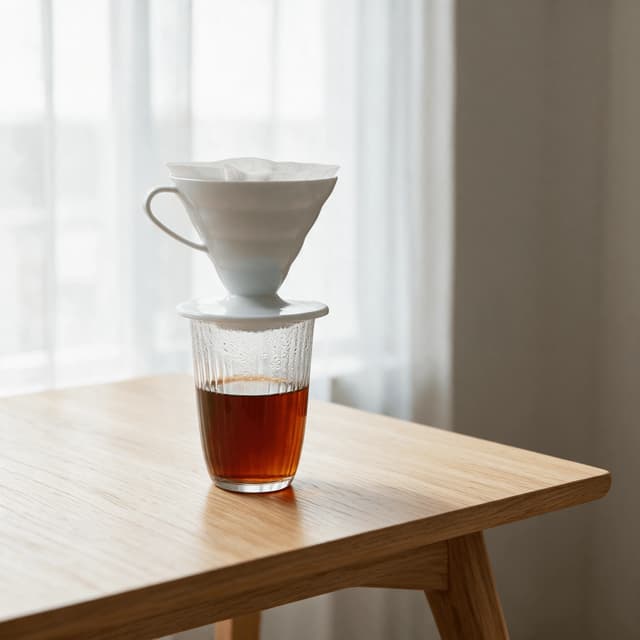
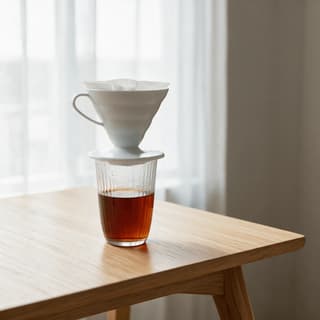
Ceramic pour over cone sitting on a glass carafe with the wet coffee bed domed and blooming and a dark stream falling into the carafe below
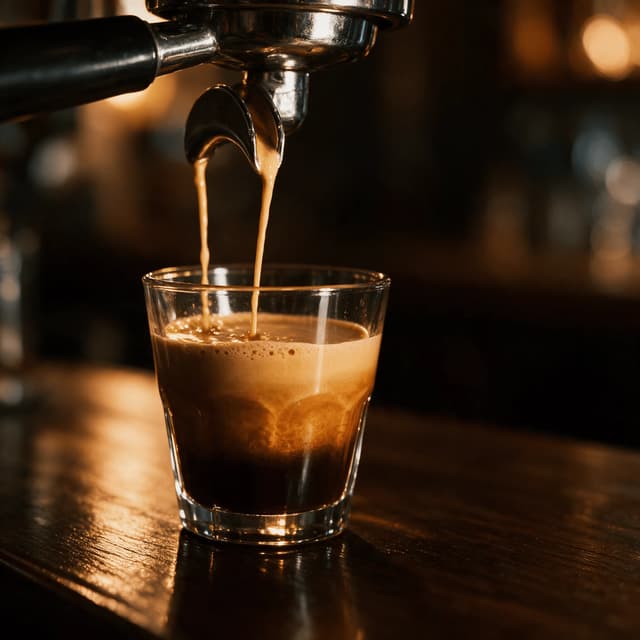
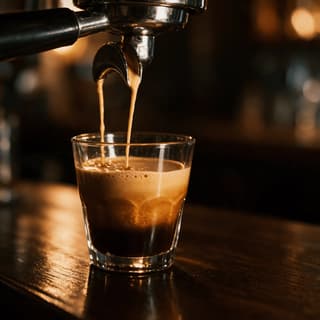
Bottomless portafilter under a chrome group head with two honey coloured espresso streams braiding into one rope falling into a heavy glass
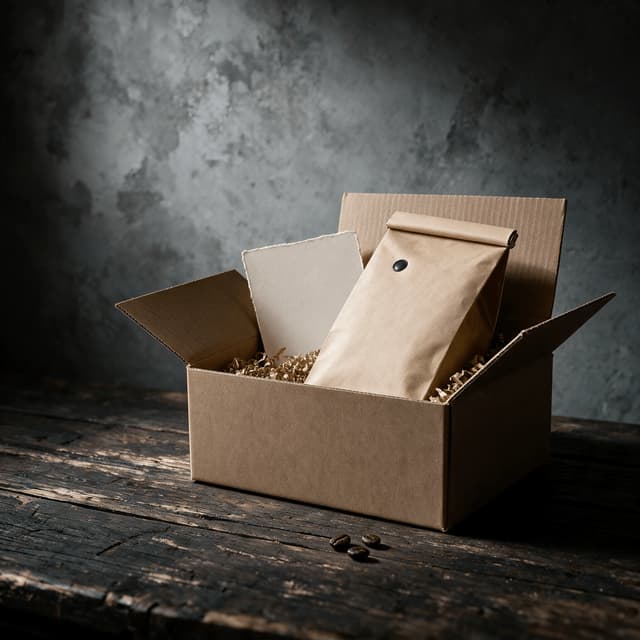
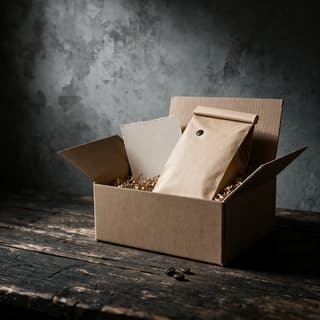
Open blank kraft shipping box with one unprinted coffee pouch nested in kraft paper shred and a plain cream card tucked behind it
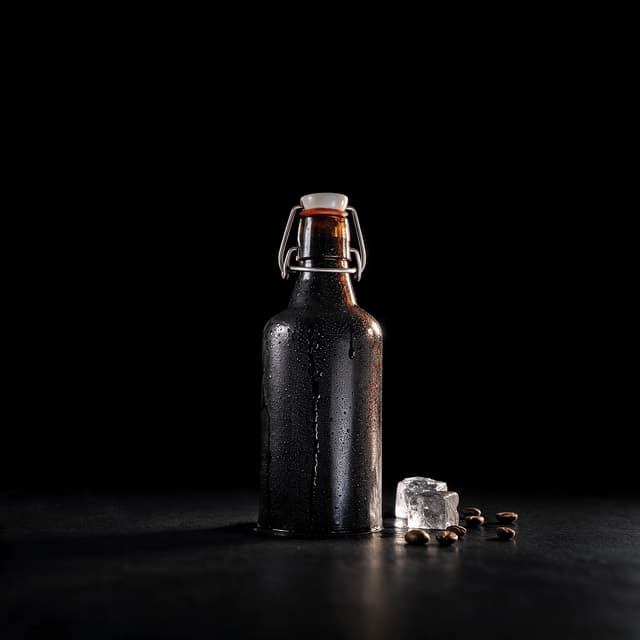
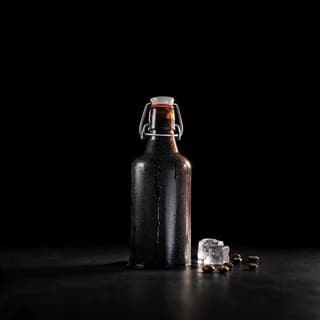
Single unlabelled glass bottle of black cold brew coffee beaded with condensation standing on a jet black surface against a black void
For Specialty Roasters & Wholesale Coffee Brands

Your bag is your shelf.

Matte pouches eat light, foil throws it back — phone shots come out flat and grey. Run your coffee roasting business on colour-true photos: one bench shot becomes a clean set in about 2 minutes.

Cancel anytimeFull commercial license

Upload your food photo → Get menu-ready photos
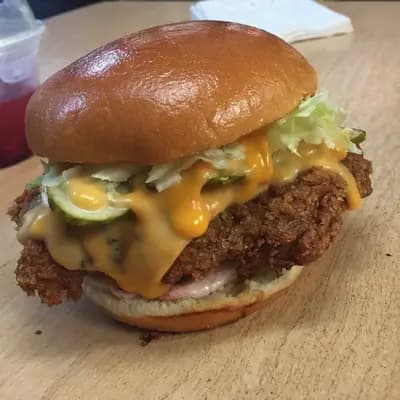
Original smartphone food photo before FoodShot AI enhancement
Studio-quality food photography generated by FoodShot AI
50,000+

Photos generated

2K

Output resolution

2 min

Average time

Coffee Roaster & Wholesale Portfolio

Every release, every origin, shot the same way every time
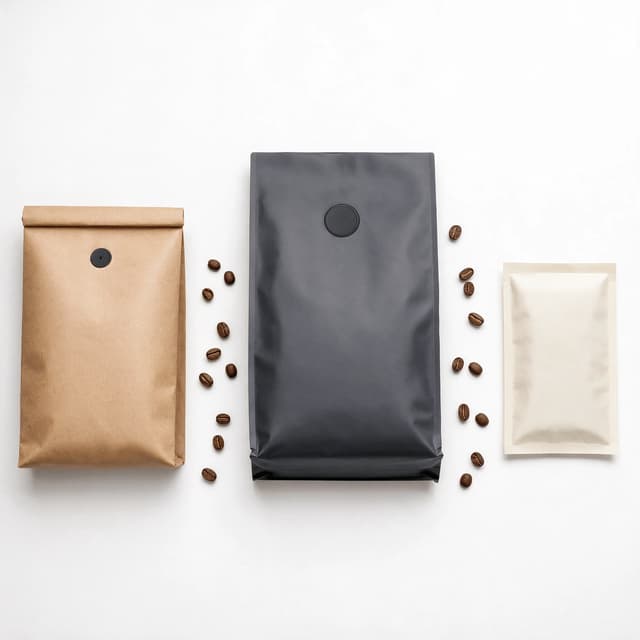
Three blank kraft coffee pouches in three different sizes laid out evenly across a clean white surface photographed from directly above

Retail Bags That Hold a Shelf in a Grid

Clean grounds, true colour, one house look
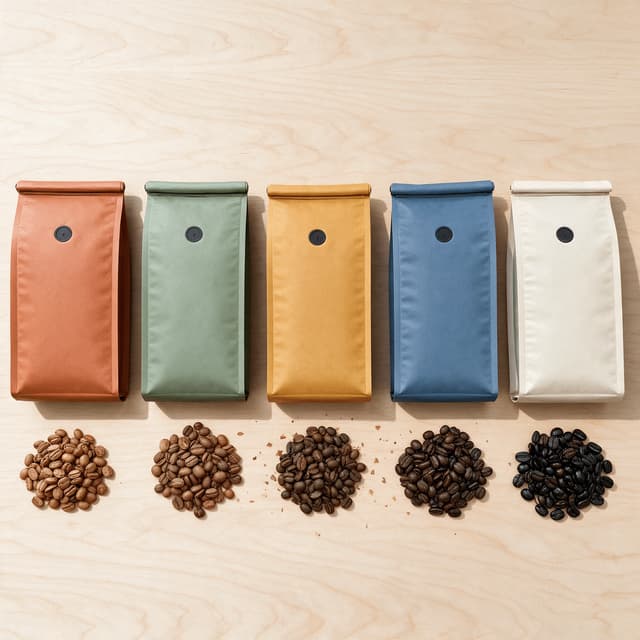
Five unprinted coffee pouches in five different matte colours standing in an even row on blonde wood with a small pile of beans in front of each

Single-Origin and Seasonal Release Line-Ups

Every origin in the same light on the same day
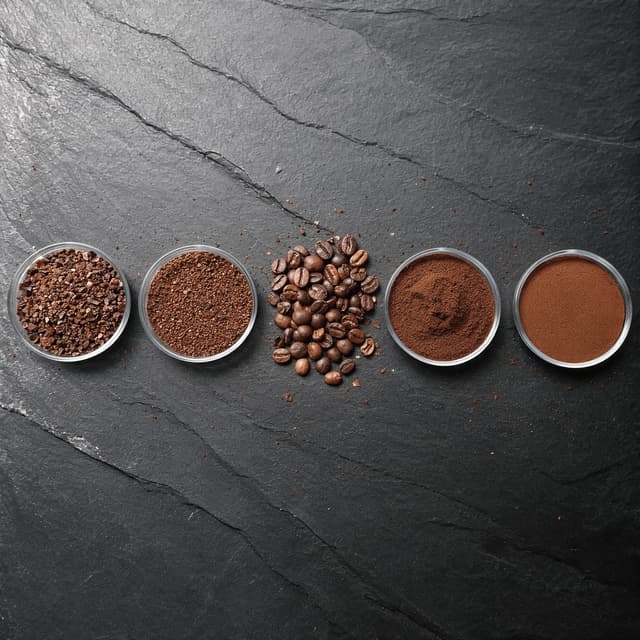
Four shallow glass dishes of coffee ground to four different sizes with a mound of whole beans between them arranged across dark split slate

Whole Bean and Grind Texture Up Close

Oil sheen, centre cut and real grind detail
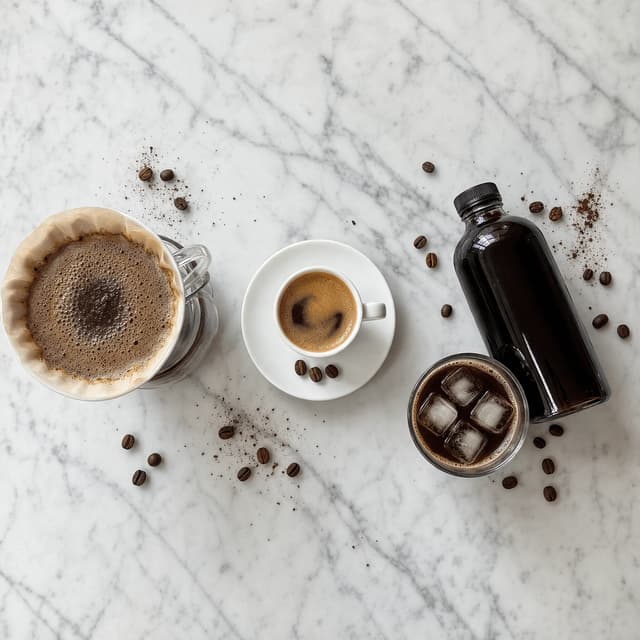
Overhead view of a pour over cone on a carafe an espresso cup with crema and a bottle of cold brew over ice arranged evenly on white marble

Pour-Over, Espresso and Cold Brew Scenes

The brew shots wholesale buyers ask you for
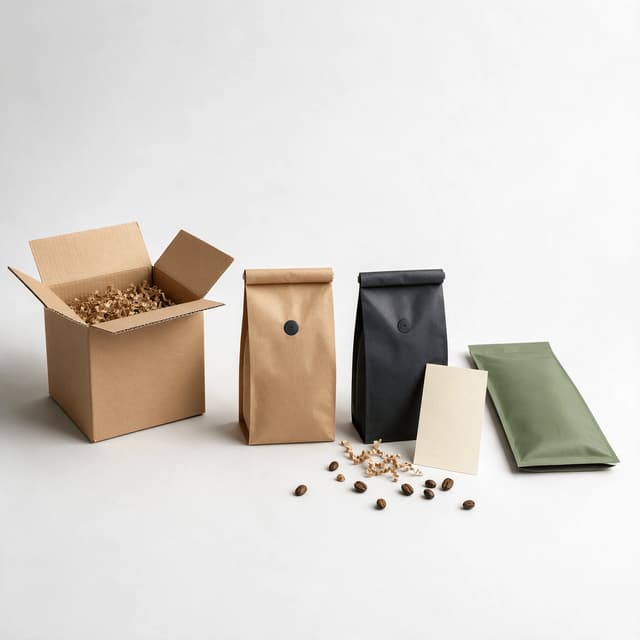
Open blank kraft shipping box beside three unprinted coffee pouches and a loose spill of kraft paper shred on a neutral surface

Subscription Boxes and the Unboxing Shot

Direct-to-door scenes for the shop and socials
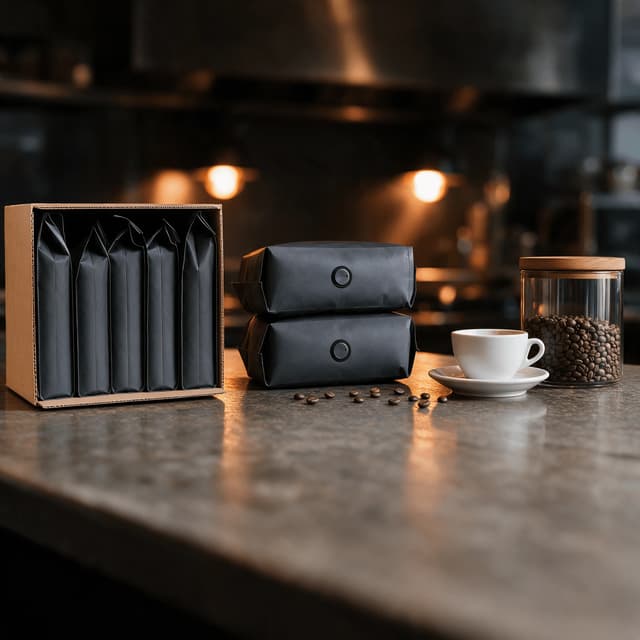
Open wholesale case of large unprinted coffee sacks beside a stack of two kilo bags and a plain ceramic cup on a dark service counter

Wholesale Sell Sheets and Partner Sets

Case shots and counter sets buyers can order from
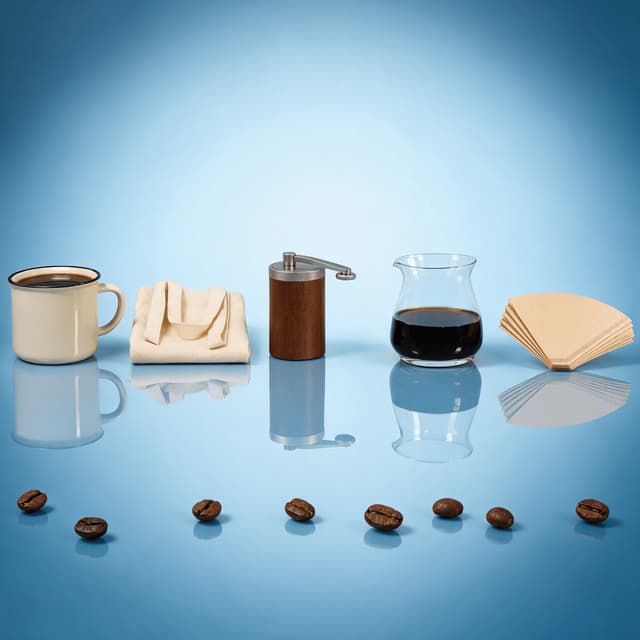
Row of coffee merchandise and brewing equipment including a plain enamel mug canvas tote hand grinder and glass carafe on a glossy blue surface

Merch, Equipment and Brand Lifestyle

Mugs, totes and kit shot in your own house look

Features

Built for a product that lives or dies in a listing grid

Roaster Styles

Lighting built for pouches, foil and beans

100+ curated styles built for how coffee packaging behaves in front of a lens. A matte kraft pouch absorbs light and goes muddy; a foil laminate throws it straight back as a blown white streak — opposite treatments, so one preset never covers a range. Pale grounds for retail bags, dark slate for beans and cold brew, blonde oak for release line-ups. If you also serve drinks over a counter, our cafes page covers that side of the trade.

Explore styles→

Builder Mode

Surface plus vessel plus product equals a range

Pick a surface — pale pine, raw concrete, white marble, jet-black stone. Choose a vessel — a standing pouch, a glass carafe, a wholesale case. Upload your bench photo and Builder Mode composites all three into one coherent image — no green sacks, bagging scale or strip light in frame. That is what makes a coffee roasting business look like a brand: every origin on the same ground, under the same key light. For the craft behind it, see our packaged food photography guide.

Try Builder Mode→

My Styles

One house look that survives every release

Upload a photo of your best-shot bag as a style reference. Every new release — a fresh Ethiopian natural, a Christmas blend, a competition-lot micro-batch — automatically matches that exact lighting, angle and mood, so a rotating single-origin calendar lands inside one identity instead of starting a second one. Shoot the release once in an afternoon and the webshop, wholesale deck and socials all run from the same set. For coffee as a subject in its own right, see our coffee photography guide.

Match your brand→

More to explore

One tool, endless possibilities

Before → After

From phone snap to studio shot

See the transformation from a casual phone snap to a styled studio shot.
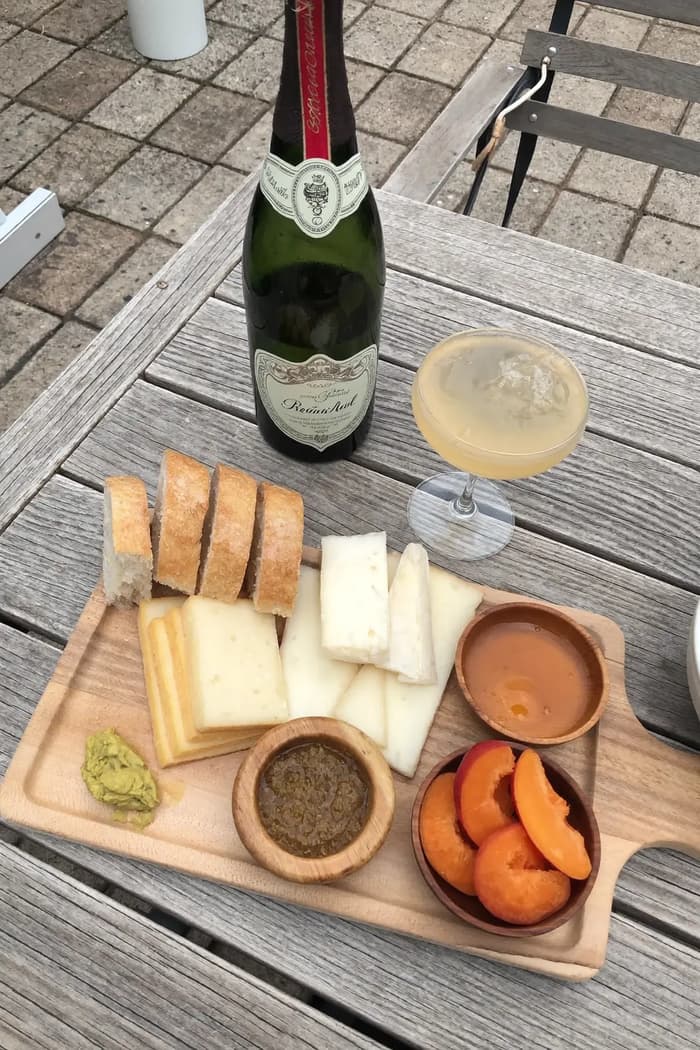
Raw phone food photo before AI enhancement
Studio quality food photo after FoodShot processing

Multi-variation

One photo, endless options

Generate multiple styles from a single upload. Pick the best.
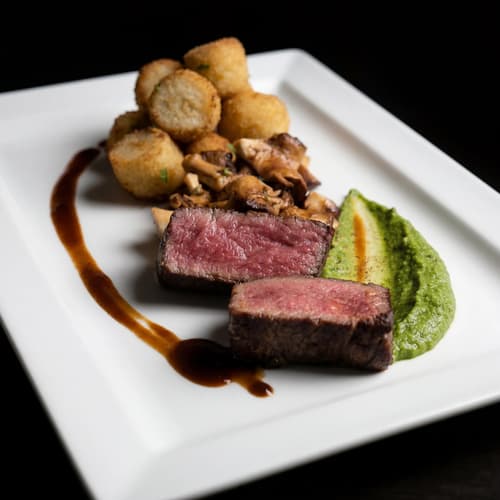
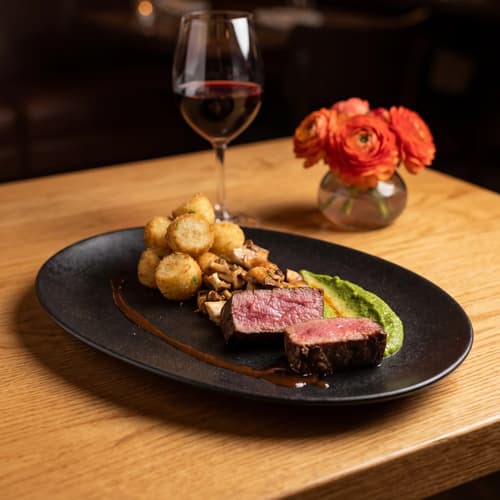
Food photo variation - delivery app style
Food photo variation - restaurant menu style
Food photo variation - social media style
Food photo variation - fine dining style

Poster Mode

Marketing-ready designs

Pick a template, drop your food.
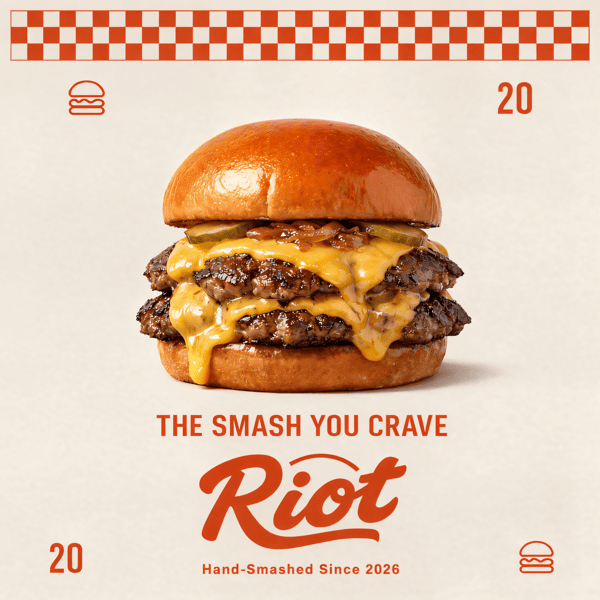
Smash burger restaurant poster design
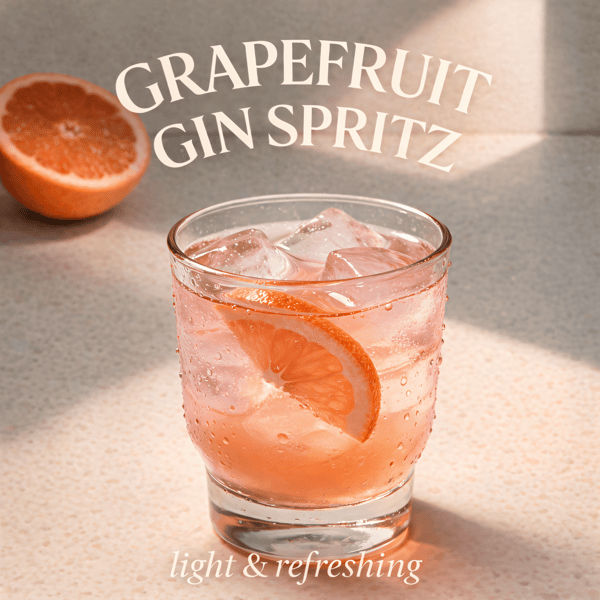
Cocktail bar promotional poster
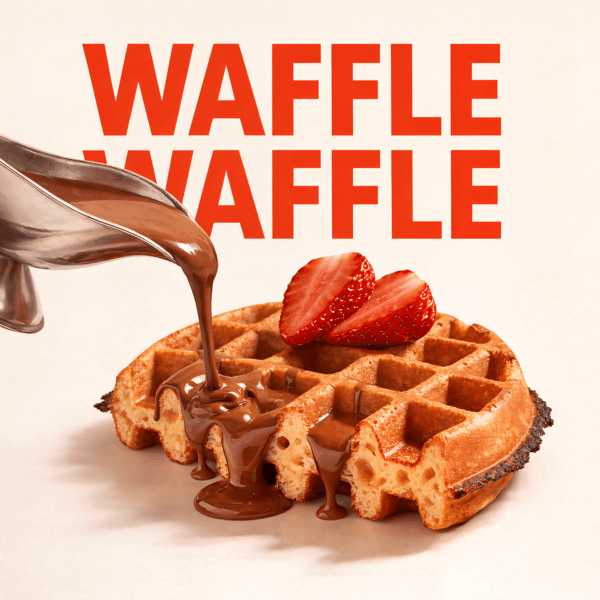
Waffle social media advertisement
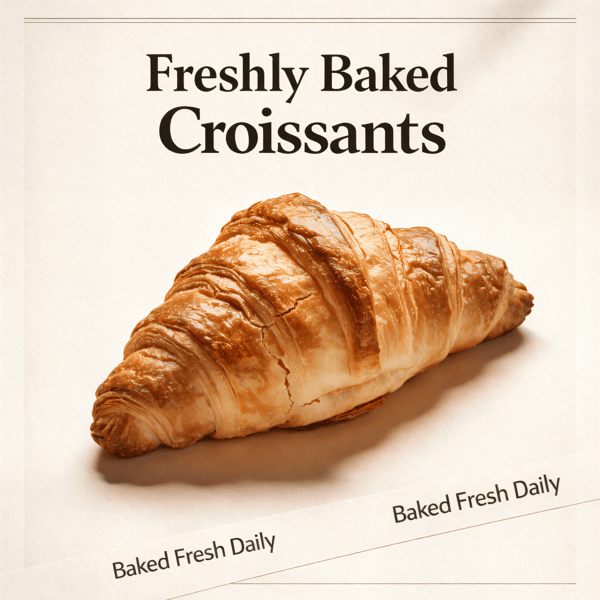
Croissant bakery marketing poster

Prompt Editing

Describe it, get it

Add sauce, swap plates, change lighting — just type what you want.
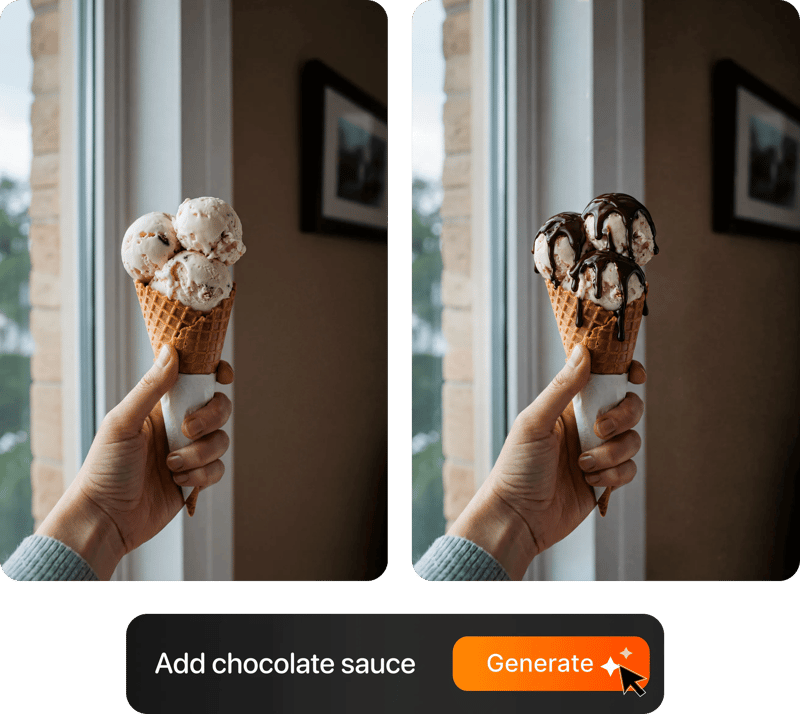
Prompt-based food photo editing

200+ Styles

Styles for every vibe

From clean white to moody fine dining. One tap.
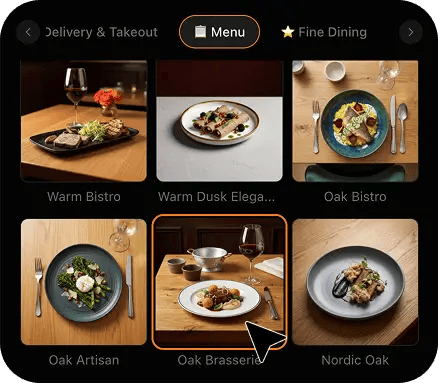
FoodShot 200+ food photography style presets grid

2K Resolution

High-resolution output

2K output (2048 × 2048 px for a square photo), sharp for delivery apps, websites and social. Need more for print? Use the 2× upscale in the studio.

2K

Perfect For

Every kind of roaster selling coffee by the bag

From a one-person shop to a wholesale roastery supplying thirty cafes, the problem is identical: a light-eating pouch, a rotating release calendar, and a product nobody can smell before they click buy.

☕

Specialty Retail Roasters

You sell twelve-ounce bags online and the listing grid is your whole shelf. Shoot one bag on the bench and get the laminate colour, block bottom and valve reading true — not the grey, ceiling-lit rectangle your phone gives back.

🫘

Bean-to-Cup Micro-Roasteries

Your story is origin, roast and freshness, but a flat snapshot makes a light Kenyan and a dark Italian blend look identical. Restyling puts raking light across the bed so the centre cut and oil sheen show the roast level.

🚚

Wholesale Coffee Programmes

Cafe and office buyers pick a supplier off a sell sheet without opening a bag. A clean, consistent set — the one-kilo bag, the case, the espresso pulling — does more for a wholesale enquiry than any copy about your green sourcing.

📦

Coffee Subscription Brands

The unboxing is the product experience and it happens where you are not. Photograph the box open once — shred, bag and card — and the landing page, referral post and renewal email all run on the same images.

🌱

Seasonal & Micro-Lot Releases

A competition lot sells out in nine days. Shoot it the morning it comes off the cooling tray, run it through one style, and the drop announcement, shop listing and pre-order page all launch from the same set.

🛒

Grocery & Retail Stockists

Getting onto a shelf means surviving a buyer's spreadsheet and a retailer's product feed, both of which want clean, correctly-lit pack shots on a plain ground. One reference style formats the whole range, so a new SKU joins the listing without booking a shoot.

Reviews

Loved by food businesses

“Being a Pastry Chef Restaurant consultant and having to design recipes and menus and plating design is a difficult task. Foodshot AI managed to change my life. … Foodshot does it all.”
App Store

Happy Girl Pastry Chef

App Store

“Great for small business! The app is easy to use. Smooth and professional results. Multiple background/settings/styles to choose. Highly recommend!”
App Store

Trangbi89

App Store

“This app helped me enhance my food photoshoot. Thanks to this app, I can now create pro-quality photos for my Menu.”
App Store

Lalalisaoh

App Store

“Excellent”

Fabio Lima

Google Play

“Great”

Iván Fabricio Amador Pavón

Google Play

“Cool”

Darut Thollab

Google Play

“For marketing and advertising we can use it as an enhancement. Really solid tool.”

Reddit User

r/restaurantowners

“Oohhh woowwww... Seriously amazing. The quality blew me away.”

Remarkable-92

r/restaurantowners
“Being a Pastry Chef Restaurant consultant and having to design recipes and menus and plating design is a difficult task. Foodshot AI managed to change my life. … Foodshot does it all.”
App Store

Happy Girl Pastry Chef

App Store

“Great for small business! The app is easy to use. Smooth and professional results. Multiple background/settings/styles to choose. Highly recommend!”
App Store

Trangbi89

App Store

“This app helped me enhance my food photoshoot. Thanks to this app, I can now create pro-quality photos for my Menu.”
App Store

Lalalisaoh

App Store

“Excellent”

Fabio Lima

Google Play

“Great”

Iván Fabricio Amador Pavón

Google Play

“Cool”

Darut Thollab

Google Play

“For marketing and advertising we can use it as an enhancement. Really solid tool.”

Reddit User

r/restaurantowners

“Oohhh woowwww... Seriously amazing. The quality blew me away.”

Remarkable-92

r/restaurantowners

FAQ

Coffee Roaster Photography FAQ

Common questions about photographing a light-eating pouch, keeping laminate and roast colour true, and building a release set you can sell from weeks before the coffee is even bagged.

hello@foodshot.ai

FoodShot AI is a web and mobile app for restaurants, cafés, bakeries and other food businesses. You upload a photo of a dish you already have, choose a style, and FoodShot AI turns it into a professional food photo that you can download and use on your menu, delivery apps, website and social media.

It's simple! Upload a photo of your food, choose your desired style (menu photography or social media format), and click generate. Each photo takes about 2 minutes. For poster creation, select from our professional templates, add your text, and create marketing-ready content.

Yes! Download our mobile app from the App Store to create stunning dish photos on the go. Access all features directly from your iOS device.

Yes! FoodShot AI is now available on Android. You can download it from Google Play and start creating professional food photos directly from your Android device.

With a paid plan, you can use the images you create for any lawful commercial purpose, including your restaurant, menus, delivery apps, marketing campaigns and social media. FoodShot does not claim ownership of them. See our Terms of Service for details.

Yes! For bulk processing needs, please email us at hello@foodshot.ai for our Enterprise plan options.

Yes, subscriptions renew month-to-month. To cancel, open Settings and click Manage subscription — it opens your Stripe billing portal, where you can cancel in one click. Fully self-serve, no questions asked, takes under a minute. Your plan stays active until the end of the billing period.

Yes, plan changes take effect immediately. You can upgrade or downgrade directly from your account dashboard. The new pricing will be adjusted for your current billing cycle.

We offer a full refund if you haven't used any credits in your current billing period. Refund requests must be made within 7 days of payment. Previous billing periods are non-refundable. Simply contact us at hello@foodshot.ai if you're not satisfied.

No, unused credits do not roll over to the next month. This applies to both monthly and yearly plans. Credits refresh every month regardless of your billing plan.

Yes! With our custom photography feature, you can upload your own reference images to create consistent branded content. Upload your restaurant's signature background, plating style, or any reference photo, and FoodShot AI will generate new images matching that exact style.

Absolutely! Once you upload a custom background or reference template, you can use it for all your future generations. This is perfect for maintaining consistent branding across all your food photography. Save your favorite backgrounds and create a cohesive visual identity for your restaurant.

FoodShot AI supports all major image formats including JPG, PNG, WEBP, and HEIC. For best results, we recommend using high-quality images with good lighting. The AI will analyze your reference and apply the same style, lighting, and composition to your food photos.

Yes! You can upload your own poster designs and templates. Whether it's your restaurant's branded template or a custom design, simply upload it and FoodShot AI will intelligently place your food photos while preserving your design elements, logos, and text.

All paid plans include unlimited custom template uploads. You can build an entire library of your brand's templates, backgrounds, and reference styles.

No. FoodShot never sends a photographer, never runs an on-site or studio shoot, never prints bags, labels, boxes or sell sheets, and never roasts, bags or fabricates a product for you. It restyles photos you take yourself. You roast and bag the real coffee exactly the way you sell it, take a phone photo of the bag standing on your own bench, upload that photo, and FoodShot re-lights and re-stages that exact image — the same pouch, the same laminate, the same valve, the same beans. What changes is the light, the surface underneath and the background behind it. What does not change is the product: if your pouch is a muted olive rather than a bright forest green, it stays a muted olive. That matters commercially as well as ethically, because coffee is bought online on the strength of a photograph and opened three days later at a kitchen table, and a roaster whose images promise a bag the customer does not receive hears about it in the first review.

The two materials fail in opposite directions, which is why one setting never covers a whole range. A matte kraft or soft-touch pouch absorbs light, so under a normal room bulb it goes flat and muddy and the printed colour drops a shade or two toward grey. A foil or metallised laminate does the reverse: it acts like a mirror and throws a hard white streak straight back across the middle of the panel, exactly where your origin name sits. Chasing either one at the bench usually makes it worse, because you end up lighting so flatly that the bag loses its edges and reads as a rectangle. The practical answer is to stop solving it in the room. Take the photo in whatever light you have, get the bag square in the frame, keep it standing on its block bottom so the shape reads, and accept the reflection. Restyling replaces the environment the laminate is reflecting, so instead of a strip light and a ceiling tile the foil returns a soft controlled key, and the matte pouch gets a raking light that brings the paper texture and the true laminate colour back at the same time.

For the source photo you upload, a clean unprinted or plainly-labelled bag restyles far more reliably than one covered in printed artwork, and that is worth knowing before you shoot. Fine printed detail — small type, a tight illustration, a barcode, a batch stamp — is the first thing to degrade when an image is re-lit, and a slightly-wrong rendering of your own label is more damaging than no label at all. The workflow most roasters land on is to shoot the blank or sample pouch, get a clean colour-true set of shapes and materials in one consistent look, and then overlay their own artwork in the listing template, the sell sheet or the design file afterwards, where it stays pixel-perfect and stays current when the design changes. It also future-proofs the set: when you refresh the label next year, the photography still works. If your packaging design is the thing you actually want to showcase, keep a separate small set of straight unedited phone shots for that purpose and use the restyled set for everything else.

That is the case this is built for, because a roastery does not have a fixed catalogue — it has a calendar. New lots land, sell through, and disappear, and each one needs images before it is even bagged. Shooting each release separately is what produces the familiar shop page where eleven products sit in eleven different lights, half of them against a different wall, because they were photographed across three years by three different people in whatever conditions the day offered. Upload one bag you are happy with as a style reference and every subsequent release matches its lighting, angle and ground automatically. The practical rhythm is one frame per bag plus one of the beans, shot the morning the batch comes off the cooling tray, which is fifteen minutes rather than a shoot day. The drop announcement, the shop listing and the wholesale update then all run from the same set, and next season's lots still sit correctly beside the ones you shot last spring.

Wholesale is where photography does the most commercial work, because the buyer never opens the bag before committing. A cafe owner choosing a house espresso, an office manager picking a supplier and a grocery buyer building a shelf are all deciding from a sell sheet or a product feed, and all three are comparing your images against a roaster who has a photography budget. A set that visibly comes from four different days under four different lights reads as a supplier who cannot hold a standard, which is precisely the doubt you do not want in a wholesale conversation. What actually converts is a predictable set per product: the one-kilogram bag straight on, the case it ships in, a counter set showing how it looks in a partner's venue, and one brew scene — an espresso pulling or a pour-over blooming — because buyers want to see the coffee prepared, not just packaged. One reference style locks all of it into a single format that drops straight into a deck, a line sheet or a retailer's feed.

All of them, and the brew scenes are usually the ones that lift a listing from a product feed into something people actually want. A pour-over caught while the bed is domed and blooming, an espresso pulling from a bottomless basket with the two streams braiding, a bottle of cold brew beaded with condensation — these are the images wholesale buyers and subscribers respond to, because they show the coffee being made rather than sitting on a shelf. They also come with their own difficulty: a bloom lasts about thirty seconds, crema collapses in a minute, and condensation is gone by the time you have found a clean angle, so the phone shot you get is almost always taken in a hurry under whatever light was there. Restyling is very good at exactly this, because the subject is already correct and only the environment is wrong. If you also run coffee at events off a trailer or a stand, our coffee carts page covers that trade instead.

Your roast deserves better photos.

For coffee roasters and wholesale coffee brands turning quick bench phone shots into clean, colour-true product images in about 2 minutes.

Start Creating
Cancel anytimeFull commercial licenseStudio-quality results