


Every Google Business Profile photo size, and a food photo worth the slot.
Google puts your food photos beside the place across the street, and a dim phone snap loses that comparison. FoodShot restyles what is already on your phone at each slot's exact crop in about 2 minutes.
Upload your food photo → Get menu-ready photos

Photos generated
Output resolution
Average time
Every Slot on the Listing
One phone photo, sized for every Google Business Profile slot

Cover Photo: 1024 x 576, the Wide Hero
Your 16:9 cover framed so the ends can be cut

Food & Drink Photos: Square Crops for the Maps Carousel
Four dishes centred with margin so nothing gets clipped

Logo Slot: 720 x 720, Square-Safe Framing
Centred subjects with margin that survive the circle crop

Interior Shots: Lighting That Survives Google's Compression
Dim tables lit so detail holds after re-encoding

Menu Item Close-Ups: The Photos That Drive 'Order' Taps
Four starters in a row, each one tight enough to tap

Seasonal Refresh: New Photos Without a Reshoot
Autumn specials shot once, restyled for every slot

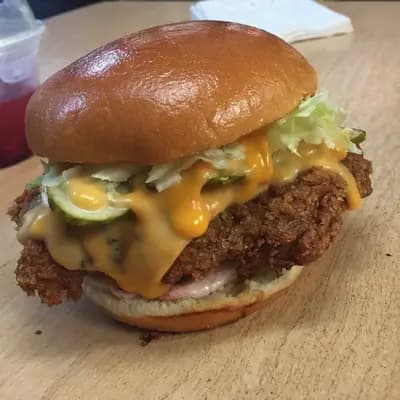
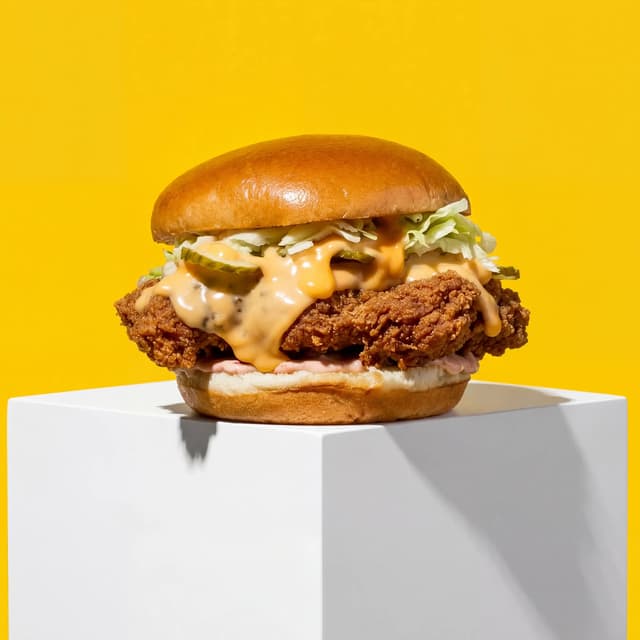
Before & After at GBP Crop Ratios: One Dish, Two Frames
One phone photo, cut for the 16:9 cover and square tile
Features
Built for the one person who manages the listing
Listing Styles
Every slot's crop from one photo, at Google's own numbers
100+ curated styles built around how a Google listing actually displays food. Upload one phone photo and FoodShot renders it at each Google Business Profile photo size that matters: the 16:9 frame for the 1024 x 576 cover, the 1:1 frame for the 720 x 720 food and drink tile, and a square-safe crop for anything shown in a circle. The Google Business Profile photo dimensions are the easy part — the difference is that your burger is lit like a menu hero at every one of them.
Explore styles→Builder Mode
Pick the surface and light Google's compression cannot flatten
Google re-encodes every upload, and the photos that fall apart are the ones with no separation: a dark dish on a dark table under a dim pendant. Builder Mode lets you pick a surface — pale oak, white marble, dark slate — and a backdrop that keeps the dish distinct, then places your real phone photo into that scene. It is the fastest way to get the google my business cover photo and the square tiles looking like one shoot, because they are: your phone, your counter, one afternoon.
Try Builder Mode→My Styles
Lock the listing look once, refresh it every season
Google surfaces recent photos, so a listing still showing August's salad in November tells diners the kitchen has not changed. With My Styles the autumn specials go up the week they hit the menu: shoot the pumpkin soup on the pass, apply the saved style, export at the google my business photo size for the slot, upload. The same lock keeps the carousel consistent when three staff take the photos — guides to the google my business cover photo size give you the number; the consistency is the work.
Match your brand→More to explore
One tool, endless possibilities
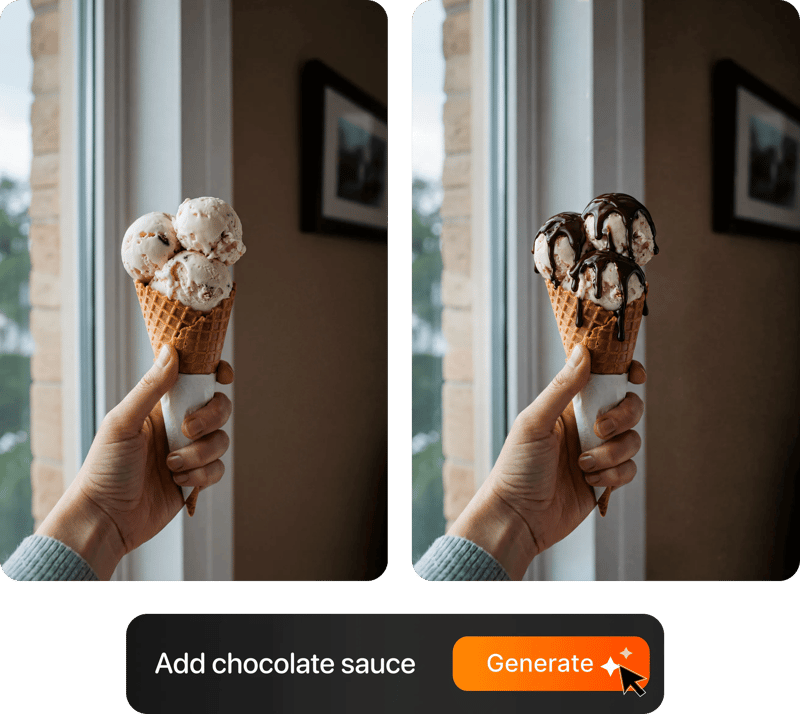
Before → After
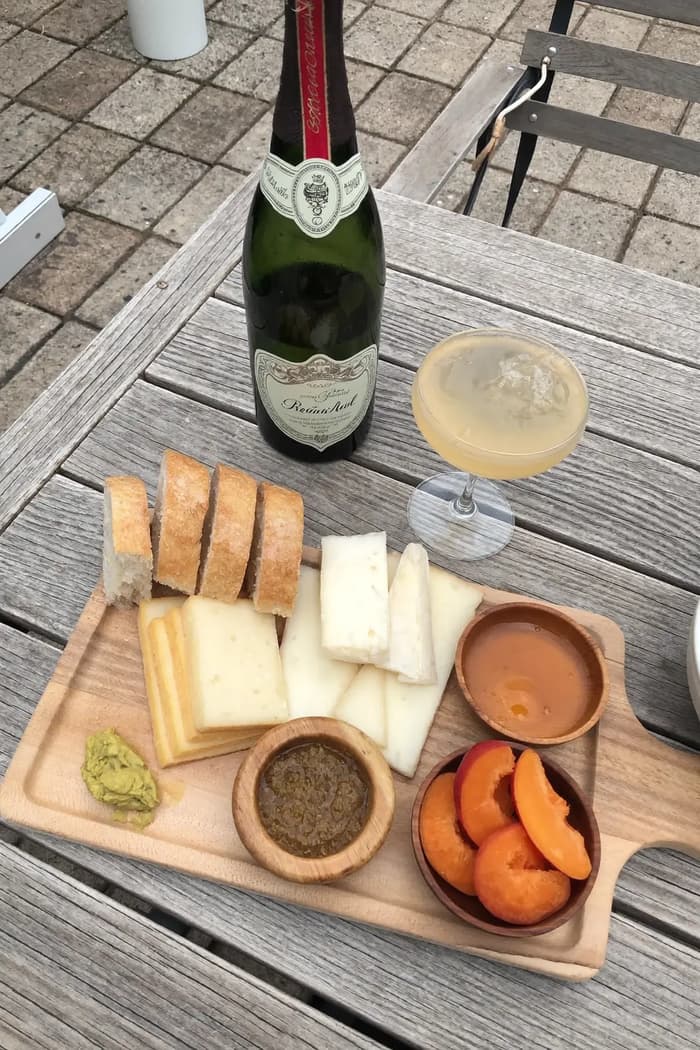
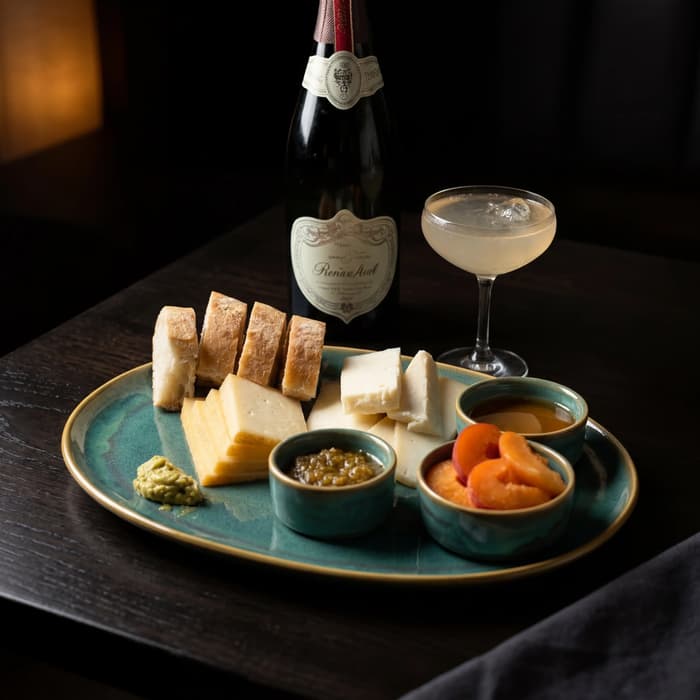
From phone snap to studio shot
See the transformation from a casual phone snap to a styled studio shot.
Multi-variation
One photo, endless options
Generate multiple styles from a single upload. Pick the best.
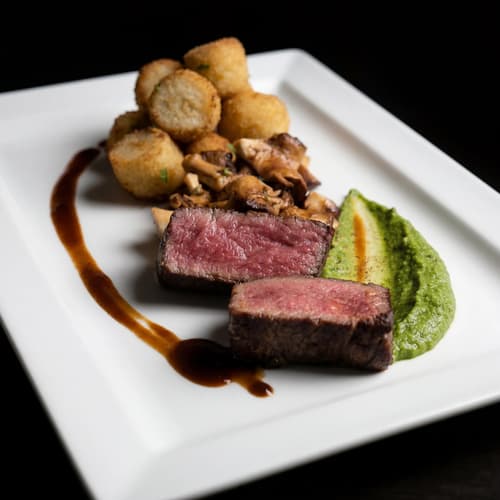
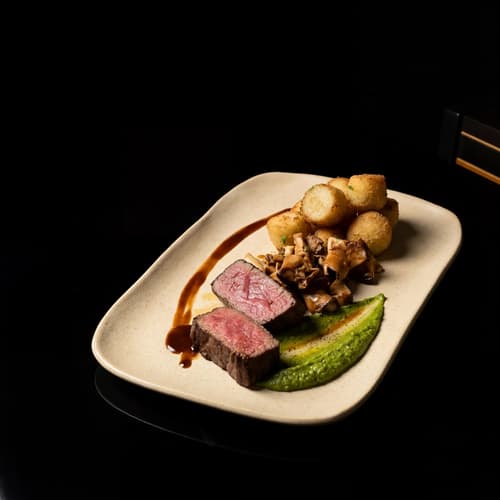
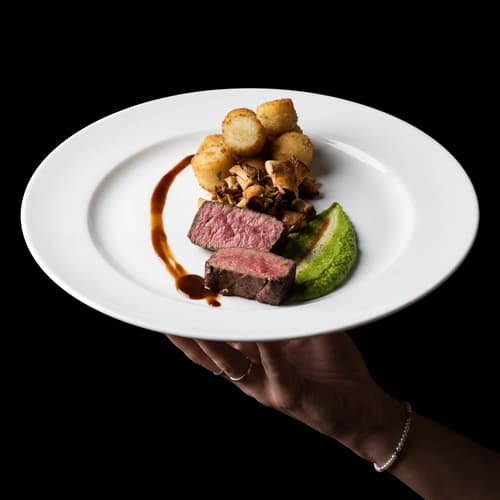
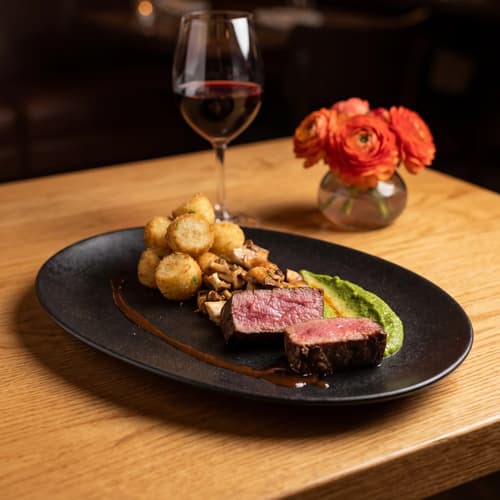
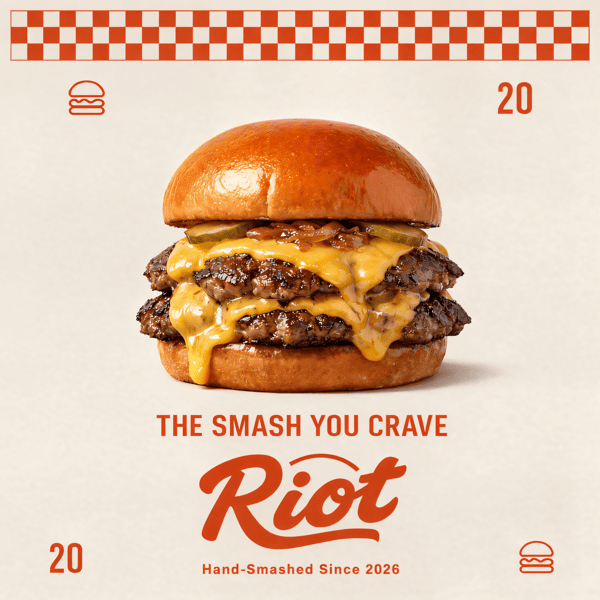
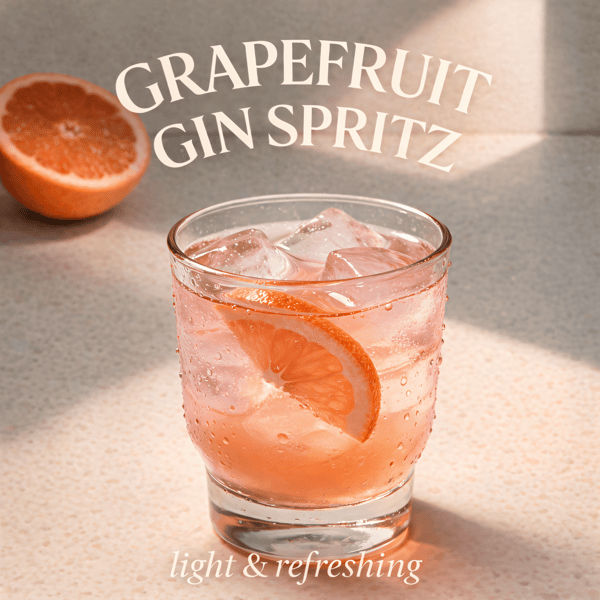
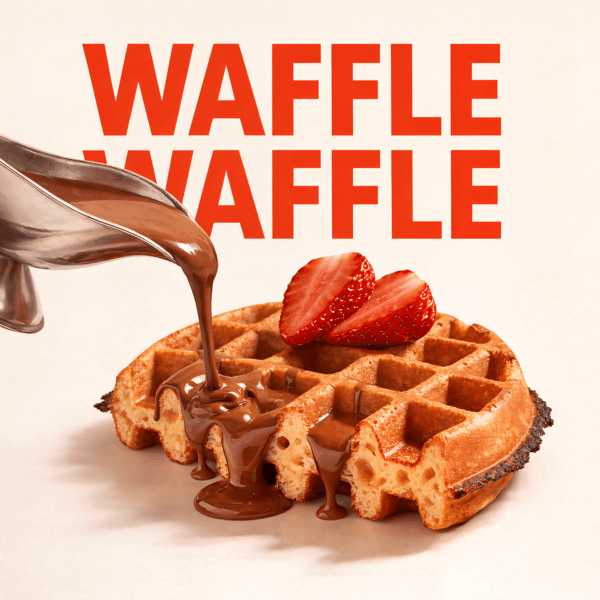
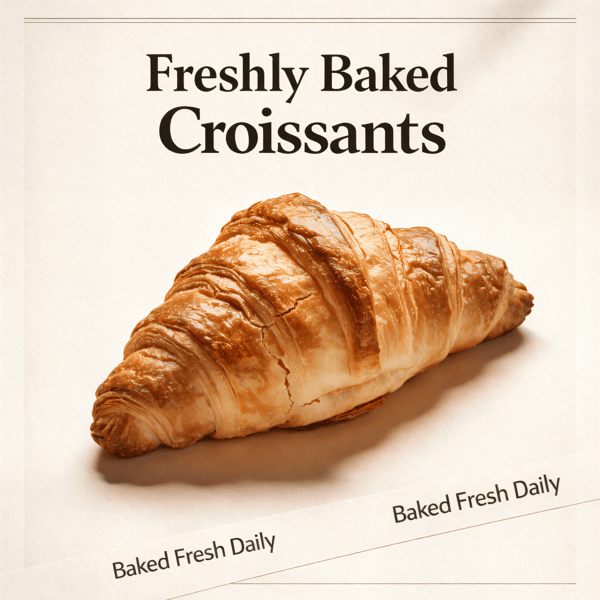
Poster Mode
Marketing-ready designs
Pick a template, drop your food.
Prompt Editing
Describe it, get it
Add sauce, swap plates, change lighting — just type what you want.
200+ Styles
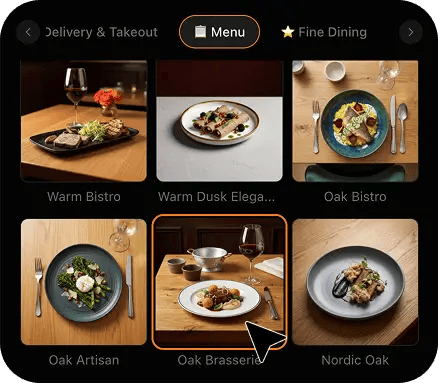
Styles for every vibe
From clean white to moody fine dining. One tap.
2K Resolution
High-resolution output
2K output (2048 × 2048 px for a square photo), sharp for delivery apps, websites and social. Need more for print? Use the 2× upscale in the studio.
Perfect For
Every food business with a Google listing
From a single-site neighbourhood restaurant to the one person who manages twelve listings for a group, if your food and drink photos show up in the local pack, this is built for you.
Independent Restaurants
Your cover photo is cropped hard to 16:9 on the listing and square in the carousel. Shoot the signature dish on the pass, restyle it, and export both sizes from one photo — the plate that wins the tap also survives the crop.
Cafes & Coffee Shops
A flat white photographed under warm bulbs turns brown and muddy after Google's re-encode. Restyle the counter shot onto a clean surface, keep the rosetta legible at 720 x 720, and give the logo slot a square-safe frame that still reads inside a circle.
Bakeries & Patisseries
Lamination is texture, and texture is what compression eats first. A croissant lit from the side keeps its layers at the food and drink tile size; a whole case shot from across the shop does not. Shoot one bake at a time.
Bars & Cocktail Lounges
An interior photo that looks atmospheric on your phone lands as a grey block in the carousel. Photograph the drink on the counter, restyle it with a warm low-key look that keeps the glass separated from the dark, and upload at 720 x 720.
Pizzerias & Takeaways
A whole pizza shot from above is the perfect square, which is why it dominates the Maps carousel for every pizzeria that gets it right. Centre the round, leave margin, restyle onto a clean surface, and reuse the same photo as the cover.
Multi-Location Groups
One person, twelve listings, and photos taken by twelve different managers on twelve different phones. Save one style, apply it to every upload, and every location's food and drink tiles read as one brand at the same size, without a photographer visiting any of them.
Reviews
Loved by food businesses
“Being a Pastry Chef Restaurant consultant and having to design recipes and menus and plating design is a difficult task. Foodshot AI managed to change my life. … Foodshot does it all.”

Happy Girl Pastry Chef
App Store
“Great for small business! The app is easy to use. Smooth and professional results. Multiple background/settings/styles to choose. Highly recommend!”
Trangbi89
App Store
“This app helped me enhance my food photoshoot. Thanks to this app, I can now create pro-quality photos for my Menu.”
Lalalisaoh
App Store
“Excellent”
Fabio Lima
Google Play
“Great”
Iván Fabricio Amador Pavón
Google Play
“Cool”
Darut Thollab
Google Play
“For marketing and advertising we can use it as an enhancement. Really solid tool.”
Reddit User
r/restaurantowners
“Oohhh woowwww... Seriously amazing. The quality blew me away.”
Remarkable-92
r/restaurantowners
“Being a Pastry Chef Restaurant consultant and having to design recipes and menus and plating design is a difficult task. Foodshot AI managed to change my life. … Foodshot does it all.”
Happy Girl Pastry Chef
App Store
“Great for small business! The app is easy to use. Smooth and professional results. Multiple background/settings/styles to choose. Highly recommend!”
Trangbi89
App Store
“This app helped me enhance my food photoshoot. Thanks to this app, I can now create pro-quality photos for my Menu.”
Lalalisaoh
App Store
“Excellent”
Fabio Lima
Google Play
“Great”
Iván Fabricio Amador Pavón
Google Play
“Cool”
Darut Thollab
Google Play
“For marketing and advertising we can use it as an enhancement. Really solid tool.”
Reddit User
r/restaurantowners
“Oohhh woowwww... Seriously amazing. The quality blew me away.”
Remarkable-92
r/restaurantowners

FAQ
Google Business Profile Photo Size FAQ
The exact numbers for every listing slot, and straight answers about what FoodShot does and does not do to your photos.
hello@foodshot.aiYour listing is the first menu diners see. Give it photos worth the tap.
For restaurants, cafes, bakeries and bars turning phone snaps into Google-ready food photos at the exact size each slot needs, in about 2 minutes.
Start Creating