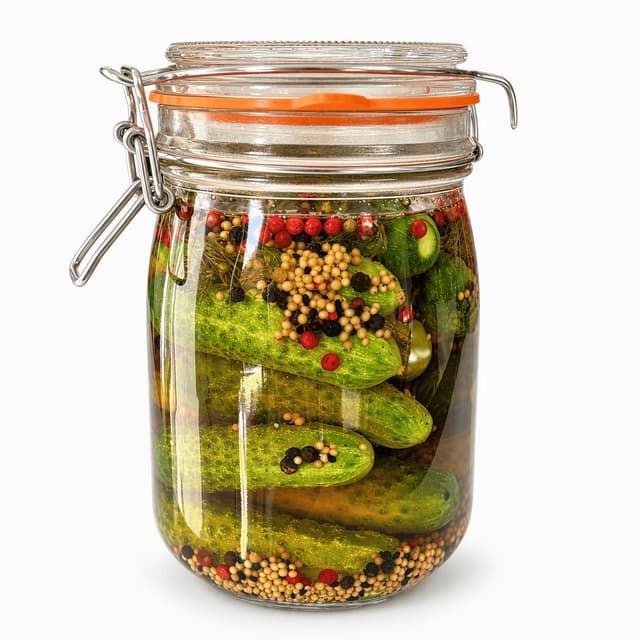
Unlabelled clear glass jar of whole dill pickles in green-gold brine with dill and garlic, on a seamless pure white background
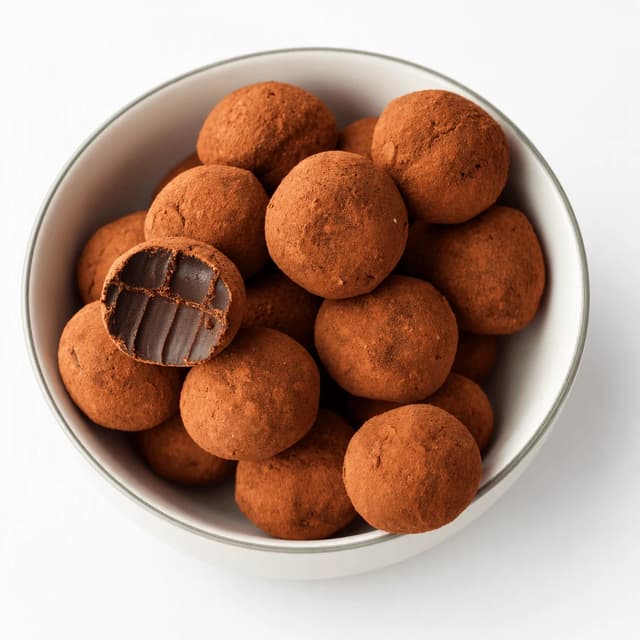
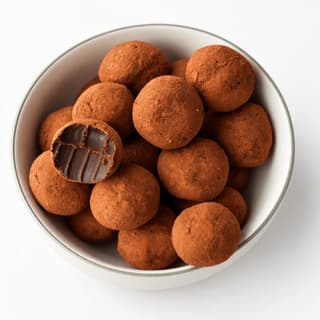
Small pile of cocoa-dusted dark chocolate truffles on a plain white plate against a seamless white background, each sphere keeping its shape
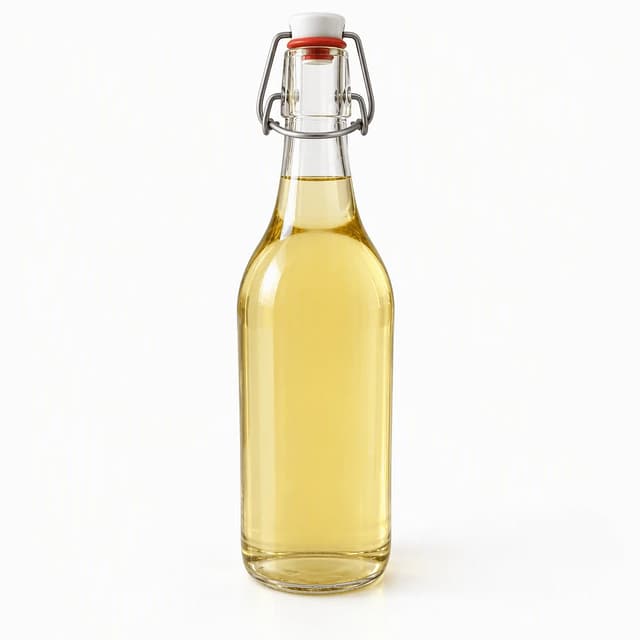
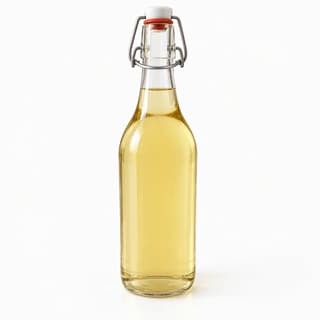
Tall clear swing-top glass bottle of pale golden elderflower and lemon cordial with defined edges against a seamless pure white background
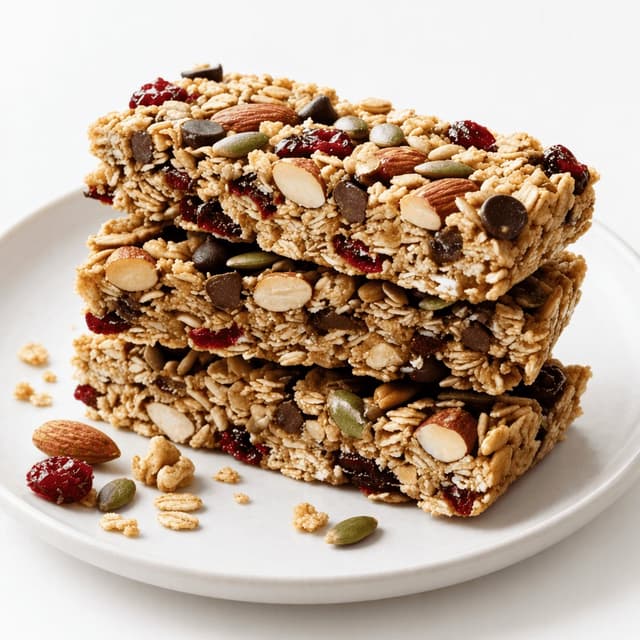
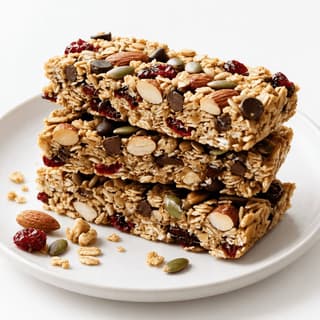
Neat stack of three oat and honey granola bars with almonds, pumpkin seeds and cranberries on a seamless white background with a few crumbs
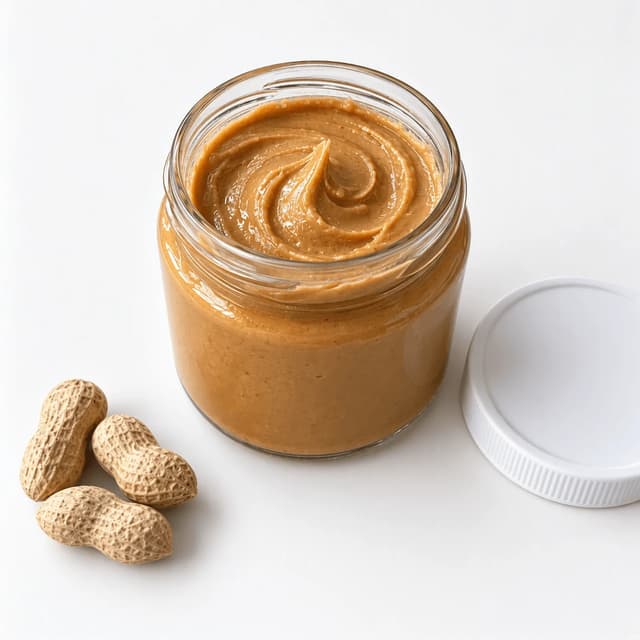
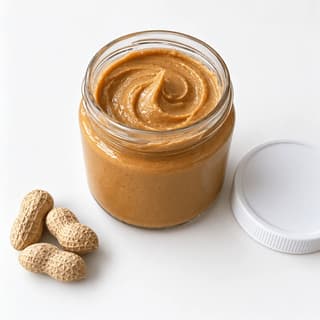
Open unlabelled glass jar of creamy peanut butter with a swirled surface, its plain lid beside it, on a white background with a soft shadow
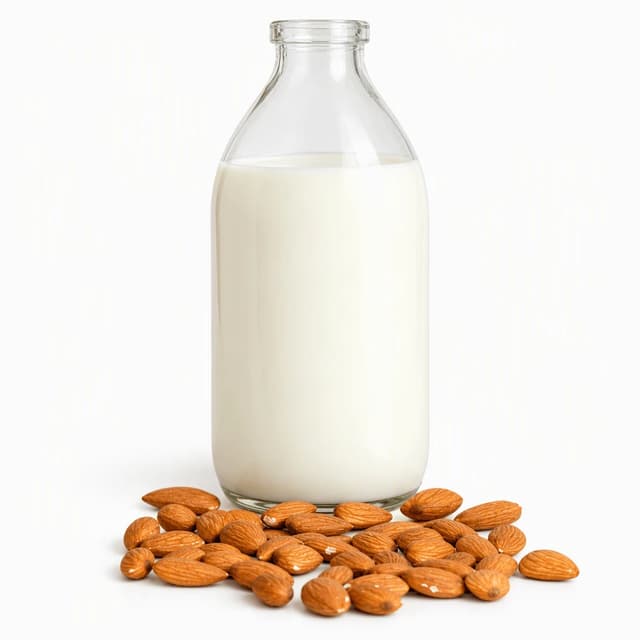
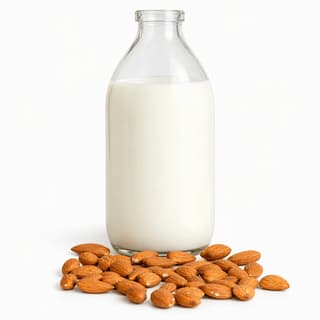
Tall unlabelled clear glass bottle of creamy white almond milk with a few whole almonds, white-on-white against a seamless pure white background
For Food and Beverage Sellers

A white background for product photos, without the lightbox, the sweep paper or the pen tool.

Marketplaces want pure white, and food fights it with glare, crumbs and see-through bottles. FoodShot restyles your own phone photos into clean white-background packshots in about 2 minutes.

Cancel anytimeFull commercial license

Upload your food photo → Get menu-ready photos
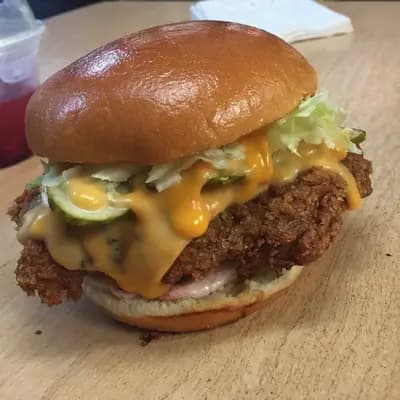
Original smartphone food photo before FoodShot AI enhancement
Studio-quality food photography generated by FoodShot AI
50,000+

Photos generated

2K

Output resolution

2 min

Average time

Where White Goes Wrong With Food

Seven white-background problems the lightbox tutorials skip when the product is edible
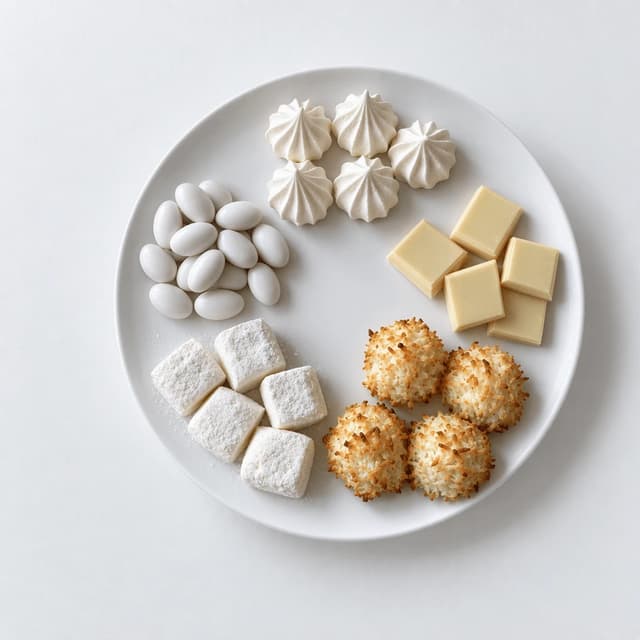
Overhead of pale confections on a white platter over pure white: meringue kisses, white chocolate, coconut macaroons, marshmallows and sugared almonds

Pure White vs Off-White: What Marketplaces Accept

RGB 255 in the corners, true colour on the product
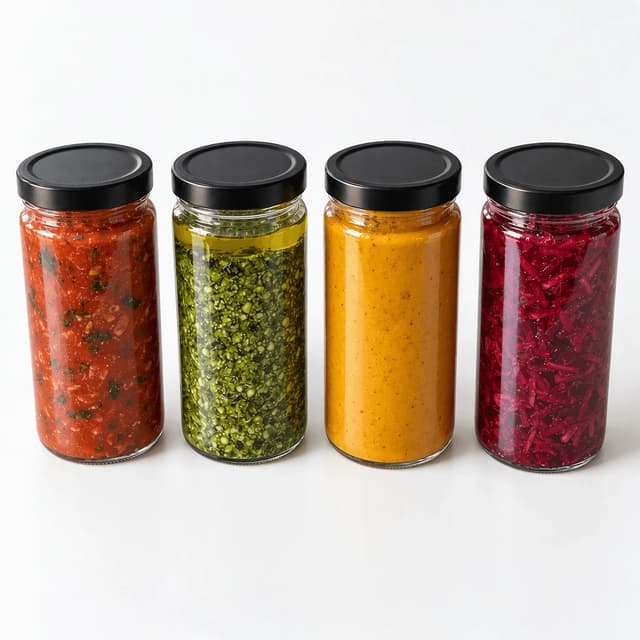
Row of four unlabelled glass sauce jars with black lids on pure white: tomato sauce, basil pesto, golden curry sauce and beetroot relish

Gloss and Reflection on Jars and Bottles

One clean strip highlight instead of your whole kitchen
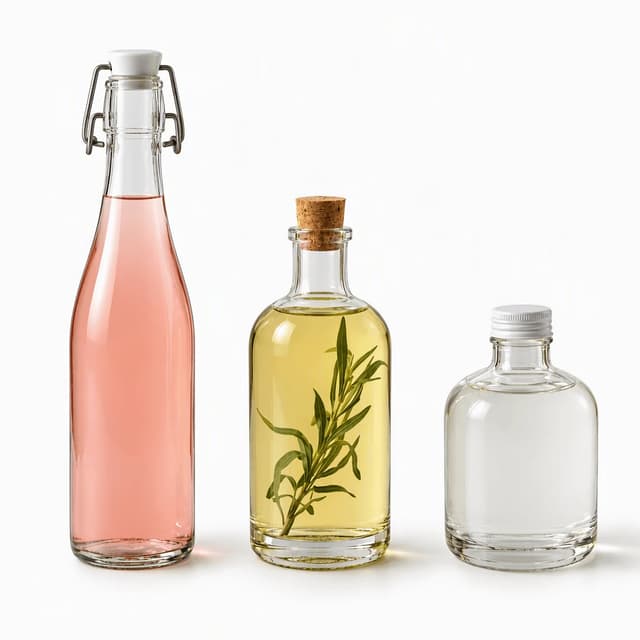
Three unlabelled clear glass bottles on pure white holding pale pink rhubarb cordial, straw-gold tarragon vinegar and near-clear coconut water

Translucent Bottles: Edge Separation on White

Dark edge lines stop clear glass melting into the frame
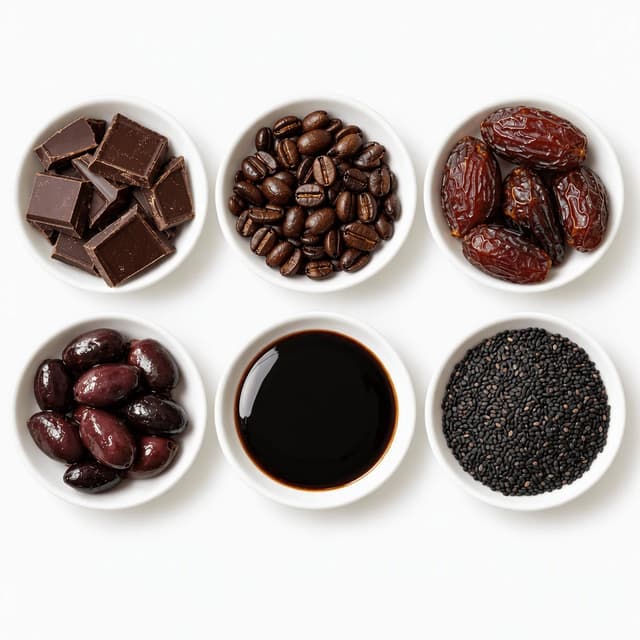
Overhead grid of six small white dishes on pure white holding dark chocolate, coffee beans, Medjool dates, black olives, molasses and black sesame

Dark Foods That Disappear on a White Frame

Fill light keeps chocolate a shape, not a black hole
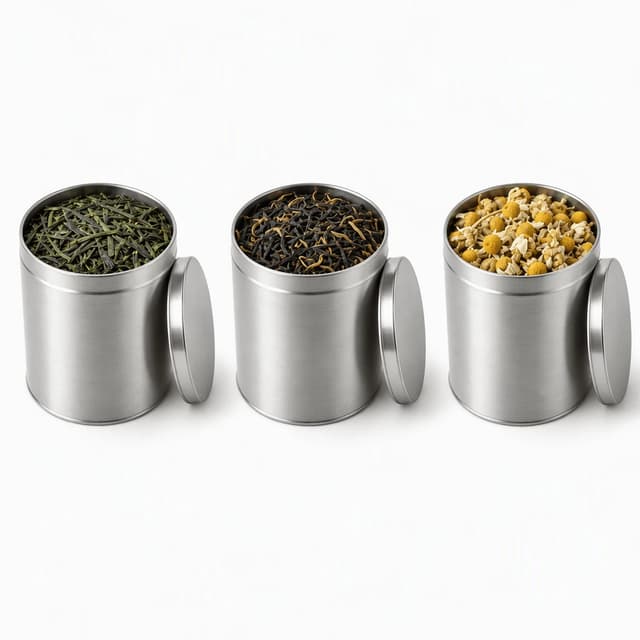
Three plain round silver tins of loose-leaf green tea, black tea and chamomile on pure white, each grounded by the same soft contact shadow

Drop Shadow or None: The Marketplace Rule

A soft contact shadow grounds it; a heavy one gets flagged
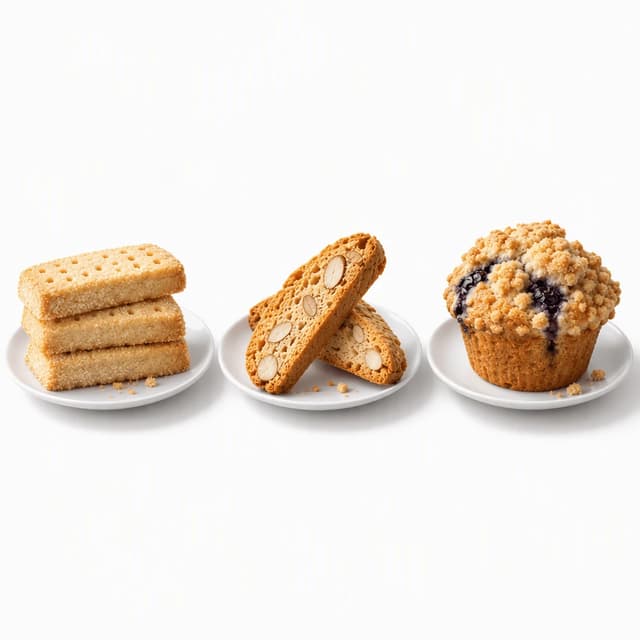
Three crumbly bakes on small white plates over pure white: stacked shortbread fingers, two almond biscotti and a crumb-topped blueberry muffin

Crumbs, Steam and Mess on a Clean Frame

On pure white every stray crumb reads as dirt
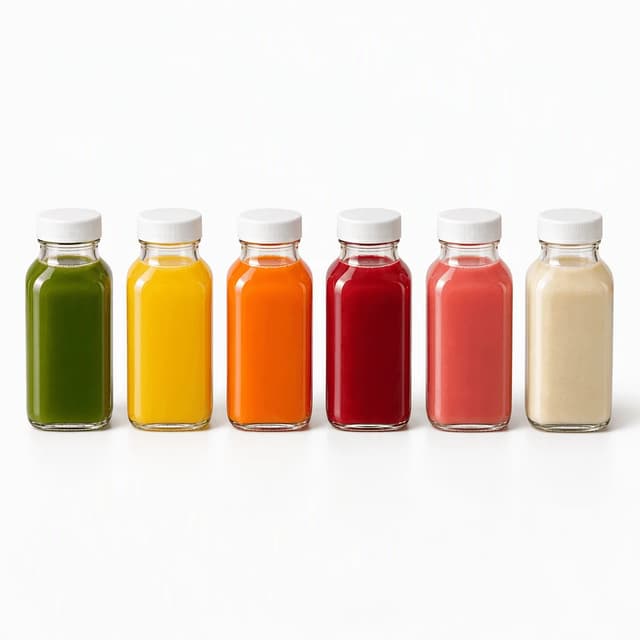
Row of six identical unlabelled bottles of cold-pressed juice on pure white in green, yellow, orange, ruby, pink and cream, with matching shadows

Consistent White Across a Whole Product Line

Same white, same shadow, same angle on every SKU

Features

Built for the seller with a phone, a kitchen counter and forty SKUs to list

White Packshots

A marketplace-clean white background from the phone photo you already took

Photograph the jar, bottle or bar on your counter, pick a white style, and about two minutes later the same product comes back on a seamless white surface with a soft grounding shadow. It is your real photo of your real product, restyled: FoodShot never sends a photographer and never invents a product you do not sell. For the full listing spec, see Amazon food product photos and Shopify food product photos.

Explore styles→

Builder Mode

White is not one setting: choose the angle, the framing and the light

A tall clear bottle wants a straight-on view. A pile of dark truffles wants a raised angle and open, even light so it keeps its shape. A tray of biscuits wants a top-down frame. Builder Mode lets you set the framing, the surface and the light yourself, so the product fills the frame the way a main image should and the same source photo can also become a looser line-sheet tile.

Try Builder Mode→

My Styles

Save your white once, reuse it on every SKU

A range photographed over six months never shares one white: Monday's is blue-grey, Friday's is cream. Save your white look in My Styles and every new SKU inherits the same surface, the same shadow direction and the same framing, so a collection grid or a wholesale line sheet reads as one brand. More on line-wide consistency in packaged food photography and on our page for food brands.

Match your brand→

More to explore

One tool, endless possibilities

Before → After

From phone snap to studio shot

See the transformation from a casual phone snap to a styled studio shot.
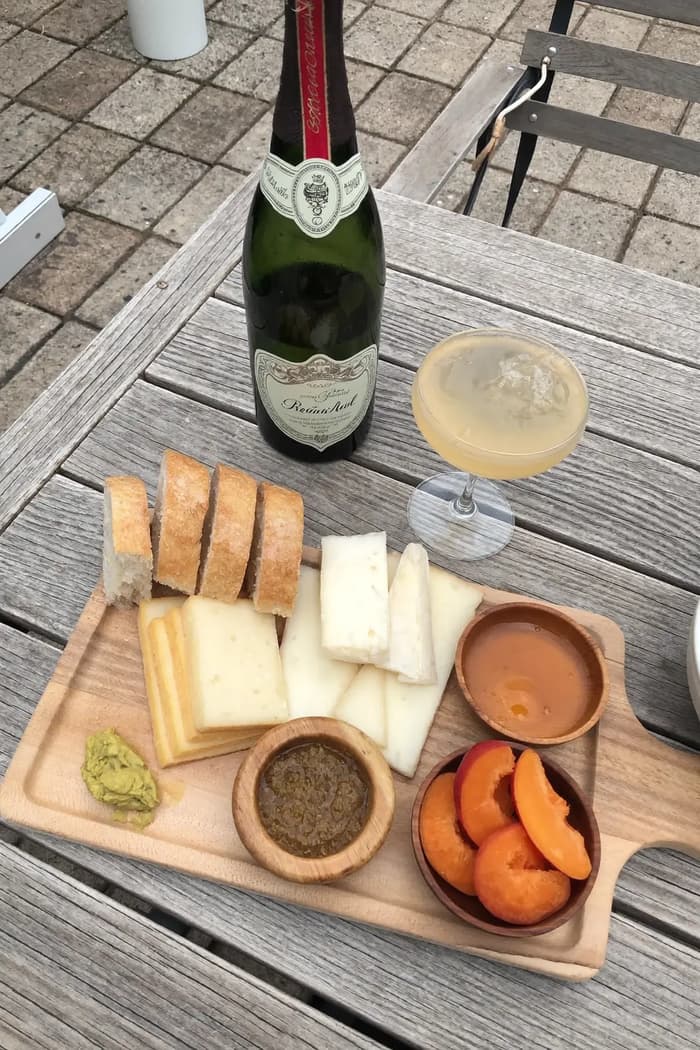
Raw phone food photo before AI enhancement
Studio quality food photo after FoodShot processing

Multi-variation

One photo, endless options

Generate multiple styles from a single upload. Pick the best.
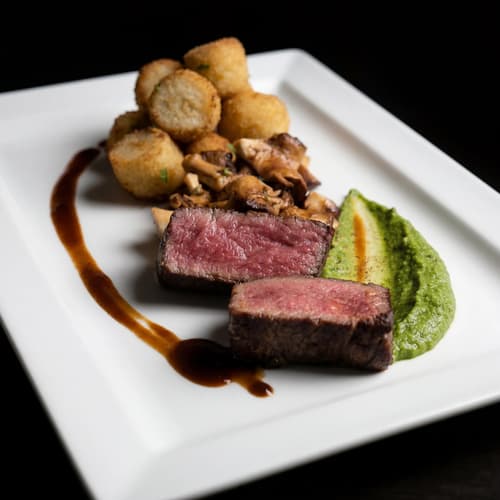
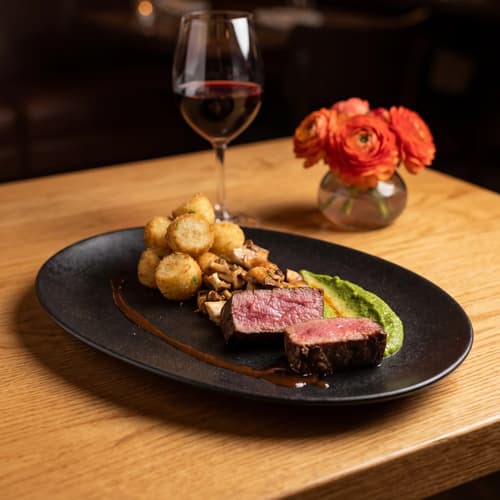
Food photo variation - delivery app style
Food photo variation - restaurant menu style
Food photo variation - social media style
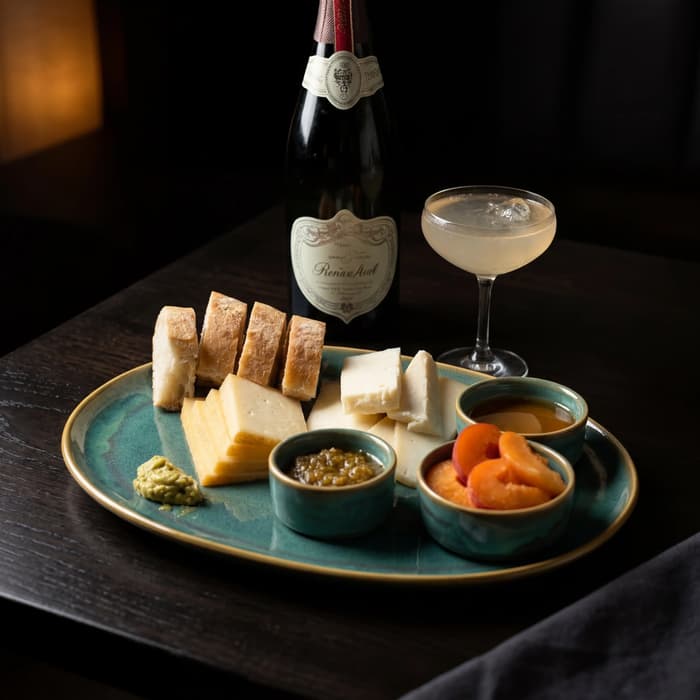
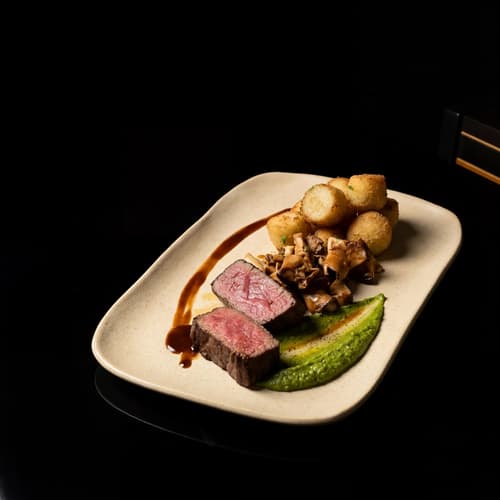
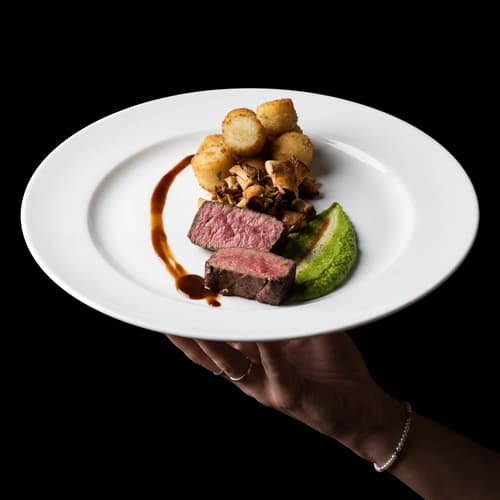
Food photo variation - fine dining style

Poster Mode

Marketing-ready designs

Pick a template, drop your food.
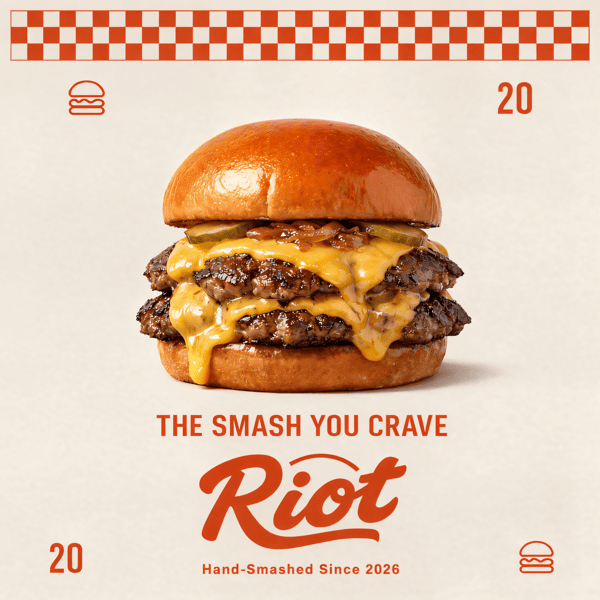
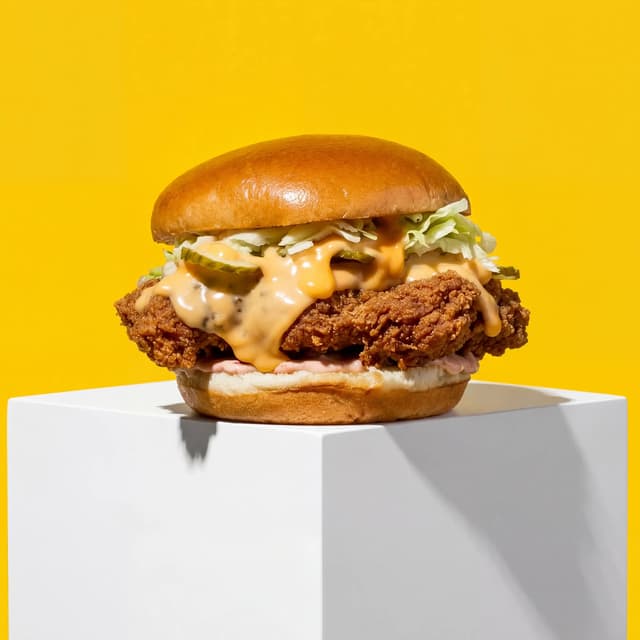
Smash burger restaurant poster design
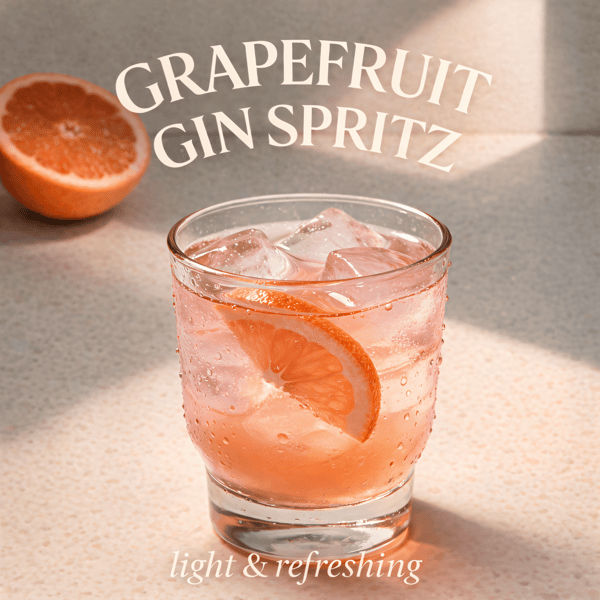
Cocktail bar promotional poster
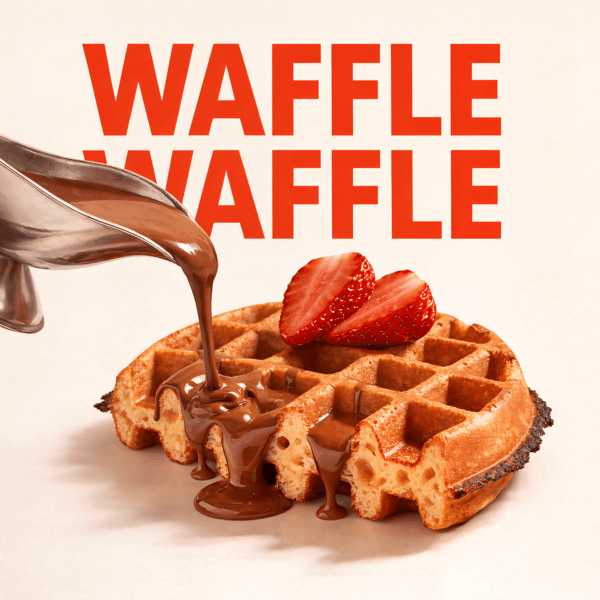
Waffle social media advertisement
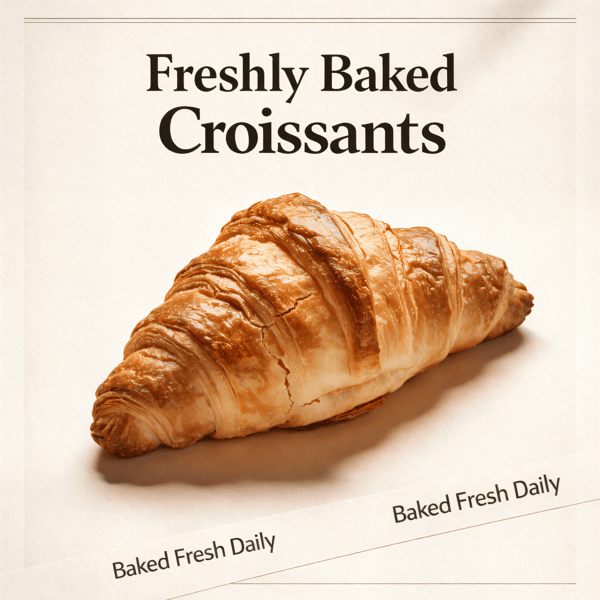
Croissant bakery marketing poster

Prompt Editing

Describe it, get it

Add sauce, swap plates, change lighting — just type what you want.
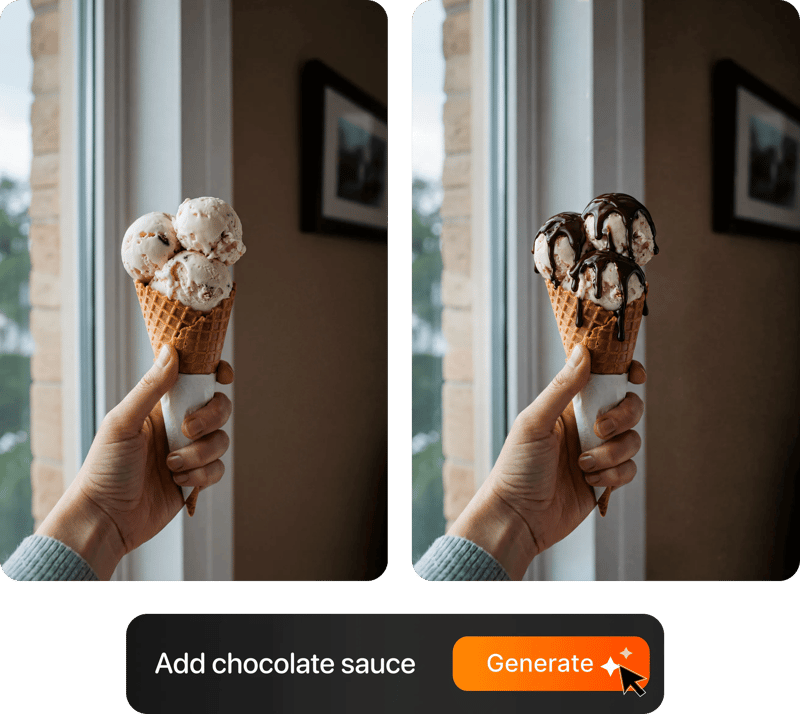
Prompt-based food photo editing

200+ Styles

Styles for every vibe

From clean white to moody fine dining. One tap.
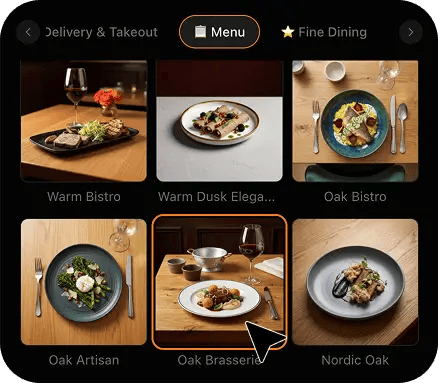
FoodShot 200+ food photography style presets grid

2K Resolution

High-resolution output

2K output (2048 × 2048 px for a square photo), sharp for delivery apps, websites and social. Need more for print? Use the 2× upscale in the studio.

2K

Perfect For

For sellers whose product is edible and whose background has to be white

This page covers one requirement: clean white behind food and drink. Coloured, textured and decorative backdrops are a different job, and so is buying a lightbox.

📦

Amazon Grocery and Gourmet Sellers

The main image has to sit on pure white or the listing can be suppressed. Restyle the phone photo of each SKU onto white and stop launches stalling on an image rejection.

🛒

Shopify Food and Drink Stores

Shopify does not demand white, but a collection grid does. One consistent white across every product turns a patchwork of grey lightbox shots into a storefront that looks like one brand.

📋

Wholesale Suppliers Building Line Sheets

Buyers scan a line sheet in seconds. Forty SKUs on the same white, at the same angle and scale, read as a range. Forty different greys read as forty different afternoons.

🫙

Small-Batch Sauce, Jam and Pickle Makers

Glass jars mirror the room on every side. Get one clean highlight and a readable fill line on white, without building a tent of diffusion paper around a jar of chutney.

🍫

Chocolate, Coffee and Dark Snack Brands

Dark products turn into silhouettes while the white behind them blows out. Keep the snap line, the gloss and the true cocoa brown visible against a frame that still reads white.

🧃

Juice, Cordial and Bottled Drink Brands

Clear bottles and pale liquids vanish into a white frame. Defined glass edges and honest liquid colour make a bottle of lemonade look like a bottle, not a floating cap.

Reviews

Loved by food businesses

“Being a Pastry Chef Restaurant consultant and having to design recipes and menus and plating design is a difficult task. Foodshot AI managed to change my life. … Foodshot does it all.”
App Store

Happy Girl Pastry Chef

App Store

“Great for small business! The app is easy to use. Smooth and professional results. Multiple background/settings/styles to choose. Highly recommend!”
App Store

Trangbi89

App Store

“This app helped me enhance my food photoshoot. Thanks to this app, I can now create pro-quality photos for my Menu.”
App Store

Lalalisaoh

App Store

“Excellent”

Fabio Lima

Google Play

“Great”

Iván Fabricio Amador Pavón

Google Play

“Cool”

Darut Thollab

Google Play

“For marketing and advertising we can use it as an enhancement. Really solid tool.”

Reddit User

r/restaurantowners

“Oohhh woowwww... Seriously amazing. The quality blew me away.”

Remarkable-92

r/restaurantowners
“Being a Pastry Chef Restaurant consultant and having to design recipes and menus and plating design is a difficult task. Foodshot AI managed to change my life. … Foodshot does it all.”
App Store

Happy Girl Pastry Chef

App Store

“Great for small business! The app is easy to use. Smooth and professional results. Multiple background/settings/styles to choose. Highly recommend!”
App Store

Trangbi89

App Store

“This app helped me enhance my food photoshoot. Thanks to this app, I can now create pro-quality photos for my Menu.”
App Store

Lalalisaoh

App Store

“Excellent”

Fabio Lima

Google Play

“Great”

Iván Fabricio Amador Pavón

Google Play

“Cool”

Darut Thollab

Google Play

“For marketing and advertising we can use it as an enhancement. Really solid tool.”

Reddit User

r/restaurantowners

“Oohhh woowwww... Seriously amazing. The quality blew me away.”

Remarkable-92

r/restaurantowners

FAQ

White Background for Product Photos: FAQ for Food Sellers

Straight answers on pure white versus off-white, shadows, glass, dark foods and crumbs, and exactly what FoodShot does and does not do.

hello@foodshot.ai

FoodShot AI is a web and mobile app for restaurants, cafés, bakeries and other food businesses. You upload a photo of a dish you already have, choose a style, and FoodShot AI turns it into a professional food photo that you can download and use on your menu, delivery apps, website and social media.

It's simple! Upload a photo of your food, choose your desired style (menu photography or social media format), and click generate. Each photo takes about 2 minutes. For poster creation, select from our professional templates, add your text, and create marketing-ready content.

Yes! Download our mobile app from the App Store to create stunning dish photos on the go. Access all features directly from your iOS device.

Yes! FoodShot AI is now available on Android. You can download it from Google Play and start creating professional food photos directly from your Android device.

With a paid plan, you can use the images you create for any lawful commercial purpose, including your restaurant, menus, delivery apps, marketing campaigns and social media. FoodShot does not claim ownership of them. See our Terms of Service for details.

Yes! For bulk processing needs, please email us at hello@foodshot.ai for our Enterprise plan options.

Yes, subscriptions renew month-to-month. To cancel, open Settings and click Manage subscription — it opens your Stripe billing portal, where you can cancel in one click. Fully self-serve, no questions asked, takes under a minute. Your plan stays active until the end of the billing period.

Yes, plan changes take effect immediately. You can upgrade or downgrade directly from your account dashboard. The new pricing will be adjusted for your current billing cycle.

We offer a full refund if you haven't used any credits in your current billing period. Refund requests must be made within 7 days of payment. Previous billing periods are non-refundable. Simply contact us at hello@foodshot.ai if you're not satisfied.

No, unused credits do not roll over to the next month. This applies to both monthly and yearly plans. Credits refresh every month regardless of your billing plan.

Yes! With our custom photography feature, you can upload your own reference images to create consistent branded content. Upload your restaurant's signature background, plating style, or any reference photo, and FoodShot AI will generate new images matching that exact style.

Absolutely! Once you upload a custom background or reference template, you can use it for all your future generations. This is perfect for maintaining consistent branding across all your food photography. Save your favorite backgrounds and create a cohesive visual identity for your restaurant.

FoodShot AI supports all major image formats including JPG, PNG, WEBP, and HEIC. For best results, we recommend using high-quality images with good lighting. The AI will analyze your reference and apply the same style, lighting, and composition to your food photos.

Yes! You can upload your own poster designs and templates. Whether it's your restaurant's branded template or a custom design, simply upload it and FoodShot AI will intelligently place your food photos while preserving your design elements, logos, and text.

All paid plans include unlimited custom template uploads. You can build an entire library of your brand's templates, backgrounds, and reference styles.

Amazon is the strict one. Its product image requirements say the main image must show the product on a pure white background, which means RGB 255, 255, 255, with the product filling most of the frame and no props, text, logos or watermarks. Secondary images are freer. The practical problem is that a lightbox rarely produces 255: it produces 235 to 245, which looks white on its own and visibly grey beside a compliant listing. Check yours by sampling the four corners with any eyedropper tool. Anything under about 250 will show as a grey box on a white page. Shopify has no white rule, but a collection grid exposes every mismatch, so consistency matters more than purity there. One related mix-up: a food transparent background PNG is a design asset for layouts, not what a marketplace wants. Listings need a flattened image on white. FoodShot restyles your own phone photo onto a seamless white studio surface; still sample the corners before you upload a main image.

Because your camera is doing its job. A phone or camera meters every scene toward middle grey, so a frame that is mostly white gets deliberately underexposed and the white lands as pale grey. Adding roughly one to one and a half stops of exposure compensation fixes the background, and that is where food makes it harder than the guides admit. Push exposure far enough to clip the background and pale products go with it: the edge of a meringue, the shoulder of a milk bottle and the cap of a white jar all merge into the frame. The studio answer is to light the background and the product separately, which takes space, stands and two lights. Colour is the second trap. Mixed kitchen bulbs and window light turn white cream on one side and blue on the other, and correcting the background then shifts the food. FoodShot skips the rig: upload the phone photo from your counter and the product is re-rendered on white under one neutral, daylight-balanced light.

Keep a natural one, and keep it small. A product with no shadow at all looks pasted on and appears to float, which is why heavily cut-out images feel cheap even when they are technically compliant. What marketplaces object to is the other extreme: a hard, detached, artificial drop shadow, a coloured cast, or a mirror reflection under the product, because all of them put something other than white around it. The safe version is a soft contact shadow directly under the base, neutral grey, densest where the product touches the surface and gone within a few centimetres, with the rest of the background still reading as white. Category style guides differ, so check yours, but a soft grounding shadow is the convention across grocery packshots. Keep its direction identical on every SKU, because a row of products with shadows pointing different ways looks like a collage. FoodShot's white styles render the product standing on a white surface with that soft grounding shadow, rather than cutting it out and leaving it floating.

Treat glass as a mirror, because it is one. A sauce jar on a kitchen counter reflects the window, the ceiling lights and you holding the phone, and no amount of editing removes a reflection cleanly. The fix is to control what the glass sees: one large, soft light source to the side gives you a single clean strip highlight, and everything else around the jar should be plain white or plain black. Clear bottles have the opposite problem. On white, clear glass and pale liquid have no edge, so the bottle dissolves and only the cap is left. Product photographers stand black cards just out of frame on both sides, which draws a thin dark line down each edge of the glass, then light from behind so the liquid glows and the fill line shows. That is a lot of cardboard for a bottle of cordial. FoodShot restyles your own phone photo of the bottle with controlled highlights and defined edges on white, in about two minutes.

Each one fails differently. Dark foods lose their shape: expose for a white background and a chocolate bar, a date or a bag of dark roast turns into a black hole with no edges, snap lines or gloss. The fix is fill light, more of it than feels natural, and a slightly raised angle so the surface catches a sheen. Crumbs are the opposite problem. On a wooden board a few crumbs look generous; on pure white every one reads as dirt, and so does a grease mark or a dusting of sugar. Brush the surface clean, then put back three or four crumbs on purpose, tight against the product. Steam is simply invisible on white, since it is white on white, so save it for lifestyle shots on darker surfaces. The last trap is colour: when the background clips, pale foods wash out with it, so judge the food's colour, not the background's. FoodShot re-lights your own photo so dark products keep their form and the frame stays clean.

No to all three. FoodShot never sends a photographer, never runs an on-site or studio shoot, never prints labels or packaging and never fabricates a product. It is a restyling tool: you photograph your own jar, bottle, bag or bake on your own phone, upload it, pick a white style, and about two minutes later that same product comes back on a clean white surface in neutral light. The product in the output is the product in your photo, with its real shape, colour and fill level, which matters when a buyer expects the delivery to match the listing. Two honest limits. First, it works from what you give it: a dented lid or a smeared jar in the photo will be a well-lit dented lid, so photograph a good unit. Second, check small label text at full size before you upload, as you would with any edited image. It is also not a general background remover or a wallpaper tool; this is about white-background product photos of food and drink.

Your background should measure white. Your product should still look like food.

For food and beverage brands turning phone photos of real products into clean white-background images that are ready for a marketplace listing, a storefront grid or a line sheet.

Start Creating
Cancel anytimeFull commercial licenseStudio-quality results